
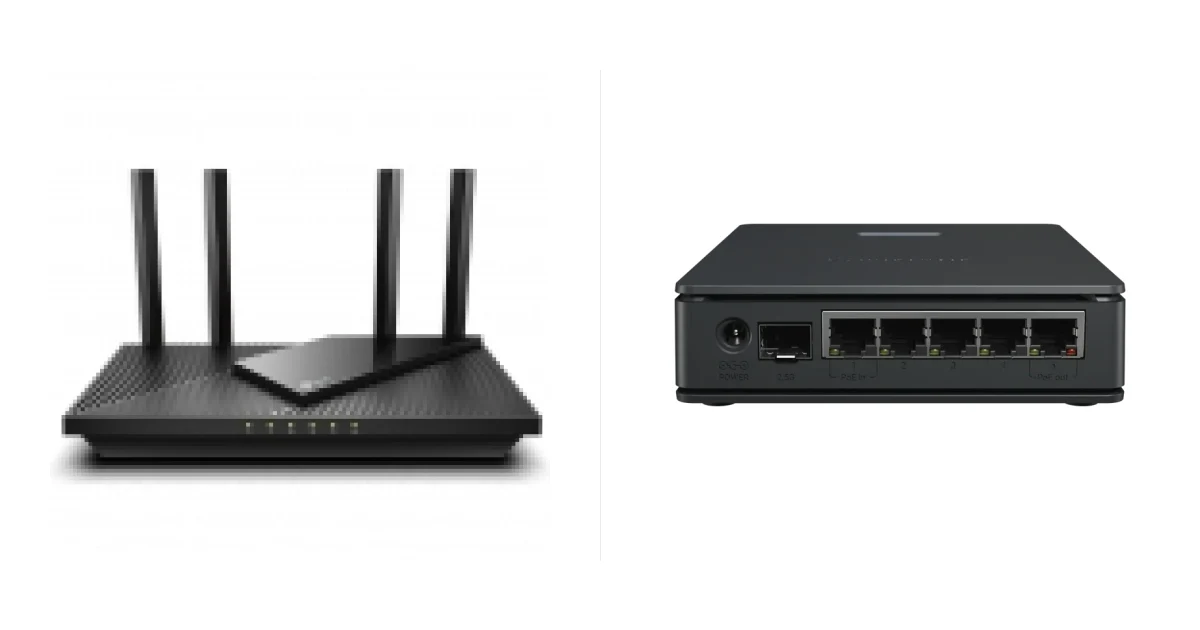
Same Wi-Fi. But these routers are for different people: the TP-Link is set up from a phone, the MikroTik is for those who know RouterOS.
Short answer
MikroTik hAP ax S - RouterOS v7, 5 gigabit ports and 2.5 Gbit/s SFP, cheaper. Archer AX55 - a simple interface, USB 3.0, EasyMesh.
Key differences
| Spec | TP-Link Archer AX55 | MikroTik hAP ax S |
|---|---|---|
| Type | router | router |
| Wi-Fi | Wi-Fi 6, AX3000 | Wi-Fi 6, AX3000 |
| Wi-Fi speed | 574 + 2402 Mbit/s | 574 + 2400 Mbit/s |
| Bands | 2.4 + 5 GHz | 2.4 + 5 GHz |
| WAN | 1 × 1 Gbit/s | configurable |
| LAN | 4 × 1 Gbit/s | 5 × 1 Gbit/s + SFP 2.5 Gbit/s |
| USB | USB 3.0 | USB-A |
| Antennas | 4 external | — |
| Mesh | EasyMesh | — |
| Processor | — | 2 cores, 950 MHz |
| RAM / flash | — | 512 / 128 MB |
| VPN | yes | yes |
| Dimensions, weight | 261.1×134.5×41 mm | — |
| Price | current prices | current prices |
Specs come from the device pages on Smartphone.ua.
What's the same
Wi-Fi 6 AX3000, 2.4 + 5 GHz, VPN.
Ports
WAN and 4 LAN vs 5 ports with configurable roles plus SFP.
Who it's for
For a no-fuss home - TP-Link. For a flexible network - MikroTik.
Verdict: who should buy which
- Simple and for home - TP-Link Archer AX55.
- Flexibility and ports - MikroTik hAP ax S.
FAQ
Is MikroTik hard to set up?
Yes, RouterOS is a professional system.
Is there USB?
USB 3.0 on the TP-Link, USB-A on the MikroTik.
Which is cheaper?
The MikroTik hAP ax S.