
Passkeys: signing in without passwords
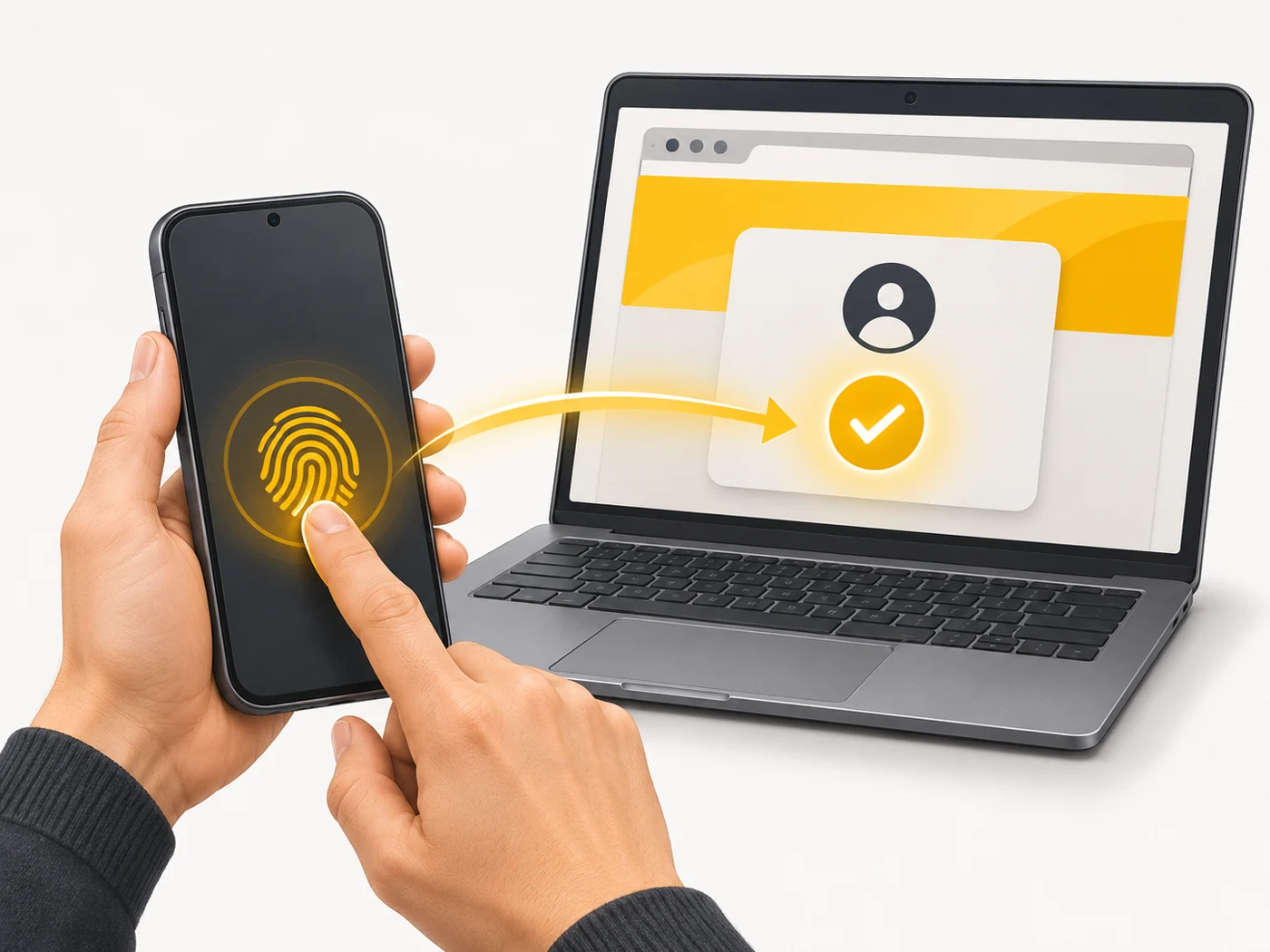
Passkeys are a modern replacement for passwords: instead of typing a password, you confirm the sign-in with your fingerprint, face or your device's PIN. A passkey is tied to a specific website, so it cannot be "leaked" on a fake page.

In plain words
A password is like a secret word you tell a security guard. It can be overheard, or tricked out of you by someone pretending to be the guard. A passkey is like a special key that only fits one real door: even if a scammer builds a copy of the door, your key simply will not turn in its lock. Your fingerprint only lets you take the key out of your pocket.
How it works
- When you create a passkey, your device generates a key pair: a private key and a public key.
- The public key is stored on the website; the private key stays only on your device.
- When you sign in, the website sends a "challenge" and your device signs it with the private key.
- You confirm the action with your fingerprint, face or PIN.
- Keys sync between your devices through a password manager (iCloud, Google, 1Password).
Where you'll see it
Passkeys are supported by Google, Apple, Microsoft, Amazon, PayPal and many social networks, banks and services. They are stored in iCloud Keychain, Google Password Manager, Samsung Pass, 1Password, Bitwarden and other managers.
Does it matter when buying
Yes. I recommend turning on passkeys wherever you can - especially for email, your Google/Apple account and social media. They are both more convenient (no passwords to remember) and more secure (protection from phishing). The main thing is not to lose access to your main account and to have a backup way to sign in.
Myths
- Myth: The website stores my fingerprint. Reality: No, your fingerprint stays on your device; the website only receives a cryptographic signature.
- Myth: If I lose my phone, I lose all my accounts. Reality: Keys sync to the password manager's cloud, so they are restored on a new device.
FAQ
Why is a passkey better than a password?
It cannot be guessed, stolen from a website's database or tricked out of you on a fake page.
Can I sign in on someone else's computer?
Yes, by scanning a QR code with your phone.
Do I need a separate app?
No, the built-in managers from Apple, Google and Samsung are enough.
Related terms
Two-factor authentication (2FA), Phishing, Ultrasonic fingerprint sensor