
Android skins: One UI, HyperOS, ColorOS - what is the difference?
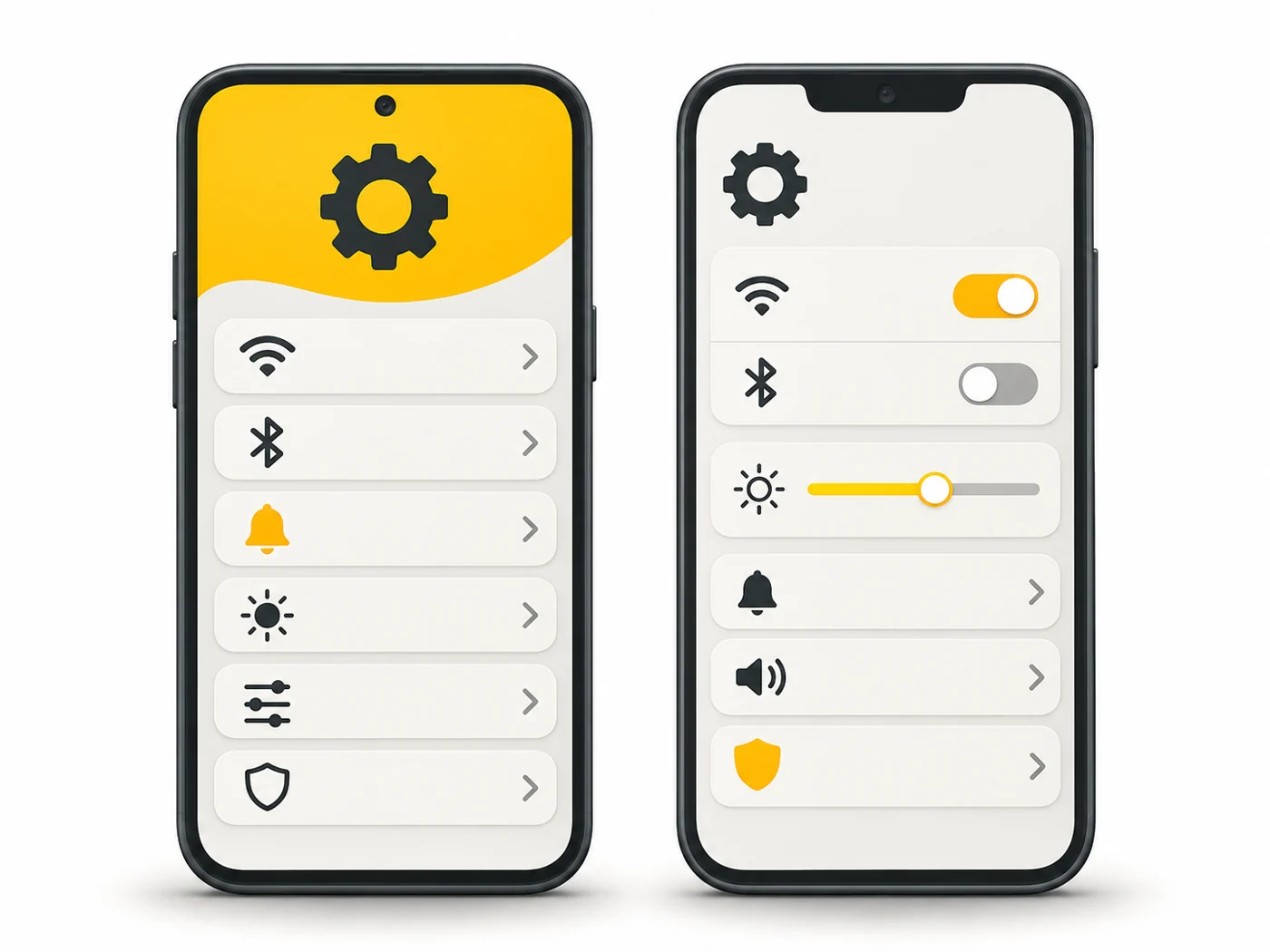
The interface (skin) is the look and logic of the system: home screen, settings, notification panel, gestures and built-in apps. On Android each manufacturer has its own skin: One UI (Samsung), HyperOS (Xiaomi), ColorOS (OPPO), OxygenOS (OnePlus), Pixel UI (Google), MagicOS (Honor).

In plain words
Android is like the same car body and engine, and the skin is the interior from different designers. In one car the buttons are where you expect them and there is nothing extra. In another there are piles of screens, ambient lighting and adverts on the seats. It drives the same, but the ride feels different.
How it works
- The manufacturer takes the base Android from Google.
- It adds its own design, settings and features.
- It installs its own apps: gallery, camera, app store, themes.
- It updates the skin together with the system or separately.
- Some skins show ads and come with lots of preinstalled apps.
Where you'll see it
The skin name is listed in specs next to the Android version: "Android 16, One UI 8". In our phone comparisons, the OS row.
Does it matter when buying
Yes, because you live with the skin every day. My criteria: speed and smoothness, whether there are ads, how many years of updates, and convenient gestures. If you can, hold the phone in a shop and scroll through the settings.
Myths
- Myth: Stock Android is always best. Reality: It is simple and fast, but some skins have useful features.
- Myth: You can easily swap one skin for another. Reality: Fully only with custom ROMs; you can change the launcher and themes.
FAQ
What is "stock Android"?
The system with minimal changes from Google, as on a Pixel.
How do I get rid of ads in a skin?
Turn off personalised ads and recommendations in the system apps' settings.
Does the skin affect battery life?
Yes, skins optimise background processes differently.