
Authentication: how services check that it is really you
Authentication is checking that you really are who you say you are: with a password, biometrics, a one-time code, a passkey or a physical security key. Do not confuse it with authorisation - granting permissions after the check.
In plain words
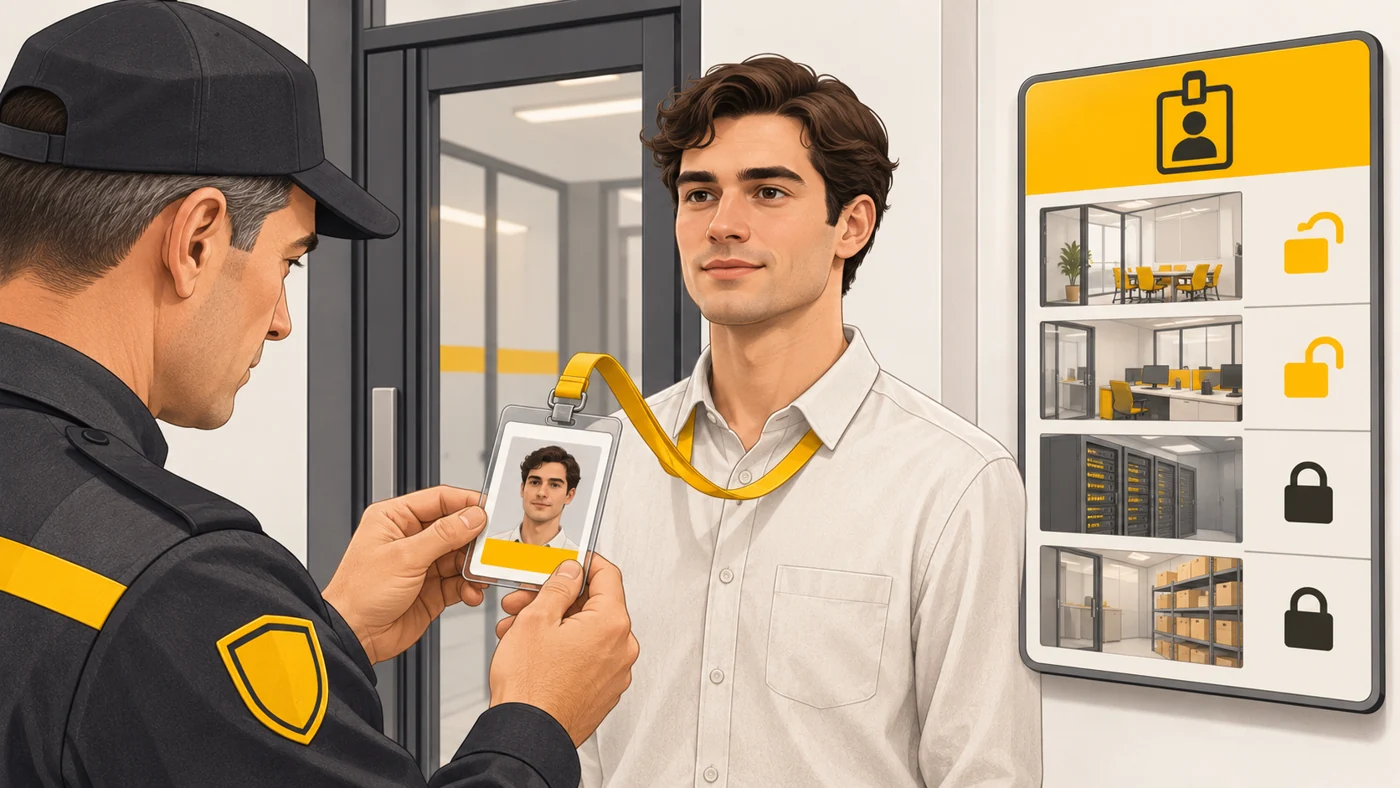
Authentication is like a guard comparing your face with the photo on your pass: "Yes, that is you." Authorisation is which doors your pass opens after that: the library, yes; the head teacher's office, no.
How it works
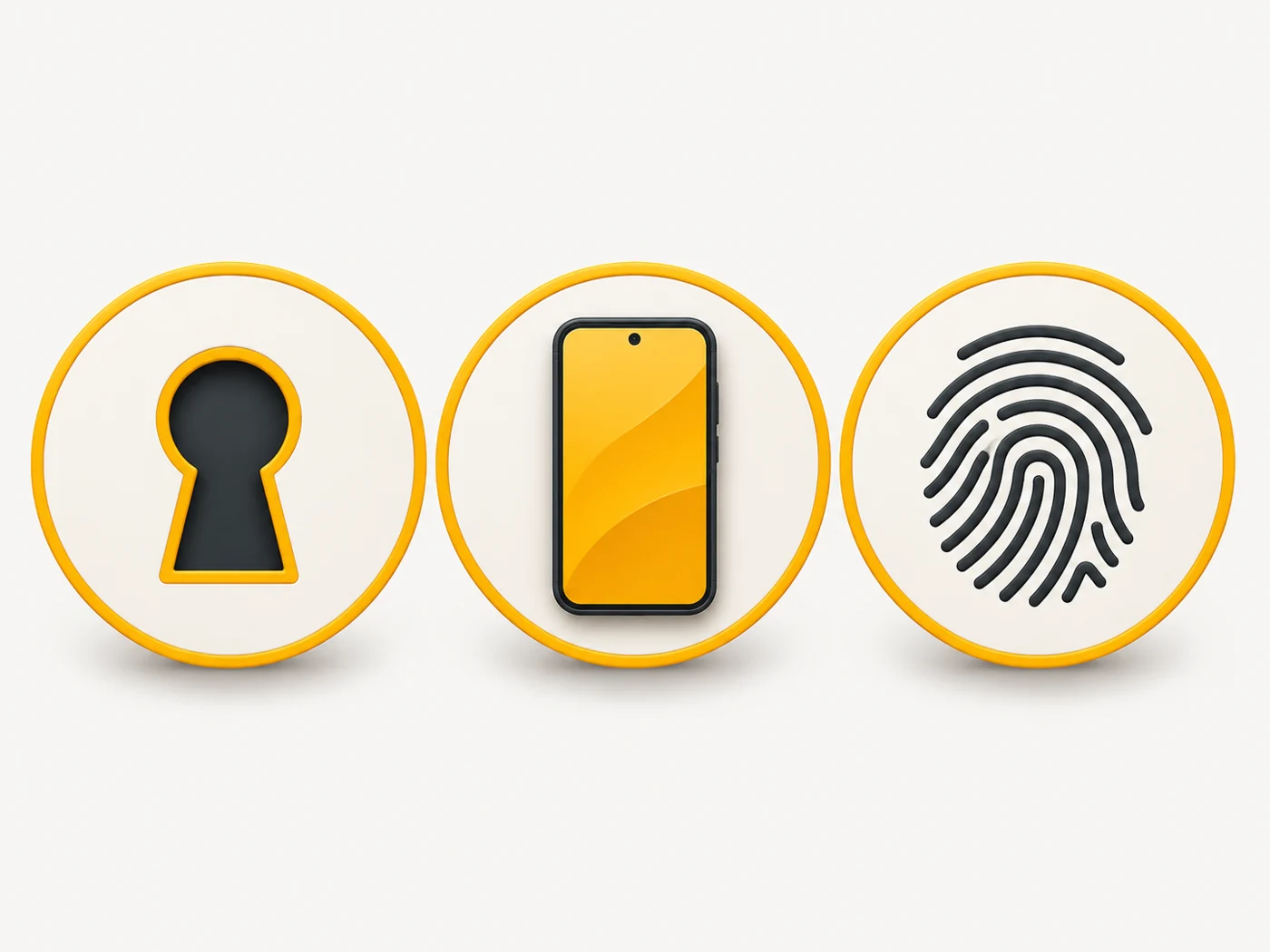
- The service asks for proof: something you know (a password), have (a phone, a key) or are (a fingerprint, your face).
- It checks the proof without storing it in plain form.
- Two-factor authentication requires two different kinds of proof.
- Passkeys use cryptography instead of a password.
- Once you pass the check, the service gives you a session - you are "logged in".
Where you'll see it
When signing in to email, social networks, your bank or games, unlocking your phone and paying for things. In account security settings, look for "Sign-in and security", "2-Step Verification" and "Passkeys".
Does it matter when buying
A lot. The most secure options are passkeys or 2FA through an authenticator app. The weakest is a password alone, especially one reused across sites. My minimum for everyone: a password manager, unique passwords and 2FA for email and social networks.
Myths
- Myth: A strong password is enough protection. Reality: It can be stolen through phishing; you need a second factor.
- Myth: Biometrics are stored on the website's server. Reality: Your fingerprint and face usually stay on the device.
FAQ
How is authentication different from authorisation?
The first checks identity; the second grants permissions.
What is multi-factor authentication?
Using two or more different ways of verifying identity.
What is a password manager?
A program that stores and generates strong, unique passwords.
Related terms
Two-factor authentication (2FA), Passkeys, PIN code, Phishing