
Bootloader unlock and root: what they are and the risks
A bootloader unlock removes the factory lock that prevents unofficial firmware from being installed on an Android phone. Root means getting the highest level of access to the system, which is normally closed to the user and apps.

In plain words
A smartphone is like a building where the manufacturer keeps the key to the service floor and has given you keys only to your flat. Unlocking the bootloader is like getting the service floor key. Root is like becoming the building manager with access to every meter and all the wiring. You can rework everything to suit you, but one mistake and the whole building loses power.
How it works
- Before starting, the bootloader checks that the system is signed by the manufacturer.
- Unlocking turns off this check and allows other firmware to be installed.
- Unlocking usually wipes all data on the phone.
- Root gives apps the rights to change system files.
- Banking apps and some games may stop working on such devices.
Where you'll see it
Official unlocking is allowed by Google Pixel, OnePlus, some Xiaomi models (with restrictions), Sony and others. Samsung, Huawei and many other brands restrict or block it. Enthusiasts install custom ROMs such as LineageOS.
Does it matter when buying
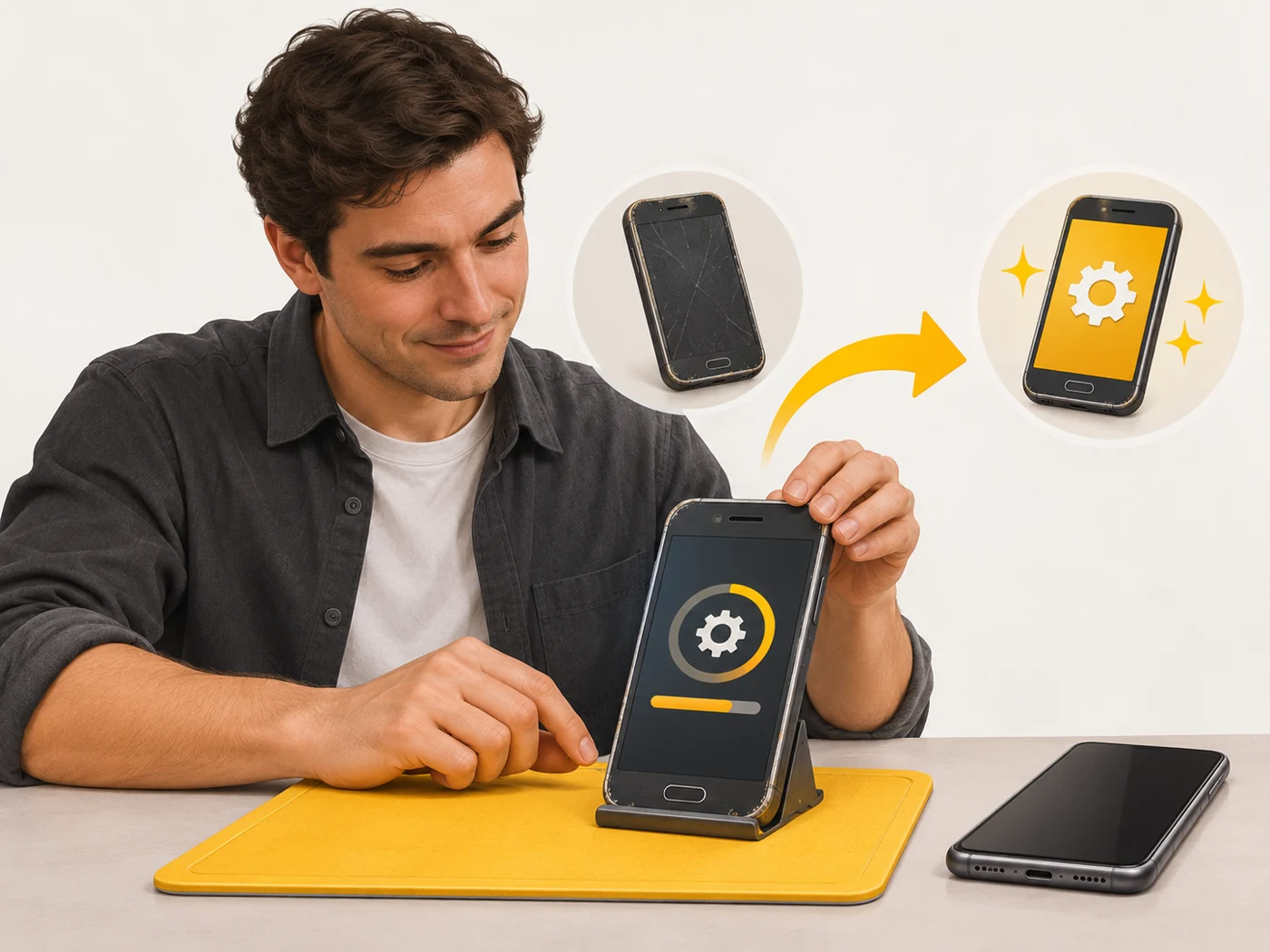
For most people it is not worth it: you risk losing your warranty, security and banking apps. For enthusiasts it is a way to extend an old phone's life after official updates end, or to customise the system. If you want to try, do it on an old phone, not your main one.
Myths
- Myth: Root makes a phone faster. Reality: Not by itself; it just opens up the possibility of making changes.
- Myth: Unlocking is hacking. Reality: Official unlocking is a feature the manufacturer provides, though with consequences.
FAQ
Will I lose my warranty?
With many manufacturers, yes, fully or partly.
Will banking apps work?
Often not, because they check the integrity of the system.
Can I lock the bootloader again?
Often yes, but only with official firmware.