
PDF: the document format that looks the same everywhere
PDF (Portable Document Format) is a document format created by Adobe that preserves the exact look of a page - fonts, images and layout - whatever the device or app. It is used for documents, tickets, textbooks and contracts.
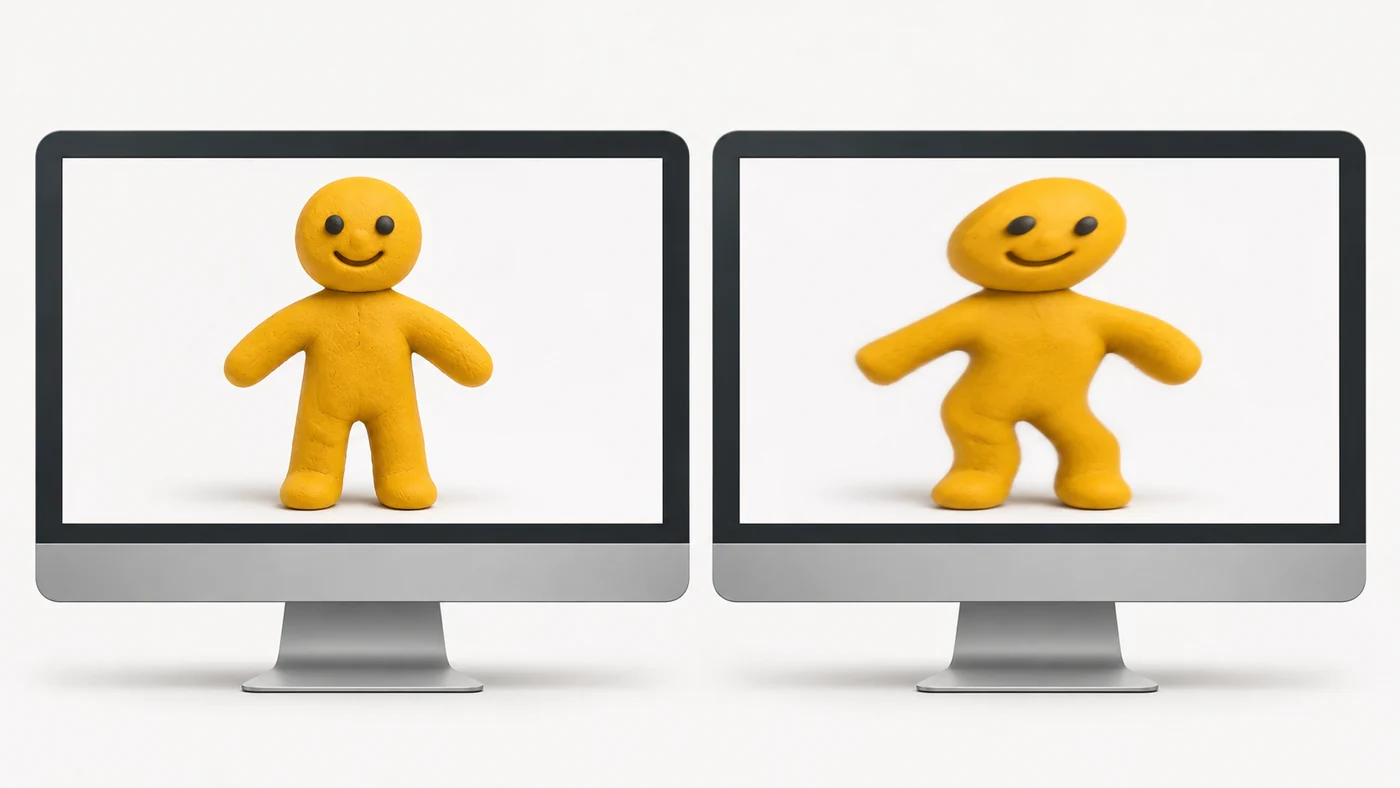
In plain words
A Word document is like a Plasticine figure: on another computer it can "melt" because of different fonts. A PDF is like a photo of that figure: it looks the same everywhere. But you cannot reshape a photo as easily as Plasticine.
How it works
- The document is "printed" to PDF with all its fonts and images.
- Pages have a fixed size and layout.
- A PDF can contain text, images, links, forms and signatures.
- A scanned PDF is just images; OCR recognises the text in it.
- A document can be password-protected or signed electronically.
Where you'll see it
PDFs open in browsers, Google Drive, Files on iPhone, Adobe Acrobat and many other apps. On e-readers, large PDFs are more comfortable on a 10-inch screen.
Does it matter when buying
PDF is the standard for study materials, documents and tickets. On a phone it is useful to know how to save a page as PDF, sign a form and compress a large file. For reading books on a small e-reader, ePub is better - the text adapts to the screen.
Myths
- Myth: PDFs cannot be edited. Reality: They can, but you need special software.
- Myth: PDFs are always safe. Reality: Malicious PDFs exist - do not open attachments from strangers.
FAQ
How do I save a page as PDF?
Use "Print" then "Save as PDF".
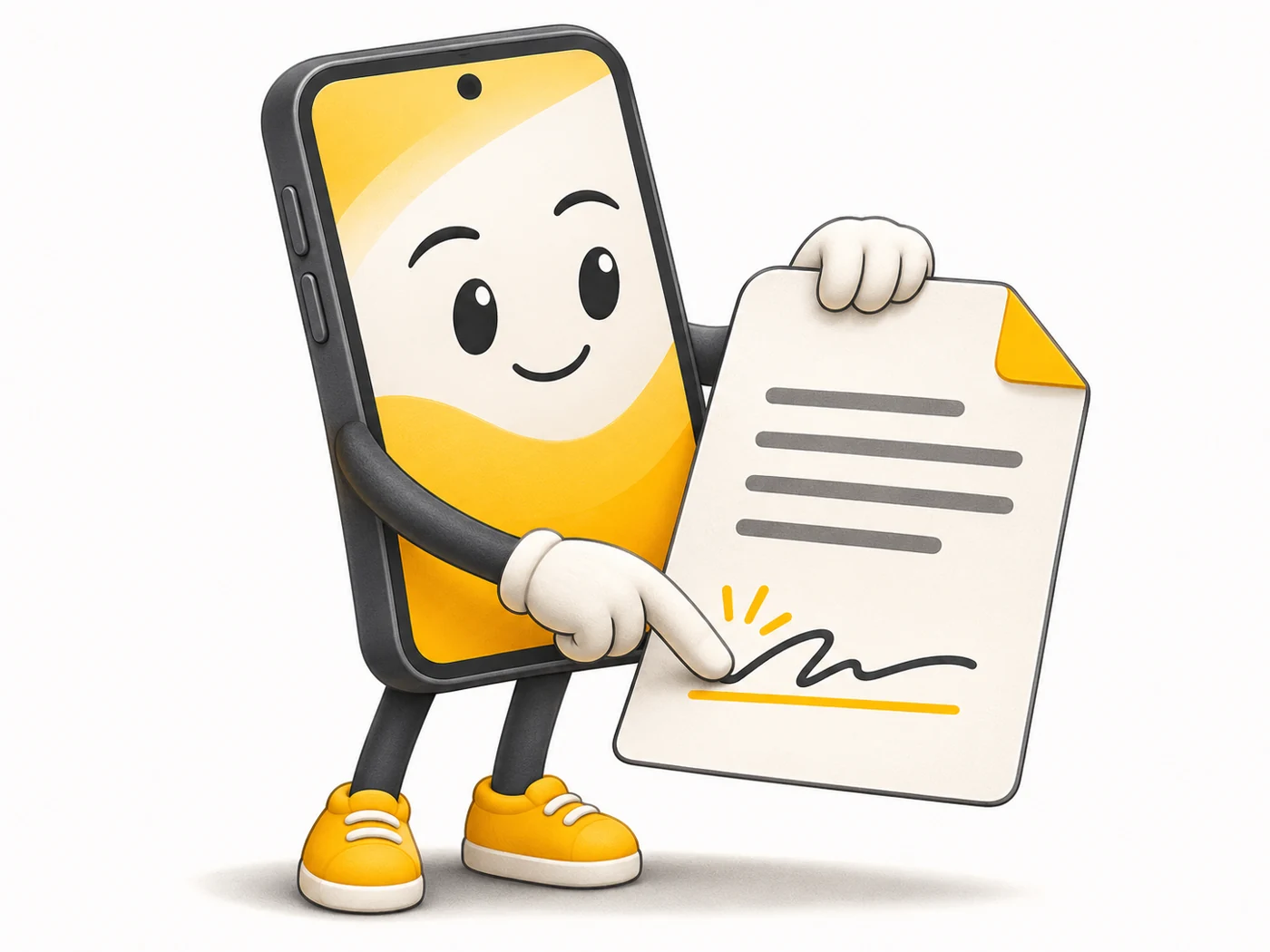
How do I sign a PDF on my phone?
With built-in editors (Markup on iPhone) or signing apps.
Why are PDFs awkward on an e-reader?
Fixed-size pages do not adapt to a small screen.