
Cloud storage: how to keep photos and documents in the "cloud"
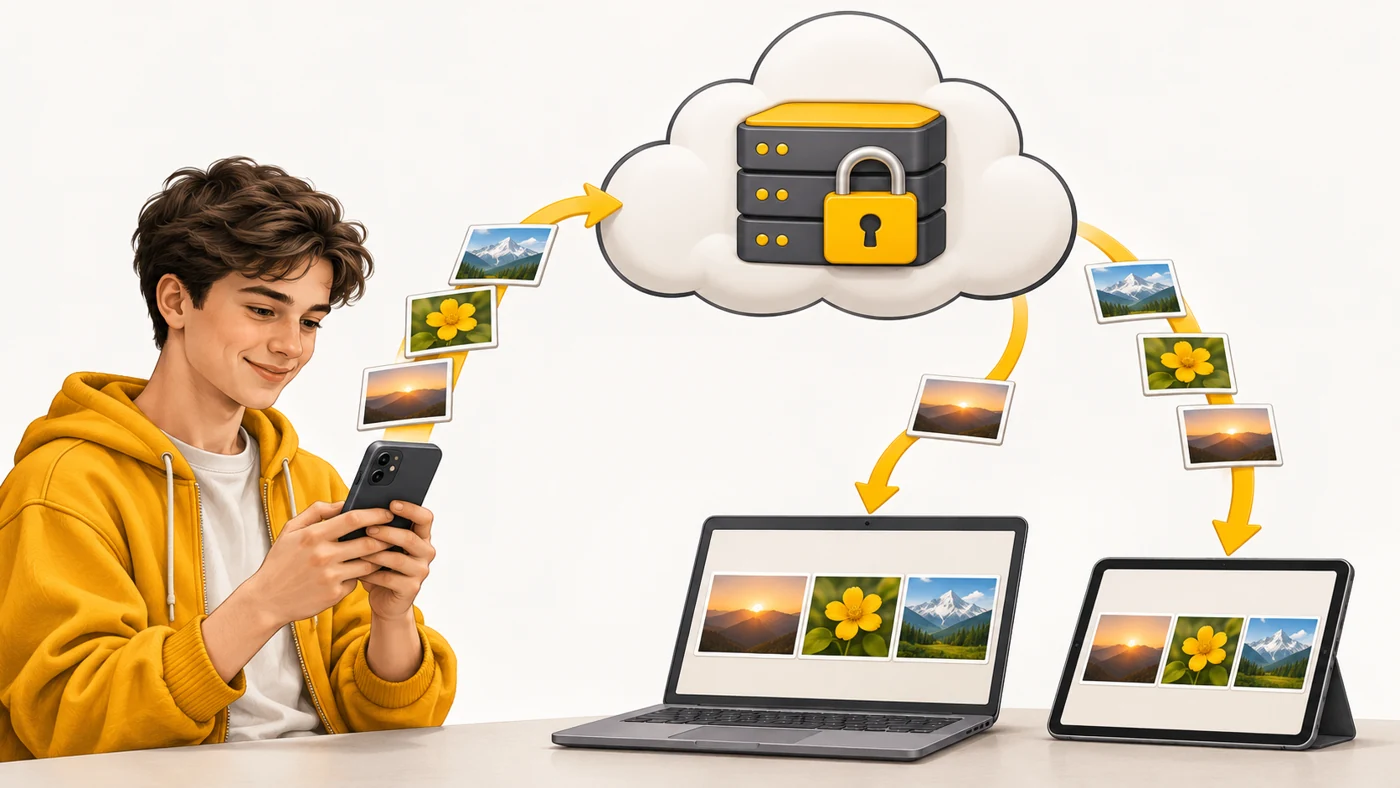
Cloud storage is a service that keeps your files (photos, documents, backups) on a company's servers on the internet and gives you access to them from any device: Google Drive, iCloud, OneDrive, Dropbox and others.
In plain words
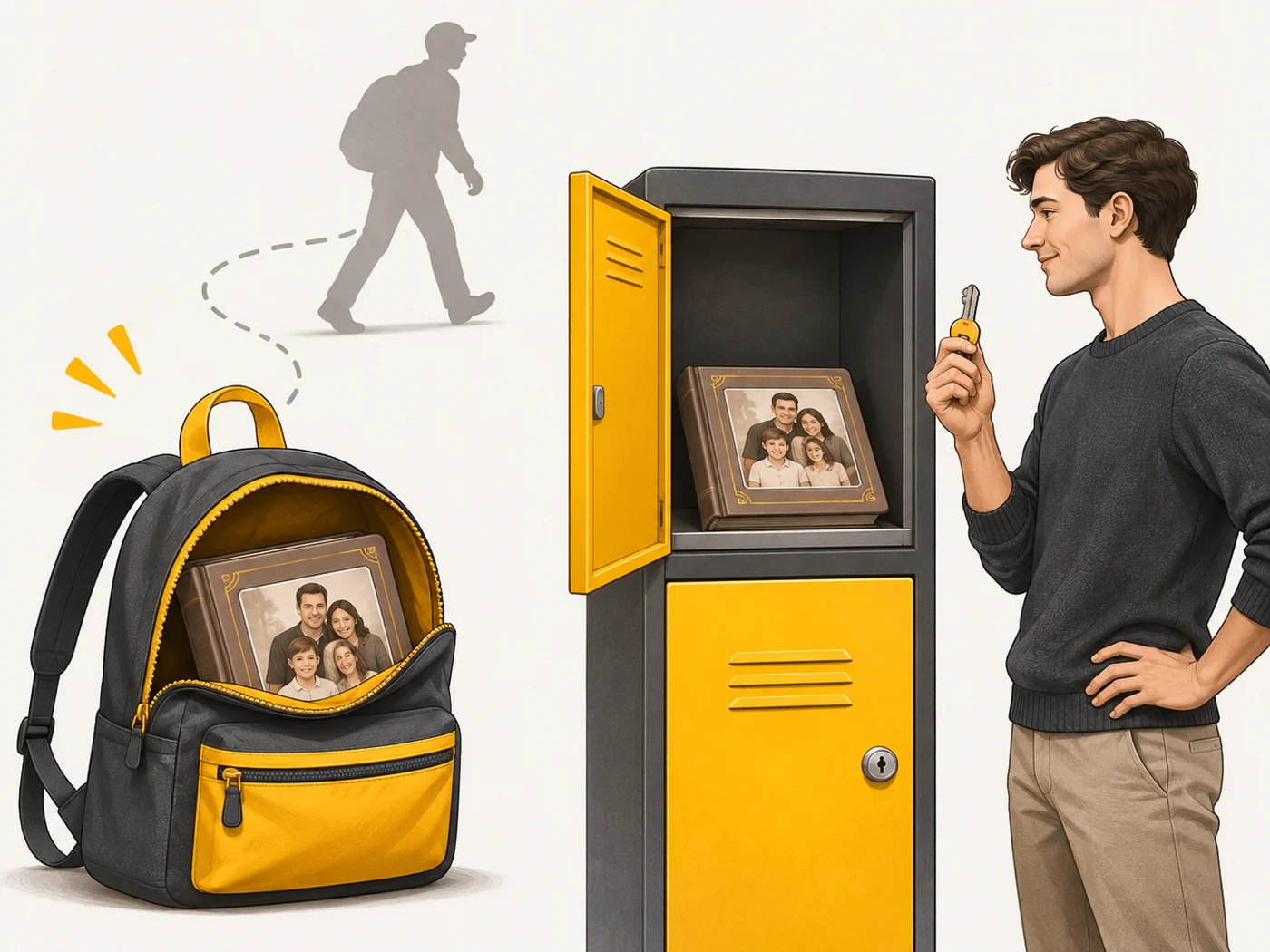
Keeping all your photos only on your phone is like keeping the family album in one backpack you carry everywhere: lose the backpack and you lose everything. The cloud is like a rented locker in a secure storage facility: the album stays there, and you can view a copy from anywhere. But you have to guard the locker key (your password), because you do not hold the locker in your hands.
How it works
- An app on your phone or computer uploads files to the service's servers.
- The files are stored in data centres with backup copies.
- Changes sync across all your devices.
- A few gigabytes are free; more requires a subscription.
- Some services offer end-to-end encryption for some data.
Where you'll see it
Google Photos and Google Drive (Android), iCloud (Apple), Samsung Cloud with OneDrive, Mi Cloud, Dropbox, Mega and Proton Drive. Also automatic phone and messaging app backups.
Does it matter when buying
Yes, especially for photos: a phone can be broken or lost, but the cloud keeps your memories. My rules: turn on automatic photo backup; protect your account with 2FA or passkeys; encrypt important documents as well; and occasionally make a local copy on a drive.
Myths
- Myth: The cloud is one big flash drive in the sky. Reality: It is ordinary servers in data centres with many copies of the data.
- Myth: If it is in the cloud, it is there forever. Reality: If your subscription ends, your account is blocked or you delete a file, the data can disappear.
FAQ
How much space is free?
Google gives 15 GB across all its services, iCloud 5 GB; others vary.
Is it safe to store documents in the cloud?
With 2FA and a strong password, fairly safe; it is worth encrypting the most sensitive files.
Does the cloud take up space on my phone?
You can keep only compressed copies on the phone and the originals in the cloud.
Related terms
End-to-end encryption, Two-factor authentication (2FA), Cloud AI