
Push-to-Talk: how to turn your phone into a walkie-talkie
Push-to-Talk (PTT) is a voice mode like a walkie-talkie: hold the button to talk, release it to listen. On phones, PTT works through apps (Zello, Teams Walkie Talkie) and dedicated buttons on rugged models.
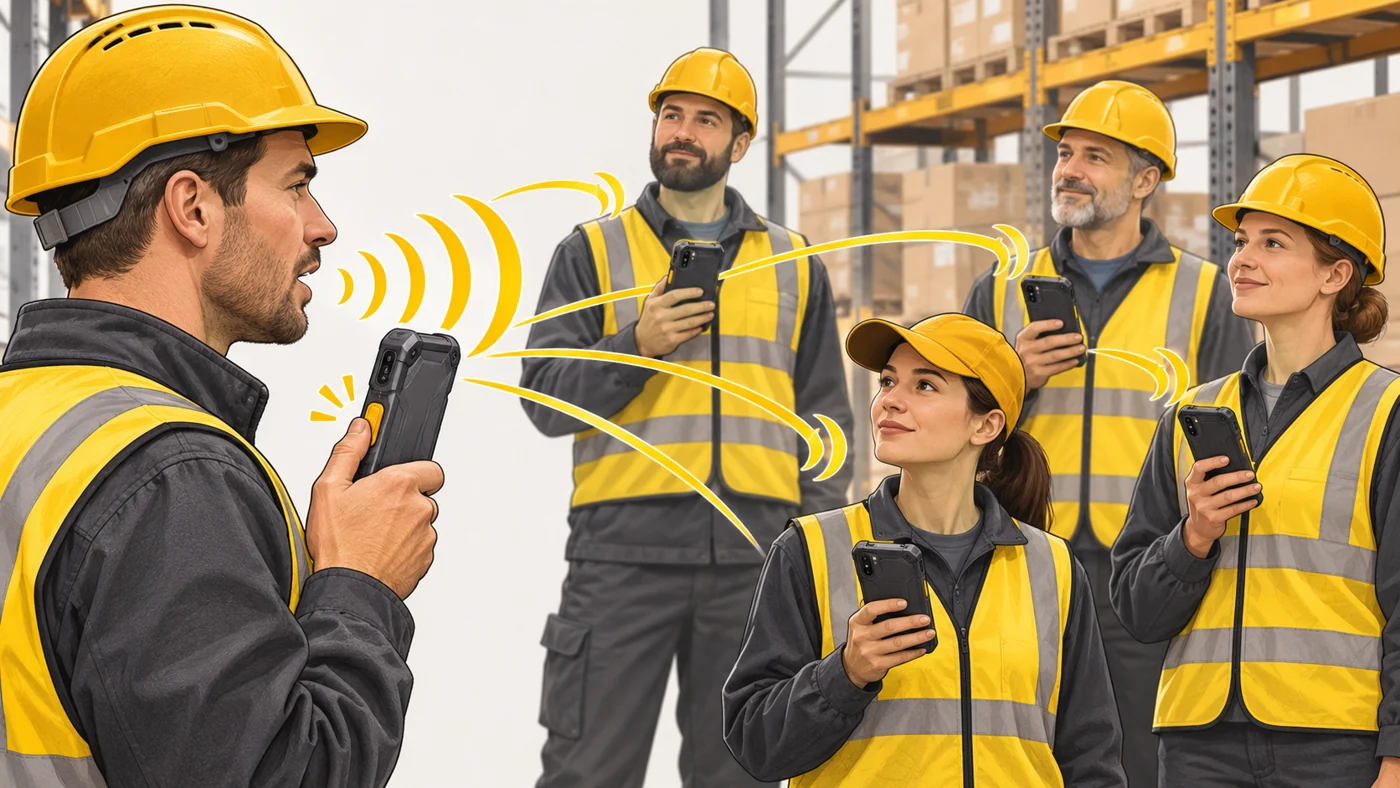
In plain words
A normal call is like a conversation at the dinner table: both people talk when they like. PTT is like a team radio chat: someone presses the button and says "over", and everyone hears at once. Quick, short and straight to the whole group.
How it works
- Users join a group or channel.
- Pressing the button opens voice transmission.
- Your voice reaches everyone in the group instantly.
- When you release the button, others can reply.
- Transmission goes over mobile data or Wi-Fi, or in some systems over dedicated networks.
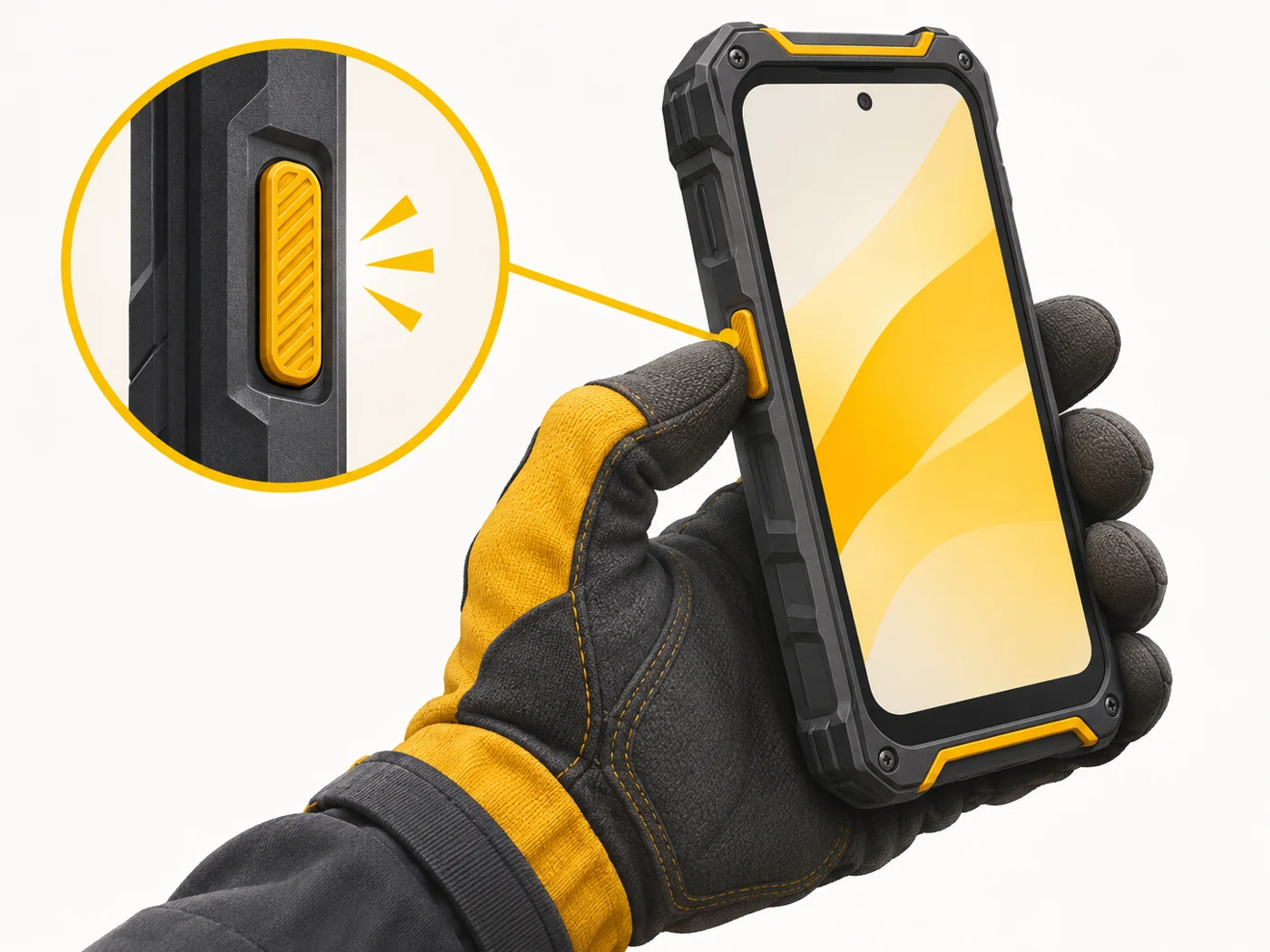
Where you'll see it
Rugged phones (Blackview, Oukitel, Ulefone, Samsung XCover) have a programmable PTT button. Apps include Zello, Teams Walkie Talkie and business PTT services. Used by logistics staff, security teams, volunteers and hikers.
Does it matter when buying
If you work in a team in a warehouse, on a building site or in a volunteer group, or you go hiking, PTT is very handy. A rugged phone with a dedicated button lets you talk even with gloves on. Remember that you need internet or a dedicated network.
Myths
- Myth: PTT on a phone works without coverage, like a walkie-talkie. Reality: It usually needs mobile data or Wi-Fi.
- Myth: PTT is only for the military. Reality: It is widely used in business and hobbies.
FAQ
What is a PTT button?
A dedicated button on the body that can be assigned to "walkie-talkie" mode.
Does PTT use much data?
No, voice messages take little space.
Can I use PTT without a phone?
Yes, real walkie-talkies work without a network over short distances.