
RAW and ProRAW: why shoot "raw" photos on a smartphone
RAW is a "raw" photo format that keeps almost all the sensor data without compression or final processing. ProRAW (Apple) and similar formats add some computational photography to RAW while keeping it flexible for editing.
In plain words
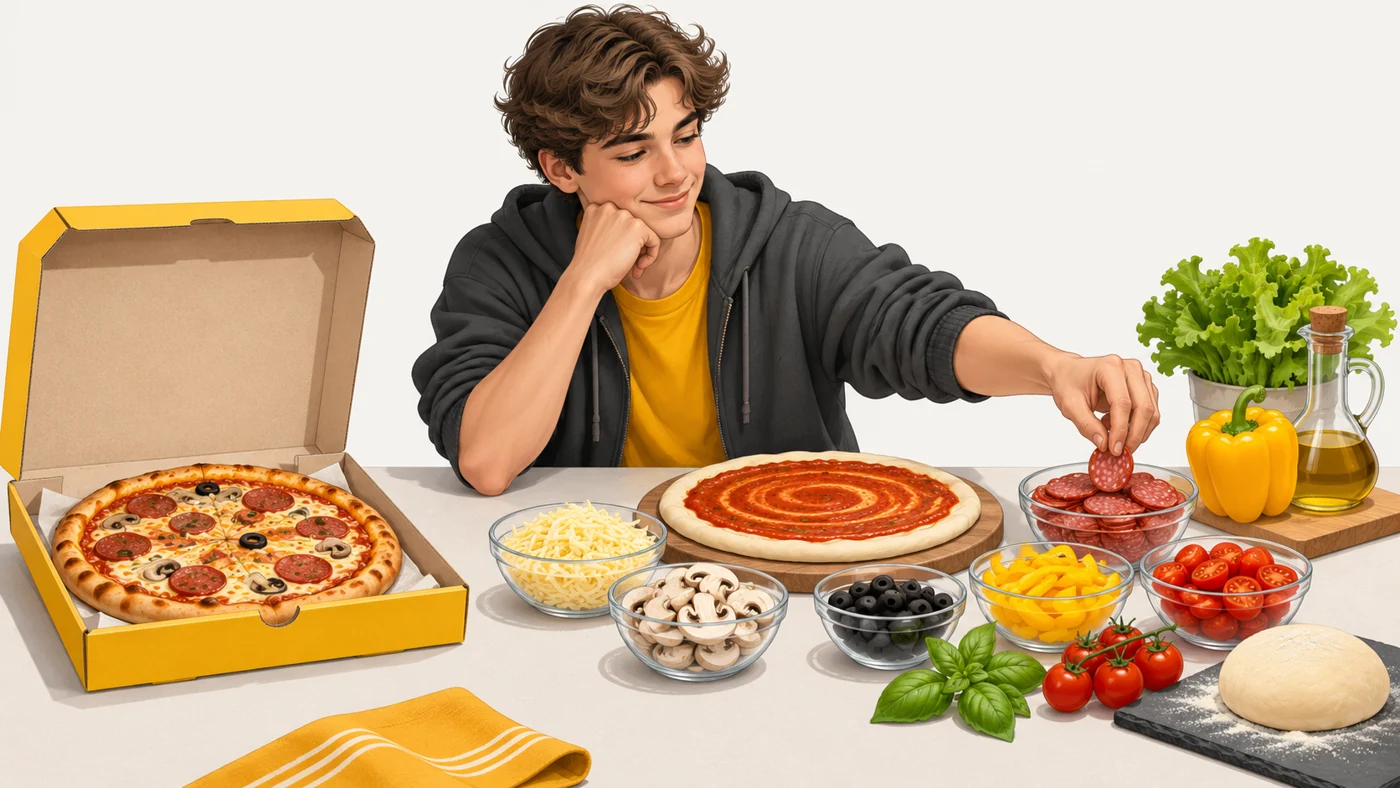
A JPEG is like a delivered pizza: tasty, but you cannot change the ingredients. RAW is like a box of ingredients: dough, sauce and cheese separately. You decide how much cheese and how long to bake it. More work, but the result is exactly what you want.
How it works
- The sensor records raw light data for every pixel.
- In normal mode, the ISP and algorithms process and compress it into JPEG or HEIF.
- In RAW mode, the data is saved almost unprocessed (DNG format).
- ProRAW and similar formats add noise reduction and frame stacking but keep colour and exposure flexible.
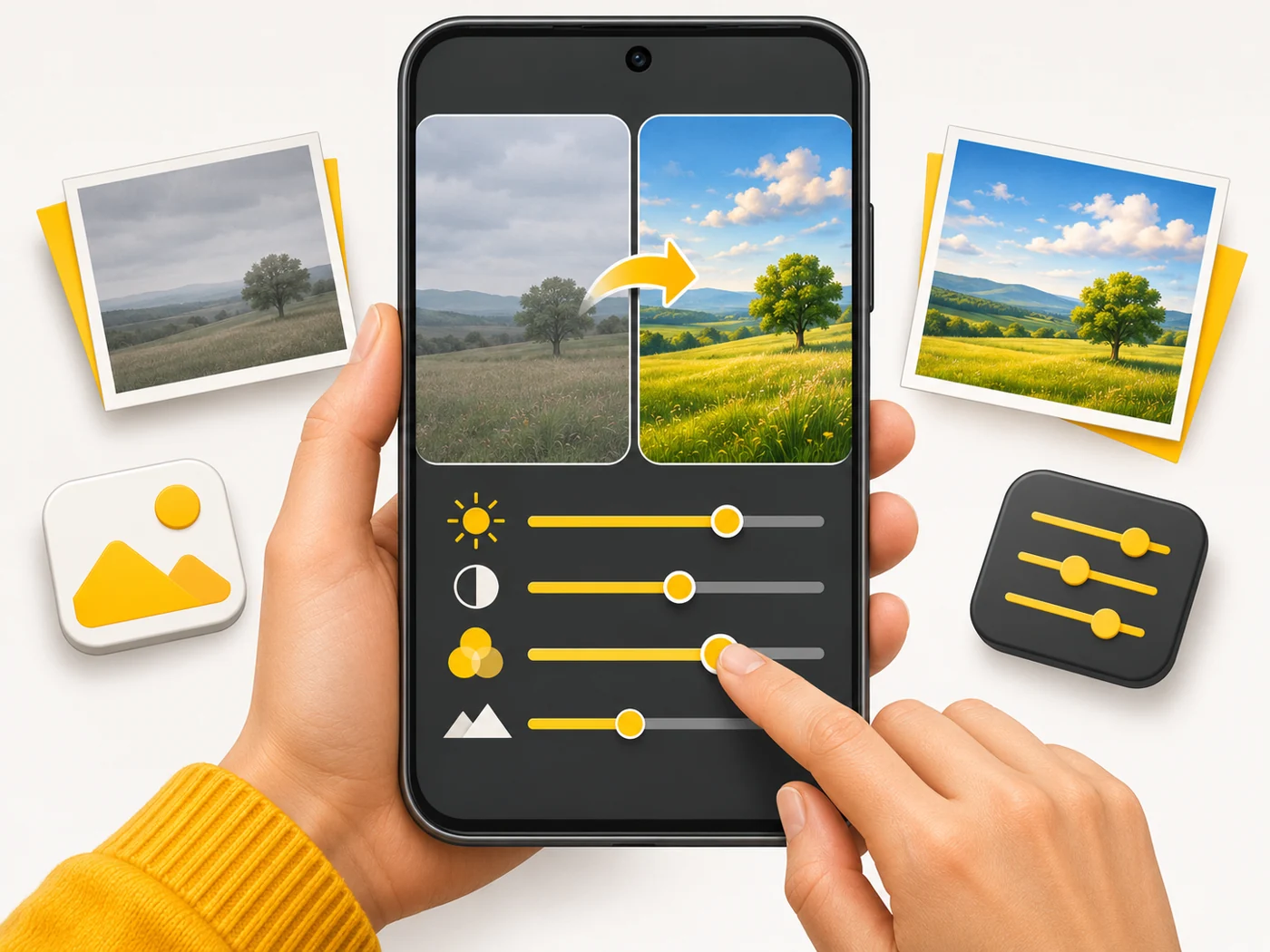
- The photo is then edited in Lightroom, Snapseed or the built-in editor.
Where you'll see it
In the "Pro" camera mode of Android smartphones (saving DNG), on iPhone Pro (ProRAW) and in photography apps. All "real" cameras also shoot RAW.
Does it matter when buying
If you like editing photos, yes: RAW lets you pull details out of shadows and highlights and fix white balance without loss. For everyday shots it is not worth it: the files take up tens of megabytes, and without editing they often look worse than a finished JPEG.
Myths
- Myth: RAW always looks better. Reality: Unedited RAW is often duller and noisier than a processed photo.
- Myth: RAW and ProRAW are the same. Reality: ProRAW already includes some computational processing; classic RAW has the minimum.
FAQ
How big is a RAW photo?
From a few dozen to over a hundred megabytes, depending on resolution.
What opens DNG files?
Lightroom, Snapseed, Photoshop and the built-in galleries on many phones.
Can I share RAW on social media?
Export to JPEG first - social networks do not support RAW.
Related terms
Computational photography, Image signal processor (ISP), Log video, UFS 4.0