
Camera timer (self-timer): how to take a group photo without holding the phone
The camera timer (self-timer) takes a photo a set number of seconds (3, 5, 10) after you press the button. It helps you take a group photo or a shot without camera shake.
In plain words
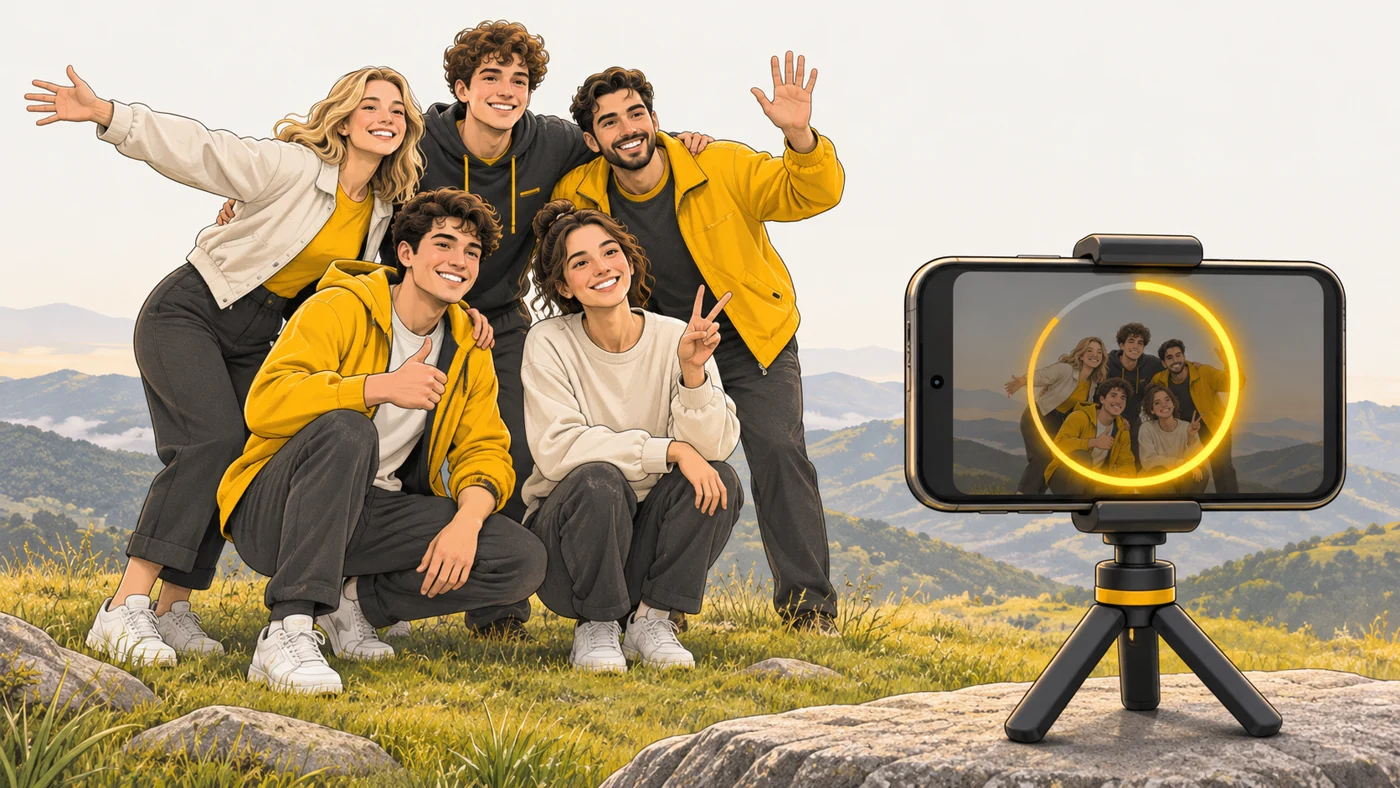
The self-timer is like agreeing with a friend: "I'll count to ten and take the photo." You have time to set the phone down, run over to your group and smile. On a tripod it also removes the shake from pressing the button.
How it works
- Choose a 3, 5 or 10-second timer in the camera app.
- Put the phone on a surface or tripod.
- Press the button and the countdown starts.
- The camera takes a shot or a burst.
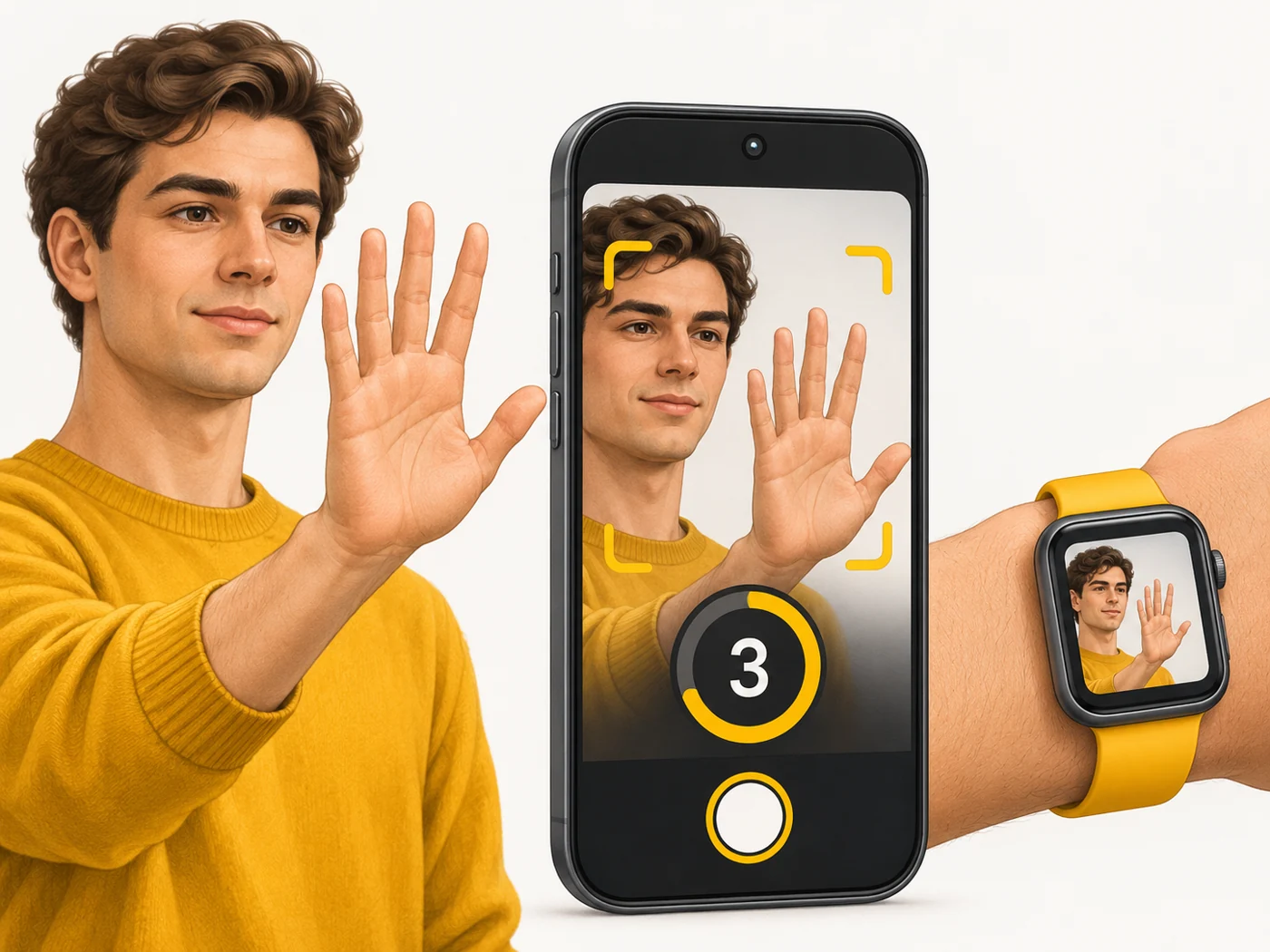
- Alternatives: a palm gesture, your voice, your watch or a Bluetooth remote.
Where you'll see it
In every phone's camera settings - the clock icon. You can also control the camera from an Apple Watch or Galaxy Watch, or with a selfie-stick remote.
Does it matter when buying
It is useful for group photos, self-portraits and night shots without a tripod: a 2-3 second timer removes blur from pressing the button. My tip: use your watch as a viewfinder and remote - you see the frame and shoot from a distance.
Myths
- Myth: The self-timer is only for group photos. Reality: It also reduces shake in night and macro shots.
- Myth: A timer is useless without a tripod. Reality: You can rest the phone on any stable surface.
FAQ
How do I turn on the timer?
Tap the clock icon in the camera and choose 3 or 10 seconds.
Can I shoot with a gesture?
Yes, on many phones - show your palm to the camera.
How do I shoot from my watch?
With the Camera app on a watch that works with your phone.