
USB-C, USB4 and Thunderbolt: one connector, different capabilities
USB-C is a reversible connector you can plug in either way. It has become the standard for phones, tablets and laptops. But the connector itself says nothing about speed: a USB-C port can run slow USB 2.0, fast USB 3.2, USB4 or Thunderbolt - with different data speeds, monitor support and charging power.

In plain words
USB-C is like doors of the same size in different buildings. Behind one door is a narrow corridor (USB 2.0), behind another a wide hall (USB 3.2), behind a third a whole motorway (USB4, Thunderbolt). The doors are the same, but the capacity differs. So when buying a cable or device, check what is behind the "door".
How it works
- USB-C defines only the connector shape and pins.
- The data protocol can be USB 2.0 (480 Mbps), USB 3.2 (5-20 Gbps), or USB4 and Thunderbolt (40 Gbps and more).
- USB-C can carry video to a monitor (DisplayPort Alt Mode).
- It also carries charging using the USB Power Delivery standard.
- The cable has to match the required speed and power - otherwise the weakest link sets the limit.
Where you'll see it
USB-C is on iPhones (from the 15 series), Android phones, tablets, laptops, earbuds and power banks. In the EU it has become the mandatory charging port for many devices. In our router and tablet comparison tables there is a USB row with the version.
Does it matter when buying
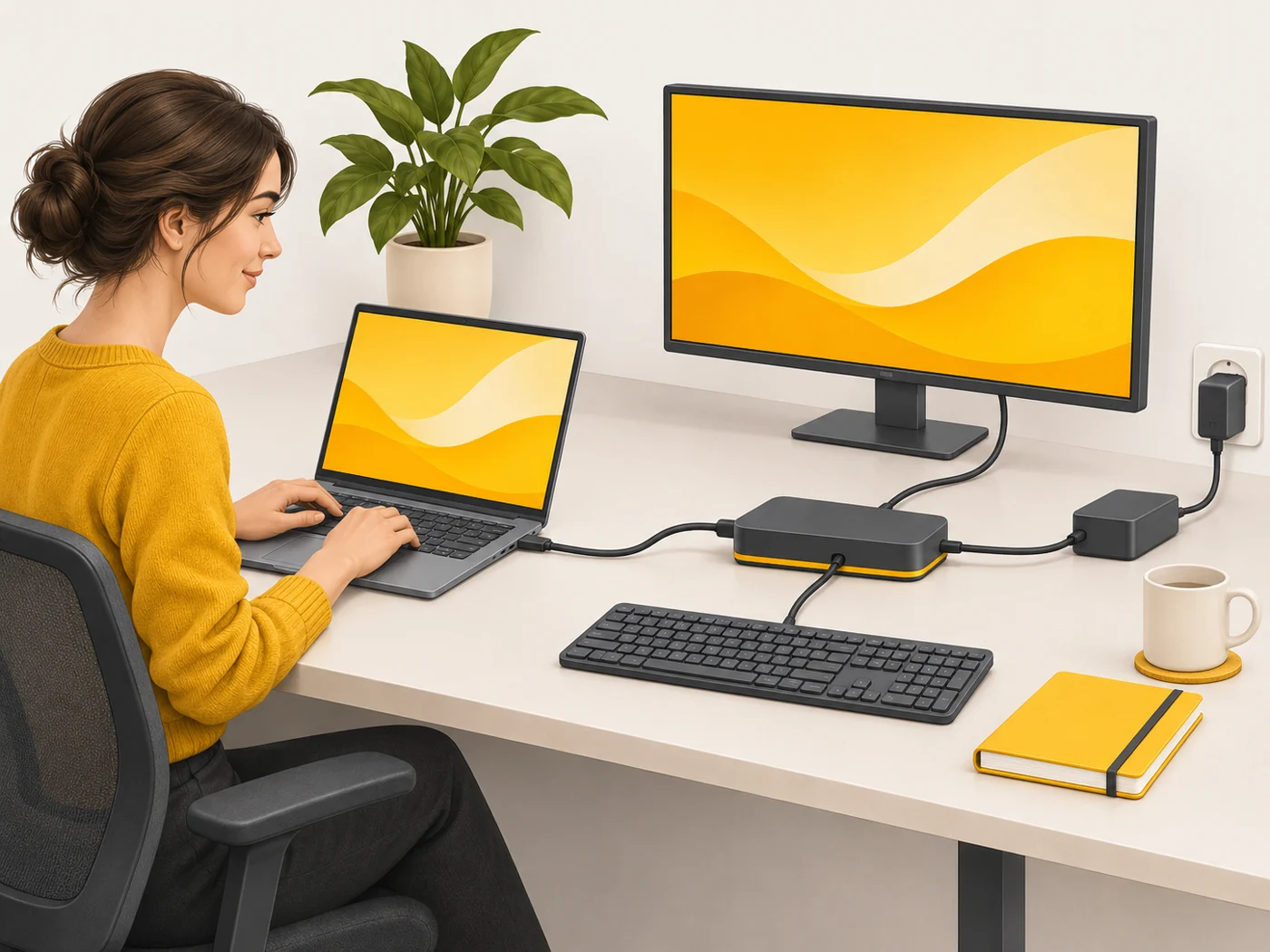
Yes. Copying 4K video to a computer from a phone with USB 2.0 takes many times longer than with USB 3.2. On a laptop, USB4/Thunderbolt lets you connect a dock with a monitor and charge over one cable. My tip: mark fast cables with coloured tape so you do not mix them up with slow ones.
Myths
- Myth: All USB-C cables are the same. Reality: They differ in data speed, power rating and video support.
- Myth: Thunderbolt and USB4 use different connectors. Reality: Both use USB-C, and current versions are largely compatible.
FAQ
How do I find my phone's port speed?
Look for USB 2.0, 3.1, 3.2 or a Thunderbolt logo in the specs.
Can I connect my phone to a monitor via USB-C?
Only if the phone supports video output (DisplayPort Alt Mode).
Why is a 240 W cable thicker?
It is built for higher power and has an electronic marker.
Related terms
USB Power Delivery (PD), GaN charger, UFS 4.0