
EasyMesh: how to combine routers from different brands into a mesh
Wi-Fi EasyMesh is an open standard from the Wi-Fi Alliance that lets routers and extenders from different manufacturers join one mesh network with unified management and automatic device steering.
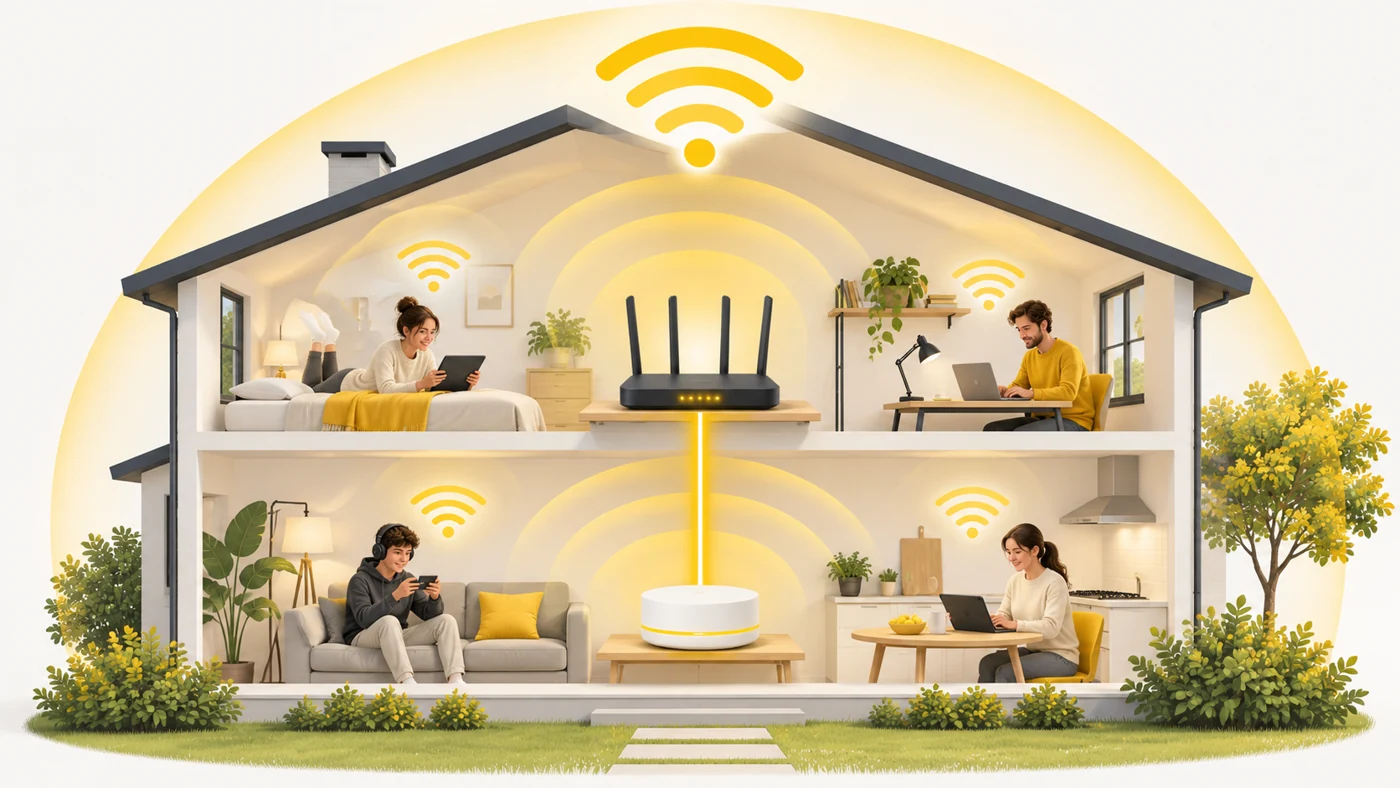
In plain words
A proprietary mesh system is like a chain of petrol stations from one brand: everything matches, but only at their stations. EasyMesh is like a common standard for pumps and fuel: you can fill up at any brand's station that supports it. Convenient, although each chain's own "perks" may not work at the others.
How it works
- One router becomes the "controller" - the head of the network.
- Other EasyMesh devices join as "agents".
- The controller sends them the settings - network name, password, channels.
- The network automatically steers devices to the best access point.
- Compatibility between brands depends on certification and firmware.

Where you'll see it
EasyMesh is supported by many TP-Link routers (Archer models marked EasyMesh), Mercusys, Tenda, Netis and equipment supplied by internet providers. In our router comparisons, the Mesh row shows EasyMesh or proprietary systems (Deco, AiMesh, Xiaomi Mesh).
Does it matter when buying
It is useful if you want to extend your network cheaply: add a second EasyMesh router instead of buying a ready-made kit. But honestly, mesh is most stable when all devices are the same brand. Only mix brands if both are officially EasyMesh-certified.
Myths
- Myth: EasyMesh is the same as a repeater. Reality: No, it is a full mesh network with centralised management.
- Myth: All EasyMesh devices are perfectly compatible. Reality: In practice there are limitations between brands and firmware versions.
FAQ
Can I combine EasyMesh with Deco?
Some Deco models support EasyMesh, but check the specific model.
How do I turn on EasyMesh?
Usually in the router settings - an "EasyMesh" or "Mesh" mode.
Do I need a cable between devices?
No, but a wired connection gives higher speed.
Related terms
Mesh network, Wi-Fi roaming (802.11k/v/r), WAN and LAN