
Mesh Wi-Fi: what it is and when it beats a regular router
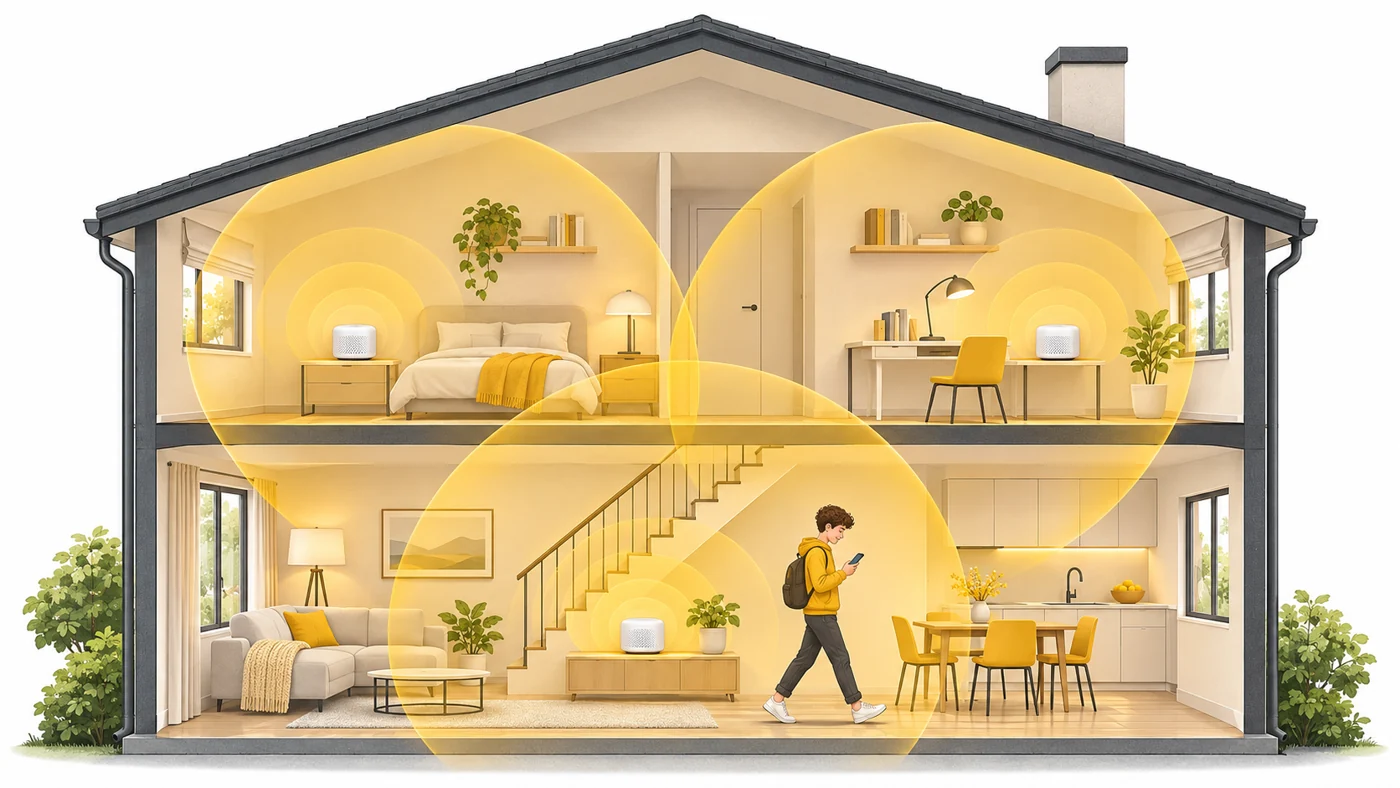
A mesh Wi-Fi network is a system of several devices (units) that together create one shared wireless network for the whole home: one name and password, no "dead zones" and no manual switching.
In plain words
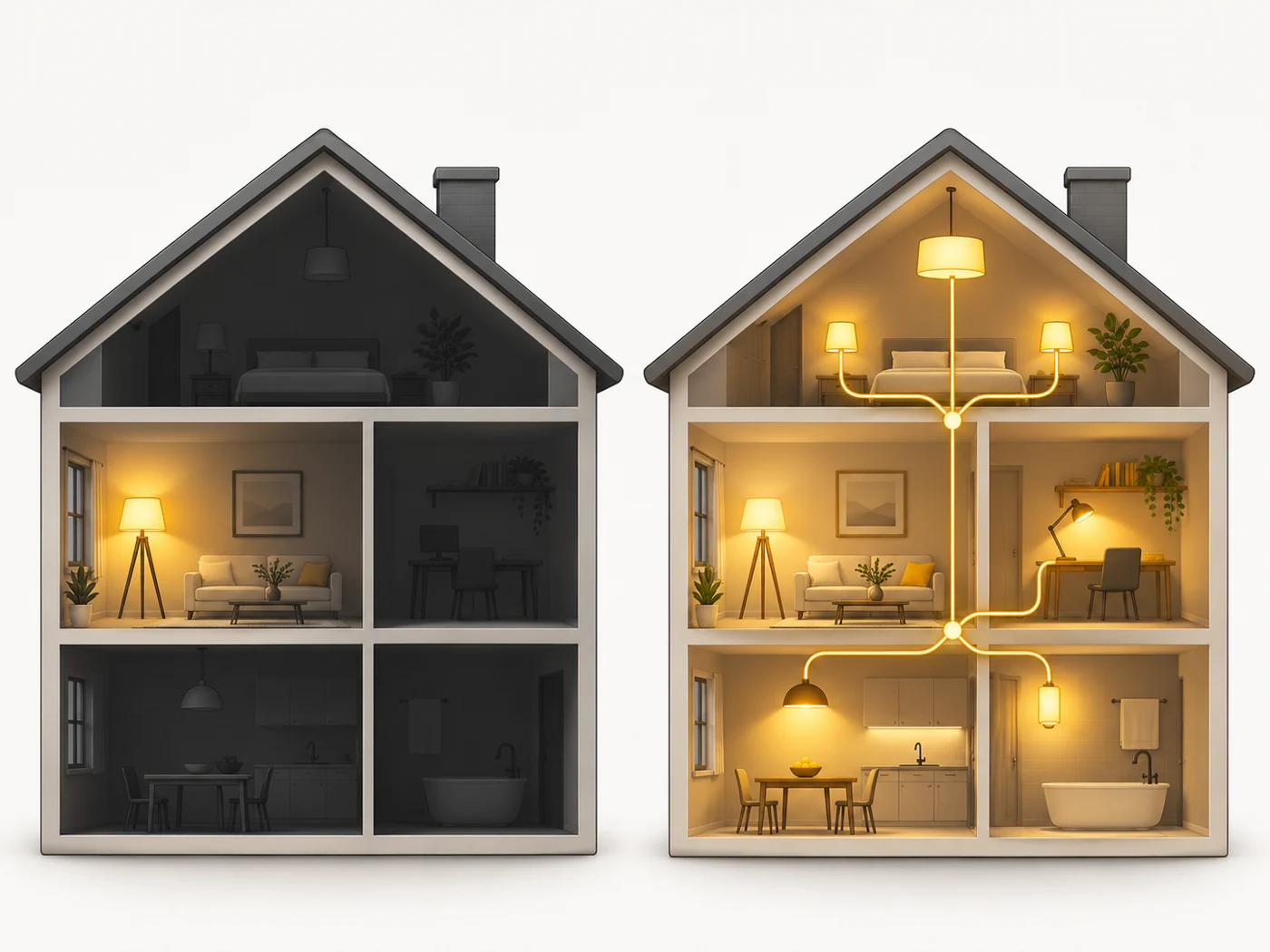
A regular router is like one lamp in the middle of a big house: the far rooms are dark. A repeater is like a mirror that reflects the light further, but dimmer. Mesh is several lamps in different rooms that switch on together and work as one lighting system. You walk around the house and don't even notice which lamp the light comes from.
How it works
- One unit is connected to the internet - it becomes the main one.
- The other units are placed around the home; they connect to the main one via Wi-Fi or cable.
- All units broadcast one network with one name and password.
- When you move to another room, your phone automatically switches to the nearest unit.
- The system picks the best path for data between the units by itself.
Where you'll see it
Mesh systems are sold in kits of two or three units (TP-Link Deco, ASUS ZenWiFi, Xiaomi Mesh). But many regular routers can also join a mesh - specs call this EasyMesh, AiMesh, Deco Mesh and so on. In our router comparisons it's the "Mesh" row.
Does it matter when buying
For a one- or two-room flat you usually don't need mesh - one good router is enough. But for a large flat with thick walls, a two-storey house or an office, mesh is the best way to get rid of weak signal. My tip: if you can connect the units with a cable (a so-called wired backhaul), the speed will be noticeably higher.
Myths
- Myth: Mesh and a repeater are the same. Reality: A repeater just repeats the signal and often creates a separate network, so speed drops. Mesh manages all units as one system.
- Myth: Units from different brands always work together. Reality: Only if they all support one standard, such as EasyMesh - and even then some features may be unavailable.
FAQ
How many units do I need?
Roughly one unit per 80-120 m², taking walls and floors into account.
What is EasyMesh?
An open standard from the Wi-Fi Alliance so routers from different makers can work in one mesh network.
Can I connect the units with a cable?
Yes, and that's the best option: the units don't spend Wi-Fi capacity talking to each other.
Related terms
EasyMesh, Wi-Fi roaming (802.11k/v/r), WAN and LAN, Wi-Fi 7, Wi-Fi