
EXIF: what a photo stores besides the picture
EXIF is metadata the camera writes into a photo file: the device model, date and time, shutter speed, aperture, ISO, focal length, orientation and, if allowed, the GPS coordinates of where it was taken.

In plain words
EXIF is like a sticker on the back of a print that says: "Taken with such-and-such camera, on this date, at this time, on this street." Handy for your own archive, but if you hand the photo to strangers, they can read the sticker too.
How it works
- When you take a shot, the camera writes technical data into the file.
- If location tagging is on, the coordinates are added.
- Gallery apps use EXIF to sort by date and place.
- Some social networks strip EXIF on upload, but not every service does.
- You can view and delete EXIF with special apps.
Where you'll see it
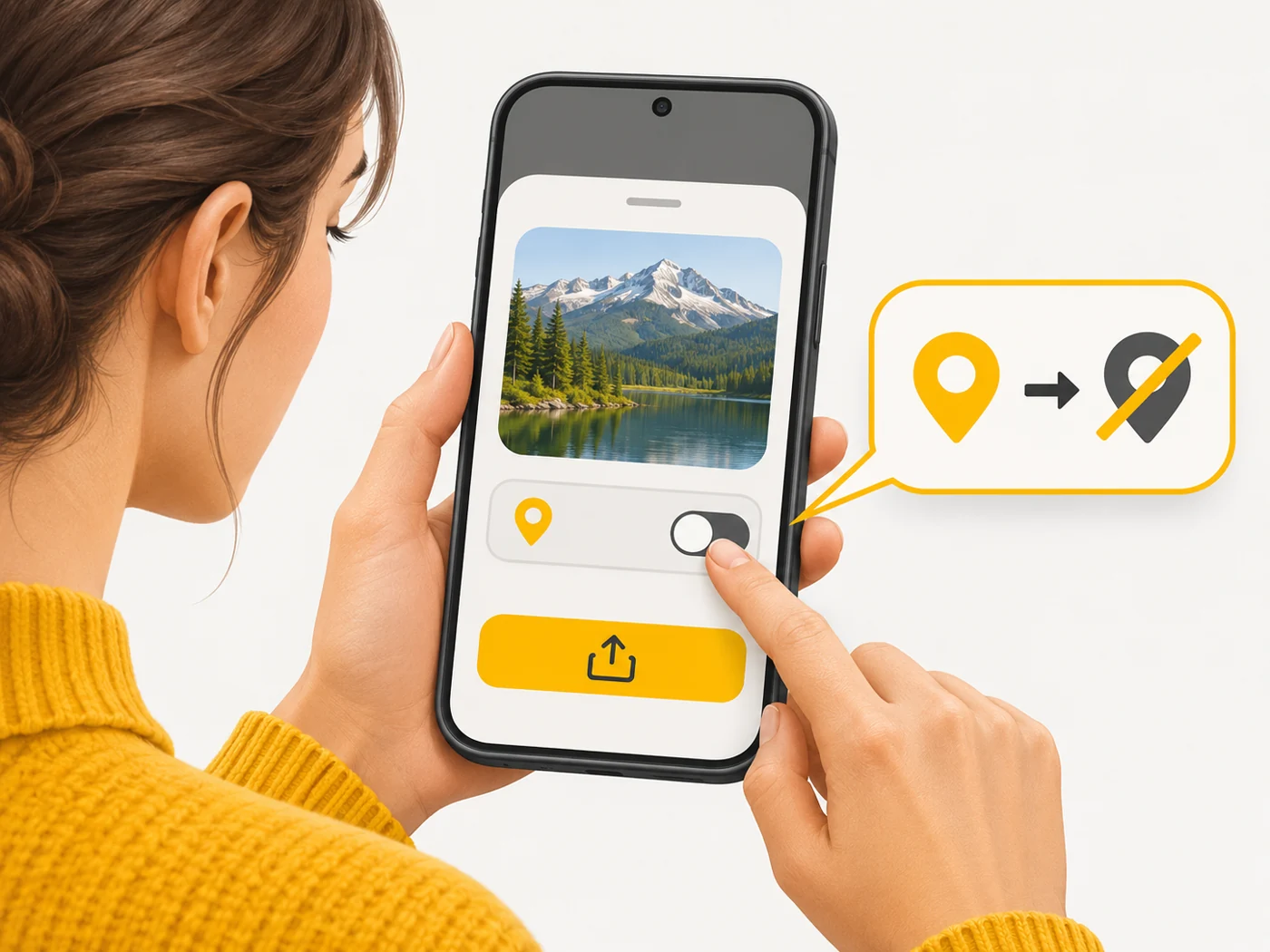
In your phone's gallery, under the photo's "Details" or "Info". On a computer, in the file's properties. iPhone and Android let you stop sharing location when sending photos.
Does it matter when buying
For privacy, yes: before sending photos to strangers or posting them on a forum, remove location tags, especially if you took them at home. For learning photography, EXIF is useful - you can see which settings produced a great shot.
Myths
- Myth: Social networks always delete EXIF. Reality: Not every service and messaging app does.
- Myth: EXIF is only technical data. Reality: It can include the exact coordinates of your home.
FAQ
How do I view EXIF?
In the gallery, under the photo's Details.
How do I remove location tags?
Turn off location in the camera or strip it when sending.
Can EXIF be changed?
Yes, with special software - so EXIF is not proof of authenticity.