
Geotags on photos: how not to tell everyone where you live
Geotagging means writing the GPS coordinates of where a photo or video was taken into its metadata (EXIF). Thanks to geotags, your gallery can show photos on a map and search can find "photos from the beach".
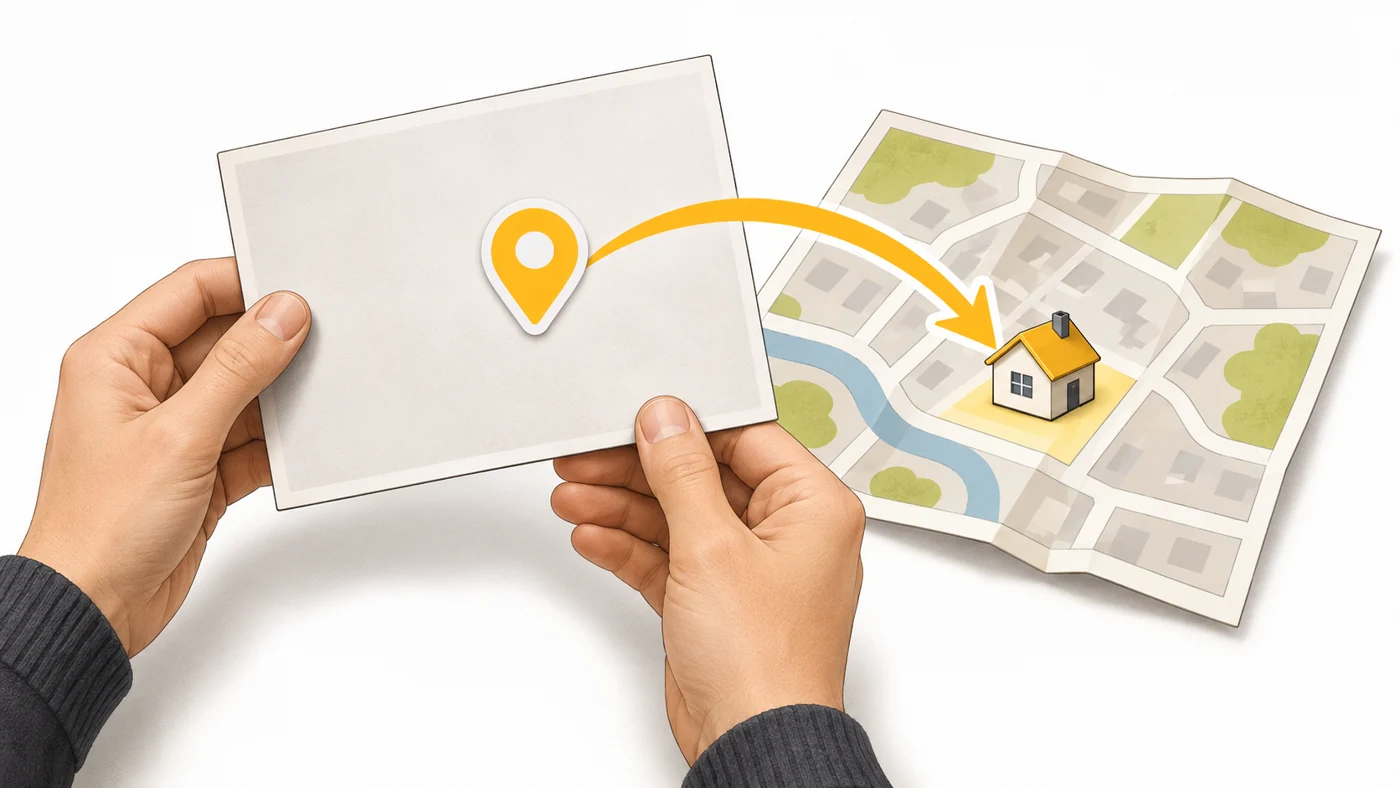
In plain words
A geotag is like a "I was here" pin stuck on the photo. Great for your memories. But if you send a photo taken at home to a stranger, you have effectively given them your address.
How it works
- When you take a shot, the camera gets coordinates from GNSS or the network.
- The coordinates are written into the file's EXIF.
- The gallery groups photos by place and shows them on a map.
- Some social networks strip geotags; others do not.
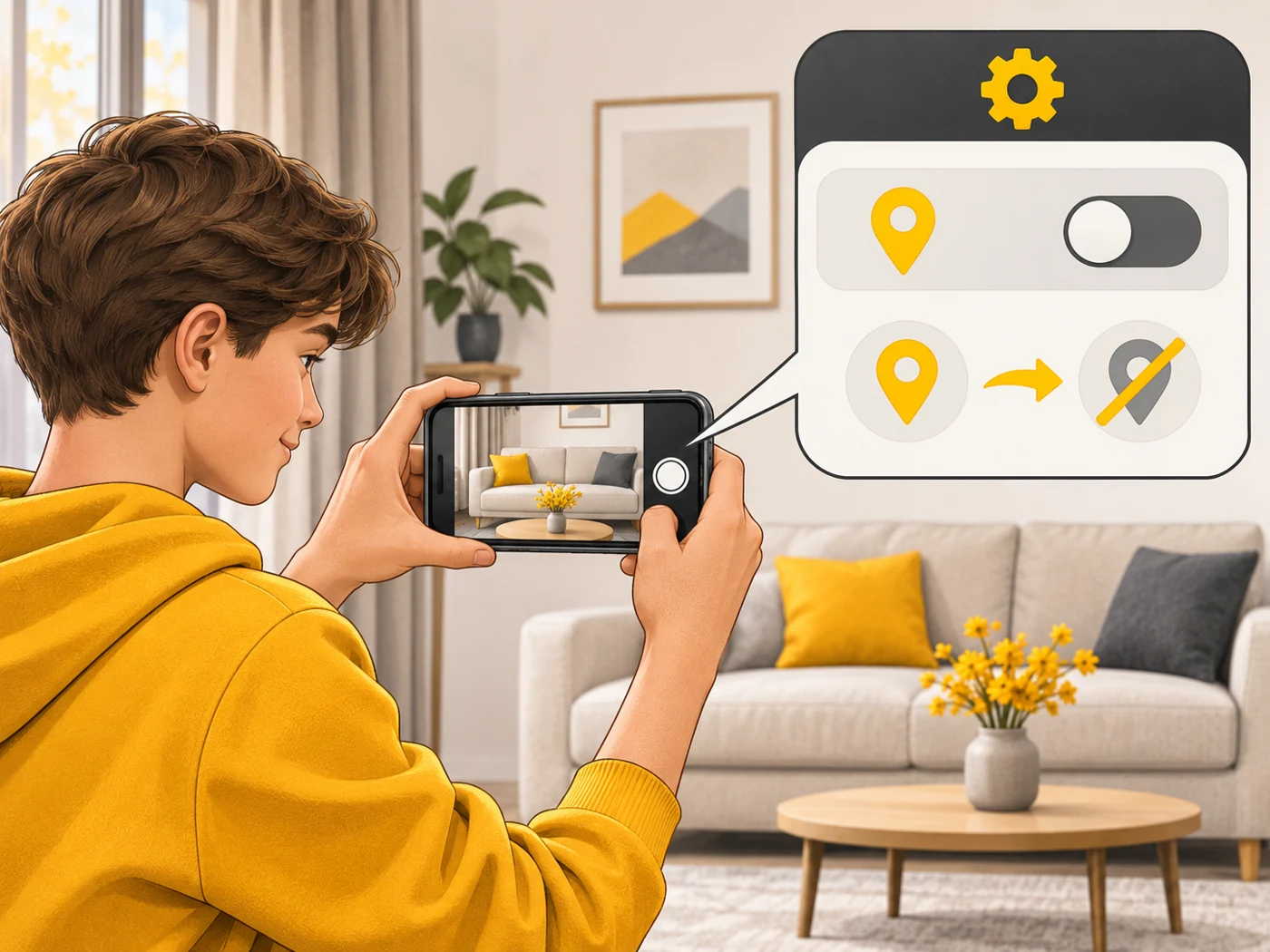
- You can turn off geotagging in the camera settings.
Where you'll see it
In camera settings: "Location tags" or "Save location". In the gallery: the "Places" or "Map" tab. When sharing photos on iPhone and Android, you can remove location data.
Does it matter when buying
For travel and your archive, it is handy. For privacy, turn geotags off when shooting at home, or strip them when sharing. This is especially important for kids and teenagers who post photos online.
Myths
- Myth: If GPS is off, there will be no geotags. Reality: The phone can work out your location from Wi-Fi and the network.
- Myth: All messaging apps remove geotags. Reality: Not all; sending "as a file" often keeps the EXIF.
FAQ
How do I turn off geotags?
In the camera settings or its location permissions.
How do I remove location from a photo I have already taken?
In the gallery (Edit info) or when sharing.
What are geotags for?
Seeing photos on a map and searching by place.