
JPEG and HEIF: which format to save photos in
JPEG is the most widespread photo compression format, supported by every device and website. HEIF (HEIC on iPhone) is a newer format that stores photos of the same quality in roughly half the space and supports 10-bit colour and HDR.

In plain words
JPEG is like a suitcase packed the ordinary way: everyone knows where everything is. HEIF is like a suitcase with vacuum bags: the same things take up half the space. But not every "hotel" has a pump to unpack them - in other words, not every program opens HEIF.
How it works
- The camera takes the photo from the sensor and processes it.
- The compression format removes data the eye barely notices.
- JPEG uses an older algorithm; HEIF uses a newer, more efficient one.
- HEIF can also store depth, bursts and live photos.
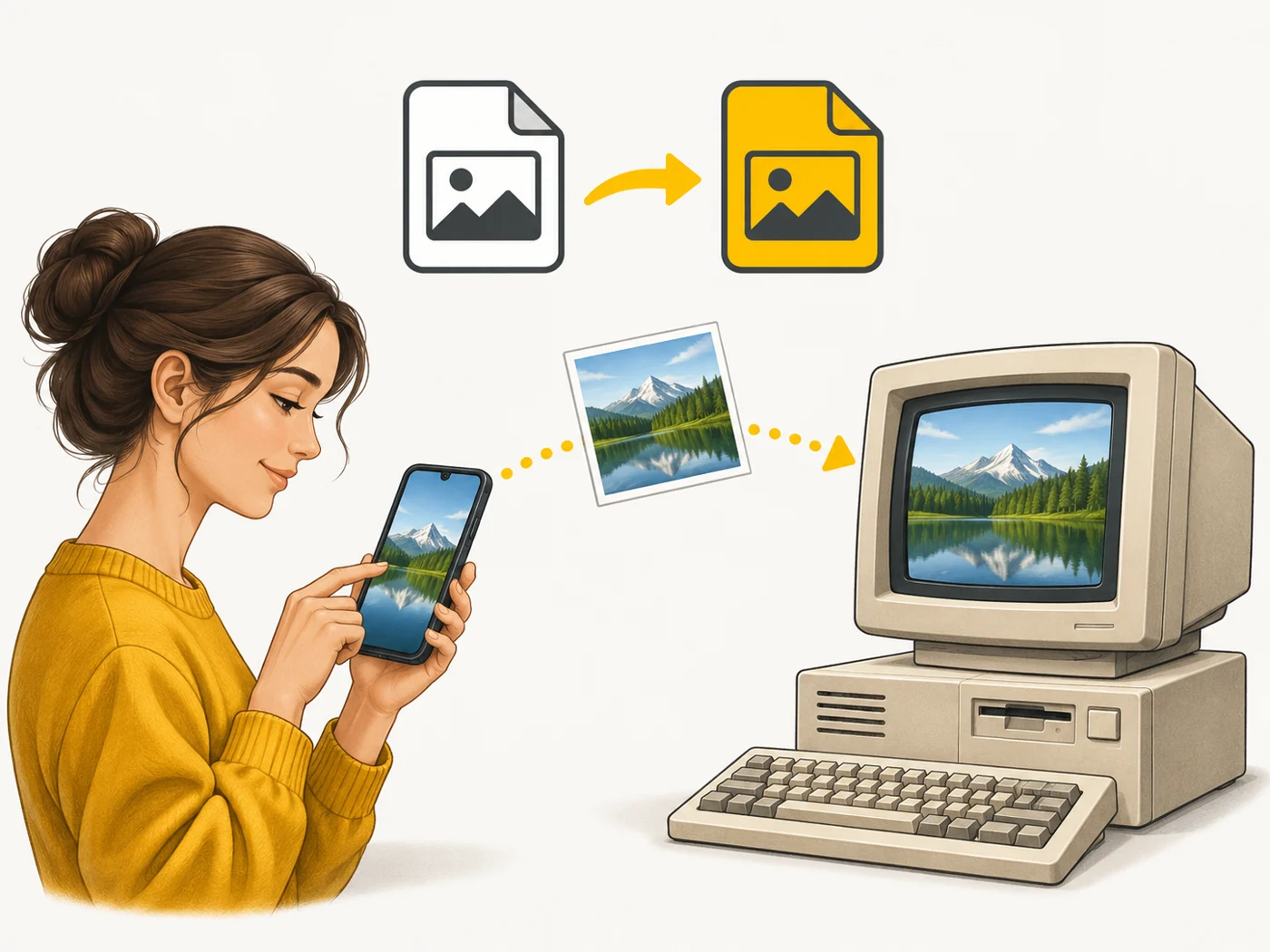
- When sharing, the phone often converts HEIF to JPEG automatically for compatibility.
Where you'll see it
On iPhone: Settings - Camera - Formats, choosing "High Efficiency" (HEIC) or "Most Compatible" (JPEG). Many Android phones have a "Save as HEIF" option. Websites and social networks usually accept JPEG.
Does it matter when buying
If you are short on storage, HEIF saves space. If you often move photos to an old computer or send them to services that do not understand HEIC, choose JPEG. Modern Windows and macOS open HEIF, though sometimes you need an extension.
Myths
- Myth: HEIF is lower quality because the file is smaller. Reality: More efficient compression gives the same quality at a smaller size.
- Myth: JPEG is outdated and no longer needed. Reality: It is still the most compatible format.
FAQ
How do I open HEIC on Windows?
Install the HEIF extension from the Microsoft Store or convert online.
Is quality lost when converting?
A little, as with any re-compression.
Which is better for social media?
JPEG - everyone accepts it.
Related terms
RAW and ProRAW, EXIF, Internal storage, Computational photography