
Phone internal storage: how many gigabytes you need
Internal storage is a device's permanent flash memory, where the operating system, apps, photos, videos, music and documents are kept. Data stays there even when the device is switched off.

In plain words
If RAM is your desk, internal storage is the wardrobe with all your things. Its size decides how many "things" fit: 128 GB is a small wardrobe, 512 GB a walk-in closet. And the memory type (UFS) is how quickly the doors open.
How it works
- Data is stored on flash chips that need no power.
- The system takes up part of the space - 10-20 GB or more.
- A controller manages writes and spreads wear evenly across the cells.
- The memory type (eMMC, UFS 2.2, 3.1, 4.0) determines speed.
- A microSD card can add space if the phone has a slot.
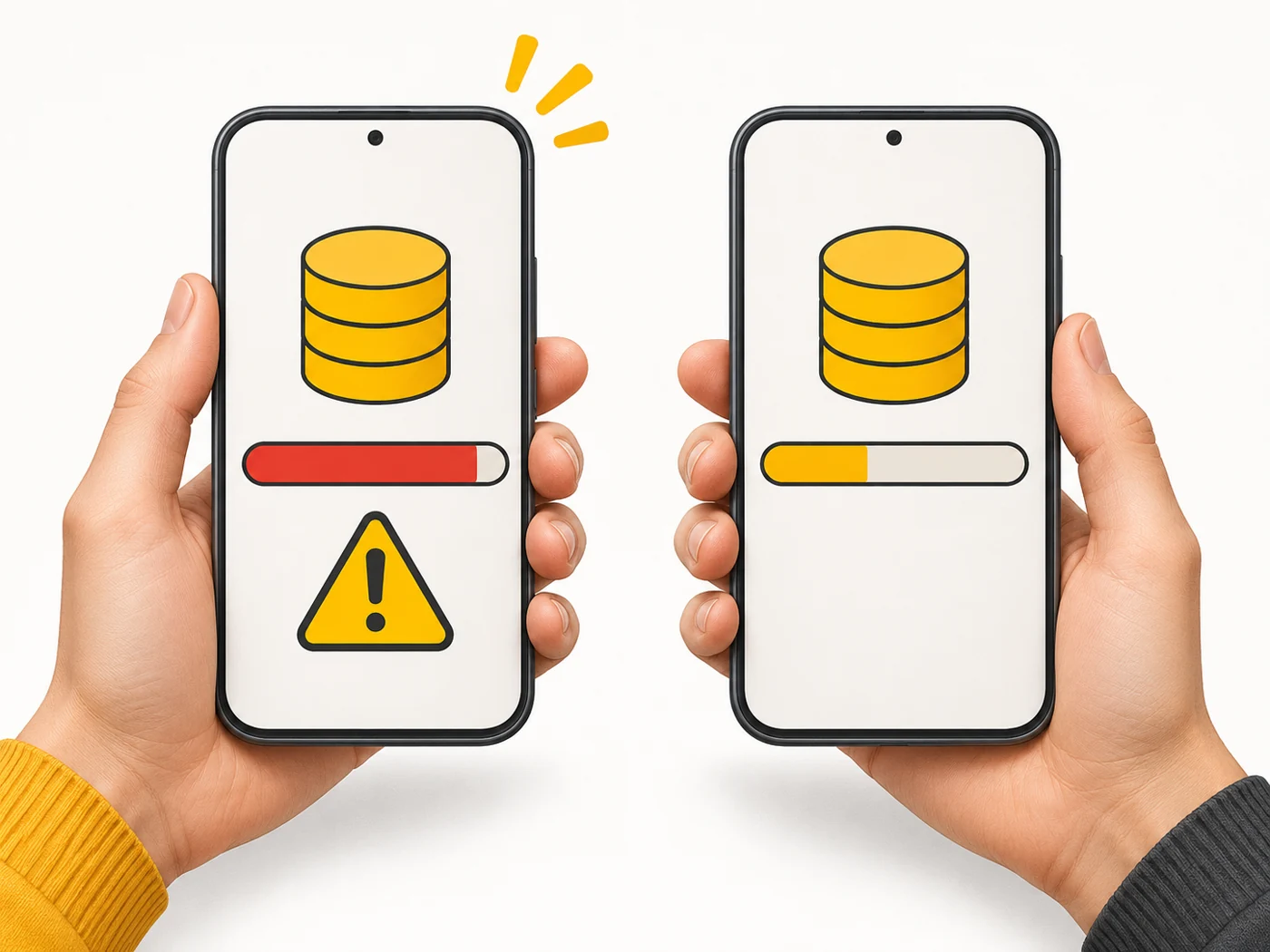
Where you'll see it
In specs: "128 GB", "256 GB UFS 4.0". In our comparisons, the Memory row (for example, 8/256 GB: the first number is RAM, the second is storage).
Does it matter when buying
A lot - running out of space is annoying every day. My minimum for a phone in 2026 is 256 GB if you shoot lots of video or play games. 128 GB is enough if you use the cloud heavily. Phone storage cannot be expanded, so it is better to get extra.
Myths
- Myth: 128 GB means 128 GB of free space. Reality: The system and preinstalled apps take up part of it.
- Myth: The cloud completely replaces internal storage. Reality: Apps and cache still take up space on the device.
FAQ
What takes up the most space?
Videos, photos, messaging apps full of media, and games.
How do I free up space?
Turn on automatic photo backup to the cloud, clear messaging app caches and delete apps you do not need.
Does full storage affect speed?
Yes, nearly full storage can slow the system down.
Related terms
UFS 4.0, RAM, microSD card, Cloud storage