
microSD card: how to choose one and what speed classes mean
microSD is the smallest removable memory card format (15×11 mm), used in phones, tablets, action cameras, drones, dashcams and game consoles. There are microSDHC (up to 32 GB), microSDXC (up to 2 TB) and newer variants.
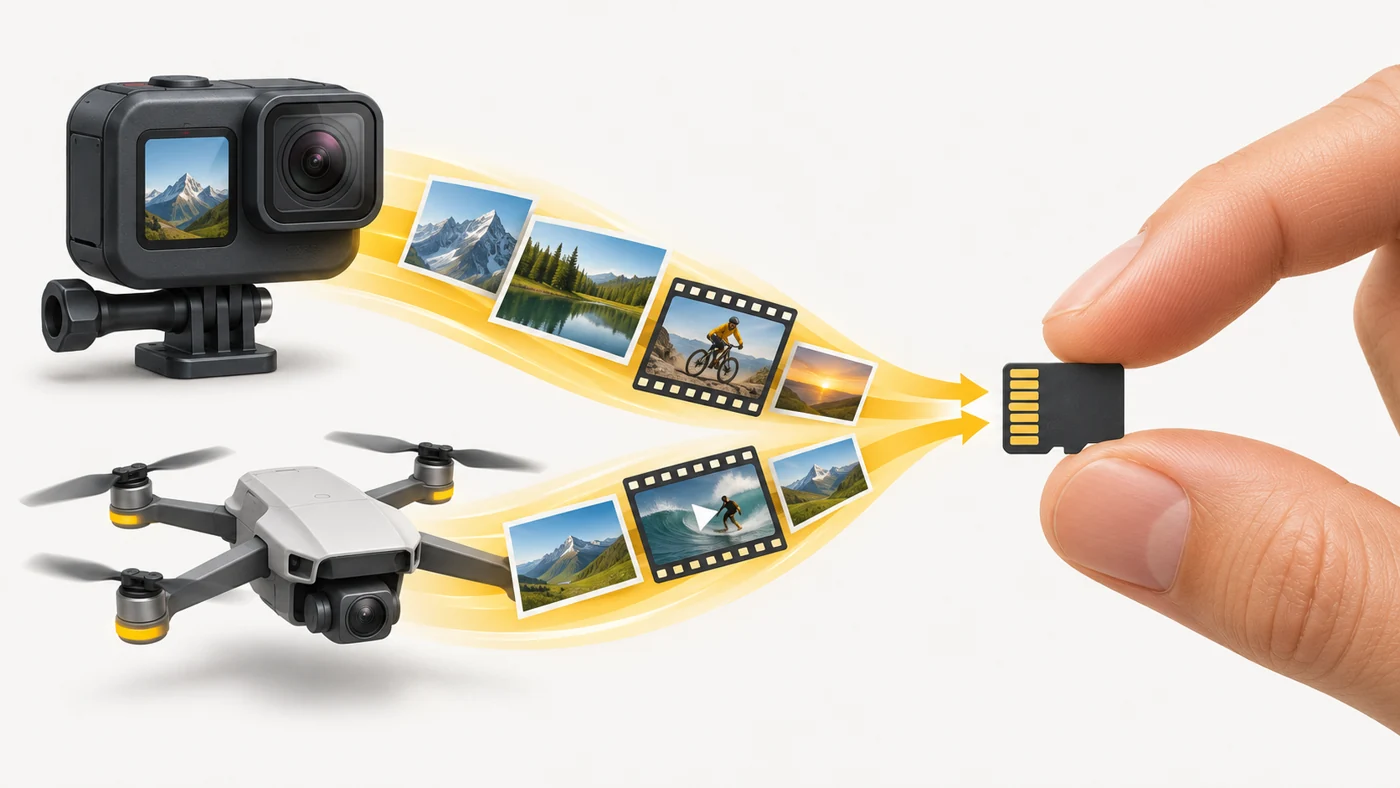
In plain words
A phone's built-in storage is like a wardrobe in your room: fast and convenient. microSD is like an extra suitcase under the bed: more space, cheap, but a little slower to get things out of. So it is better for photos, music and films, not apps.
How it works
- The card contains flash memory and a controller.
- The device reads and writes data through the microSD slot.
- Speed classes show the minimum write speed: U1 is 10 MB/s, U3 and V30 are 30 MB/s.
- A1 and A2 markings indicate speed for running apps.
- The card can be used as separate storage or (on some Android phones) as part of internal storage.

Where you'll see it
Many Android phones (often in a hybrid slot), tablets, action cameras, drones, the Nintendo Switch and Steam Deck have a microSD slot. iPhones and many flagships do not. Specs say "microSD up to 1 TB".
Does it matter when buying
If your phone or tablet has little storage, yes - microSD is a lifesaver for photos and video. For 4K recording on a camera or drone, get at least U3/V30. Buy well-known brands from trusted shops - fakes with false capacity are very common.
Myths
- Myth: A memory card is as fast as built-in storage. Reality: Built-in UFS is much faster.
- Myth: A big capacity guarantees quality. Reality: Fakes often report a large capacity but actually hold less and lose data.
FAQ
What does V30 mean?
A minimum video write speed of 30 MB/s - enough for 4K.
How can I check whether a card is fake?
With tools such as H2testw or F3, which write and verify the full capacity.
Can I move apps to the card?
On some Android phones, yes, but they will run more slowly.