
SD and microSD memory cards: formats, classes and how to choose
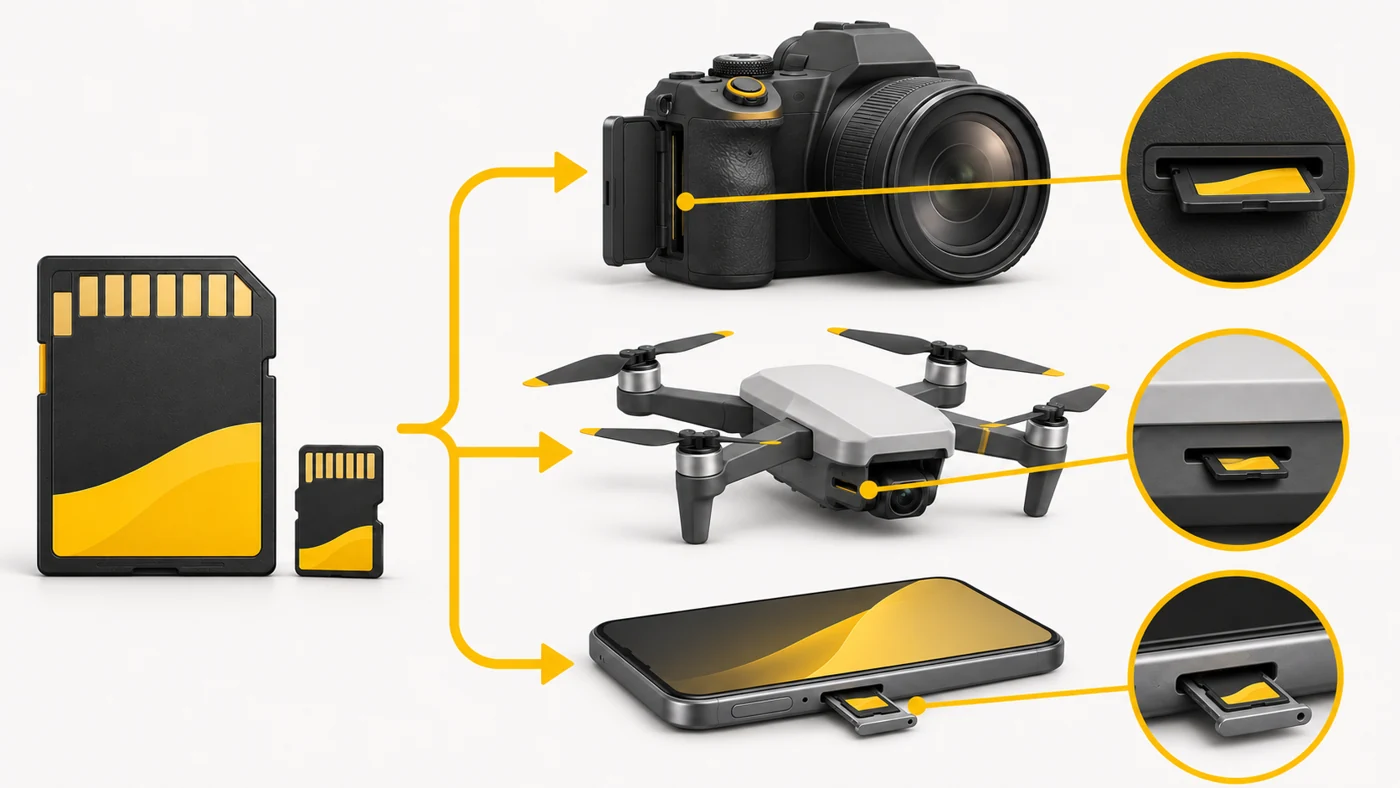
A memory card is removable flash storage for photos, video, music and files. The main formats today are SD (for cameras and laptops) and microSD (for phones, action cameras, drones and consoles). In the past there were Memory Stick, MMC, xD and CompactFlash.
In plain words
A memory card is like a spare exercise book you can take out of one backpack and put in another. SD is an ordinary exercise book; microSD is a pocket notebook. Speed classes are how fast you can write in it without falling behind the dictation (4K video dictates very fast).
How it works
- The card contains flash memory and a controller.
- Capacity is shown by type: SDHC (up to 32 GB), SDXC (up to 2 TB), SDUC (more).
- The U1, U3, V30, V60 and V90 classes show the minimum write speed for video.
- A1 and A2 indicate speed for running apps.
- The UHS-I, UHS-II or SD Express interface sets the maximum speed.

Where you'll see it
SD slots are in cameras, laptops and card readers; microSD slots are in phones, tablets, drones, action cameras, dashcams and the Nintendo Switch. Specs say "microSD up to 1 TB".
Does it matter when buying
For 4K video, at least U3/V30; for 8K, V60/V90. For a dashcam, cards labelled "High Endurance". Buy well-known brands from trusted shops and check the real capacity - there are a lot of fakes.
Myths
- Myth: Any card will do for 4K. Reality: A slow card will cut off recording or stop you enabling the mode.
- Myth: Memory cards last forever. Reality: Flash memory wears out, especially in dashcams.
FAQ
What does High Endurance mean?
Cards with extra durability for continuous recording.
Can I put a microSD in an SD slot?
Yes, with an adapter.
How should I format a card?
Ideally in the device you will use it in.