
USB OTG: how to connect a flash drive, mouse or keyboard to your phone
USB OTG (On-The-Go, USB host) is a feature that lets a phone or tablet be the "main" device and connect USB peripherals to it: flash drives, hard drives, mice, keyboards, gamepads, card readers and microphones.
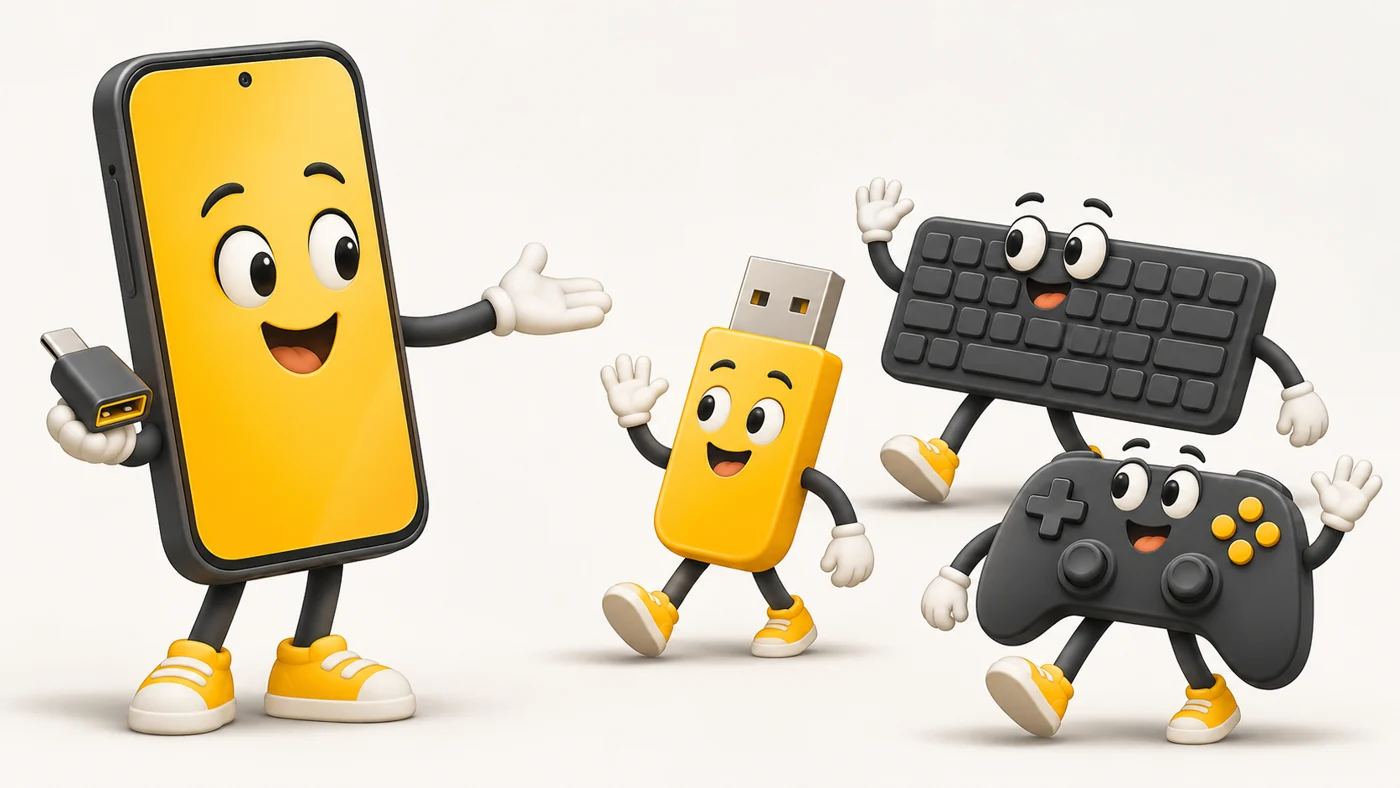
In plain words
Normally a phone connects to a computer as a "guest". With OTG the phone becomes the "host": it invites a flash drive or keyboard over and controls them like a laptop would. All you need is the right "doorway" - a cable or adapter.
How it works
- The phone detects that a USB device has been connected.
- It switches to host mode and powers the device.
- Flash drives open in the file manager.
- Keyboards, mice and gamepads work as they do on a computer.
- Power-hungry devices (a hard drive) may need external power.
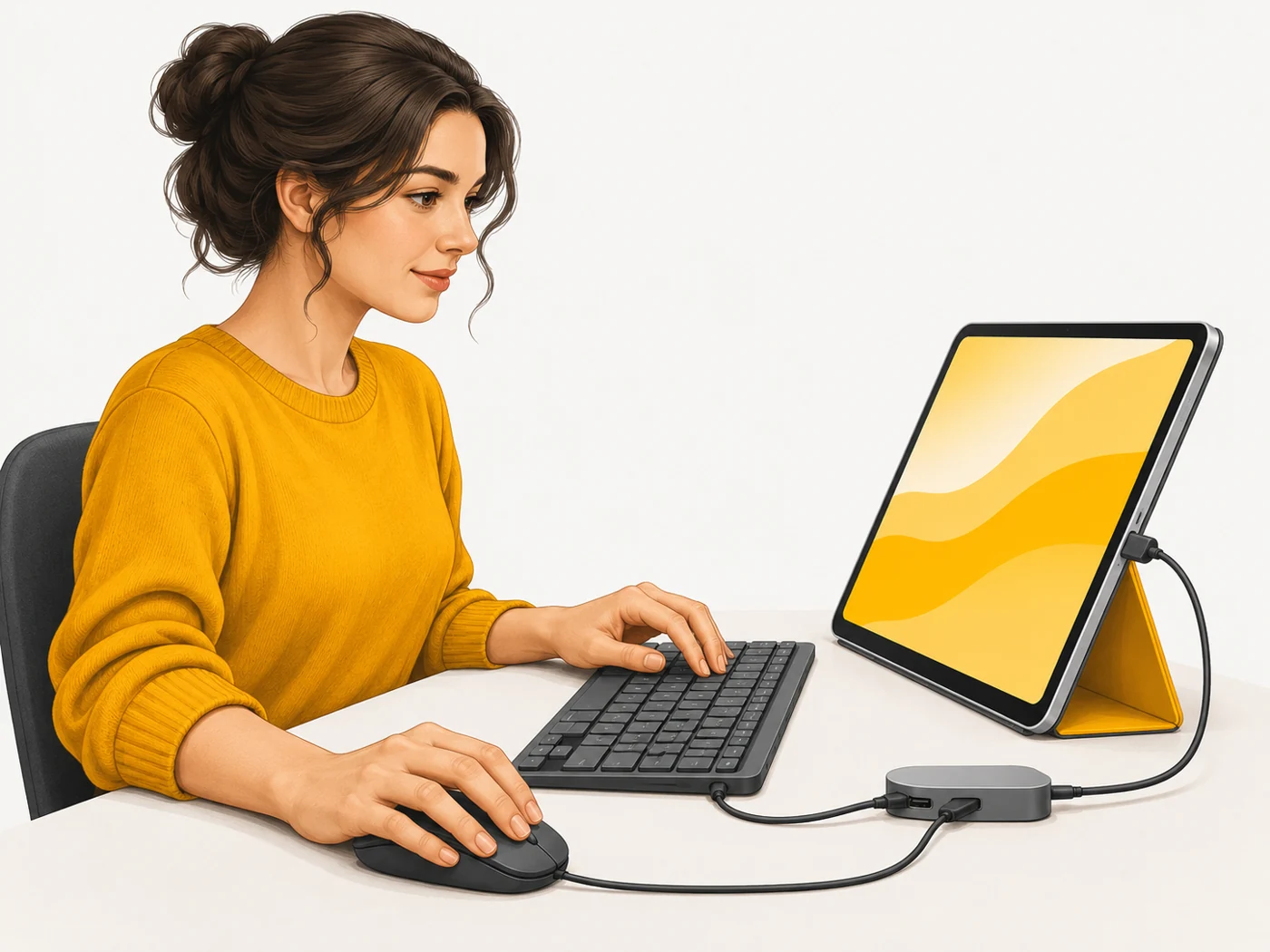
Where you'll see it
Almost all modern Android phones and tablets, iPhones with USB-C and iPads support OTG. For older gadgets you need a USB-C to USB-A adapter or a flash drive with a USB-C connector.
Does it matter when buying
It is useful for moving photos from your phone to a flash drive without a computer, for working on a tablet with a keyboard and mouse, and for backups on the road. Check the flash drive's file system: exFAT and FAT32 work almost everywhere.
Myths
- Myth: OTG only works on expensive phones. Reality: Nearly all modern models support it.
- Myth: You can connect anything via OTG. Reality: Devices that draw a lot of power may need a separate supply.
FAQ
How do I check for OTG support?
Connect a flash drive with an adapter - if a notification appears, it works.
Can I connect a hard drive?
An SSD usually works; a large HDD may need power.
Does OTG work with iPhone?
Yes, with USB-C iPhones or through a Lightning adapter.