
USB: from USB 2.0 to USB4 in plain words
USB (Universal Serial Bus) is a universal standard for sending data and power between computers, phones and peripherals. It has versions (USB 2.0, 3.2, USB4) that set the speed, and connector types (USB-A, USB-C, micro-USB).
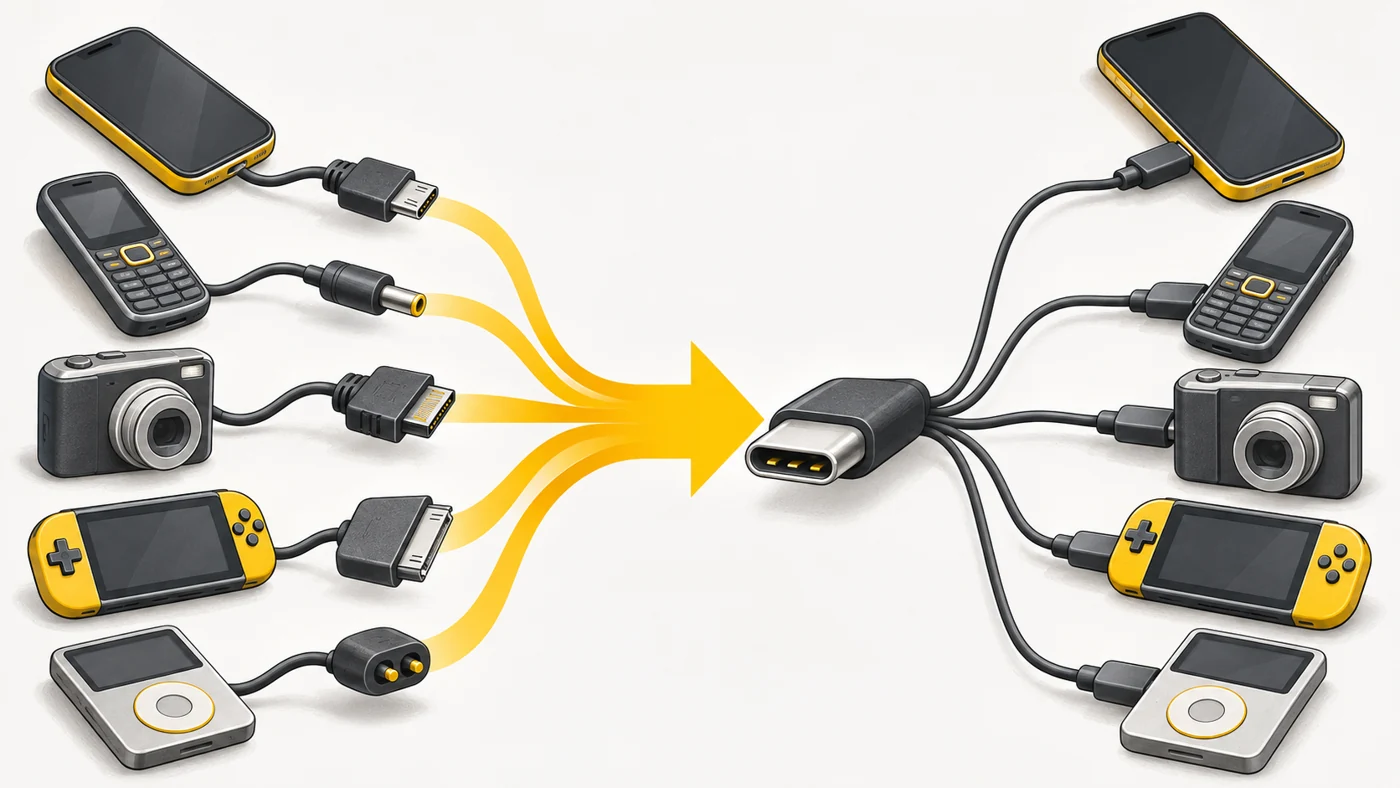
In plain words
USB is like a common language for devices: once every device had its own connector and its own "language", and USB let them all speak the same way. The USB version is like speaking speed: USB 2.0 talks slowly, USB4 very fast. The connector is just the shape of the "mouth".
How it works
- Devices connect with a cable and agree on speed and power.
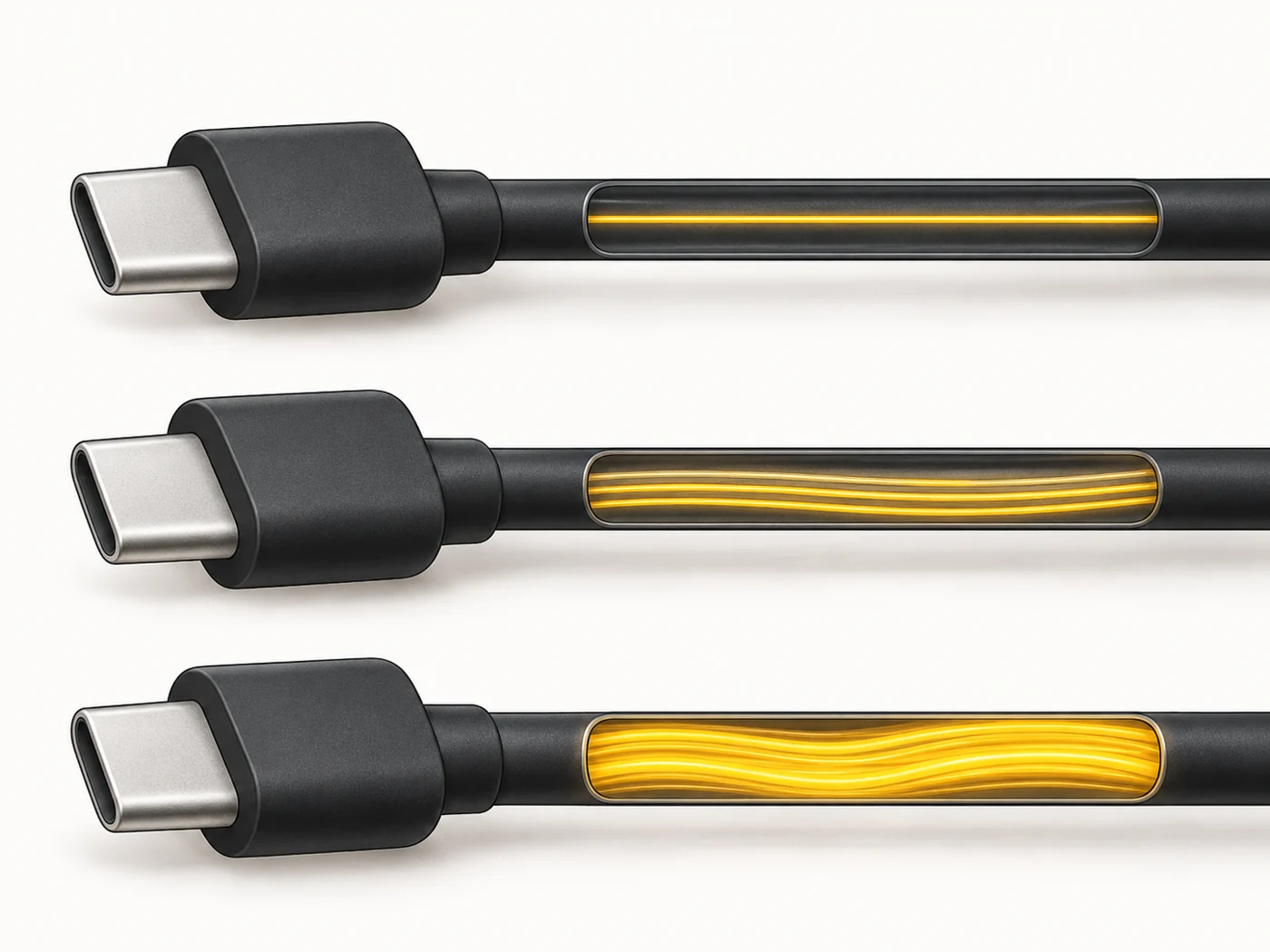
- USB 2.0 manages up to 480 Mbps, USB 3.2 5-20 Gbps, USB4 up to 40 Gbps and beyond.
- The USB-C connector is reversible and has become universal.
- USB carries power too - from a few watts up to 240 W with USB PD.
- Some devices can act as a "host" and connect flash drives and keyboards (USB OTG).
Where you'll see it
USB is everywhere: phones, laptops, chargers, power banks, flash drives, keyboards, routers. Specs say "USB-C (USB 3.2)" or "USB 2.0". In our router and tablet comparisons, the USB row.
Does it matter when buying
Yes. On a phone, the USB version affects how fast you can copy video to a computer. On a router, it affects working with flash drives and modems. When buying a cable, check that it supports the power and speed you need, not just the connector shape.
Myths
- Myth: USB-C is a USB version. Reality: USB-C is a connector shape; the protocol version sets the speed.
- Myth: All USB cables are the same. Reality: They differ in speed and charging power.
FAQ
Which is faster - USB 3.0 or USB 3.2 Gen 1?
They are the same - 5 Gbps, just a new name.
Why does my phone copy files to my PC slowly?
Probably the phone's port is USB 2.0 or the cable is charge-only.
What is USB OTG?
The ability to connect a flash drive, mouse or keyboard to your phone.
Related terms
USB-C, USB4 and Thunderbolt, USB Power Delivery (PD), USB OTG, USB hub