
USB hub: how to add ports to a laptop or tablet
A USB hub turns one USB port into several. Modern USB-C hubs and docks also add HDMI, Ethernet, a card reader and the ability to charge the laptop through the same cable (PD passthrough).
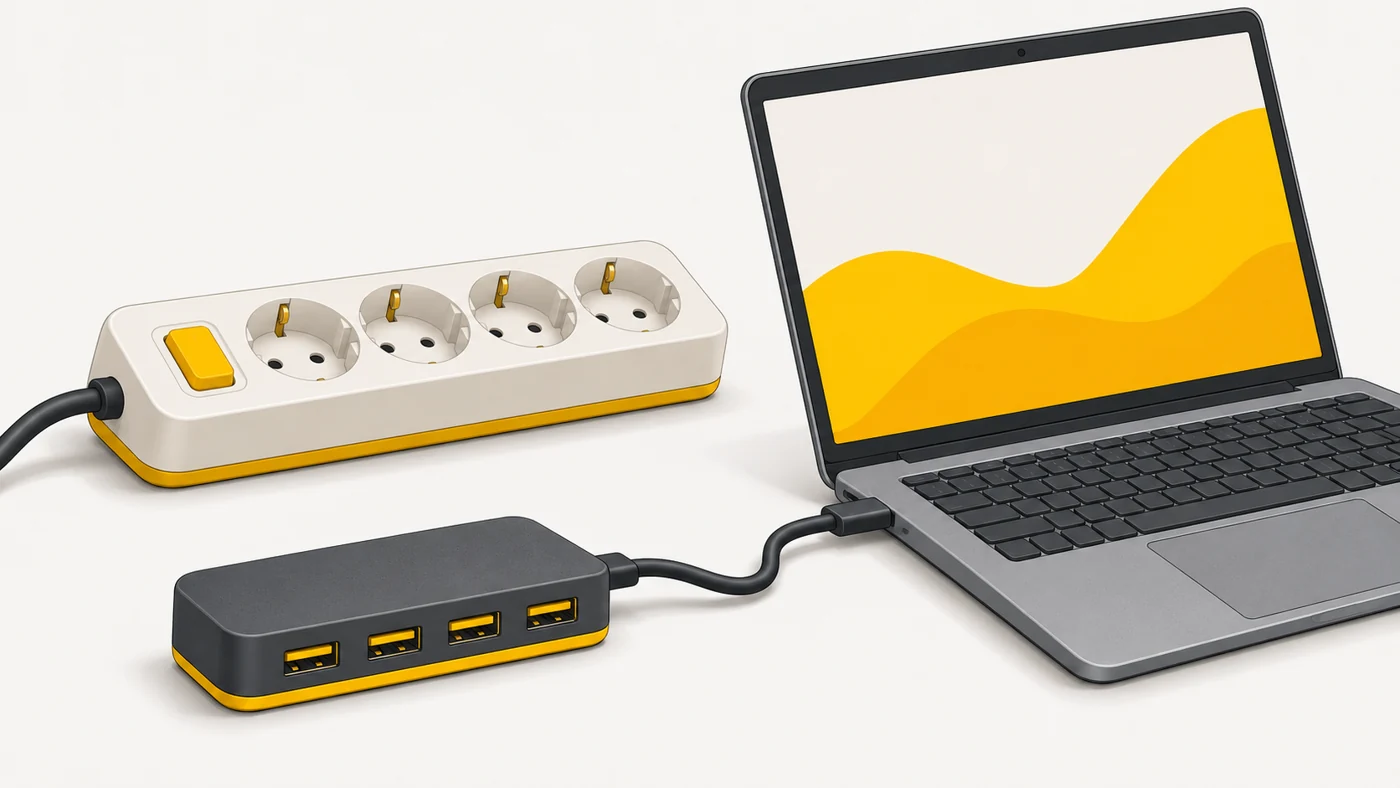
In plain words
A USB hub is like an extension lead with several sockets: one socket in the wall, five appliances. But like an extension lead, a hub shares "power" and speed among everything plugged in - so power-hungry devices need a hub with its own power supply.
How it works
- The hub plugs into a single port on the computer.
- It distributes data and power across several ports.
- Passive hubs draw power from the computer; active ones have their own adapter.
- USB-C hubs can carry video via DisplayPort Alt Mode.
- PD passthrough passes charging power through to the laptop.
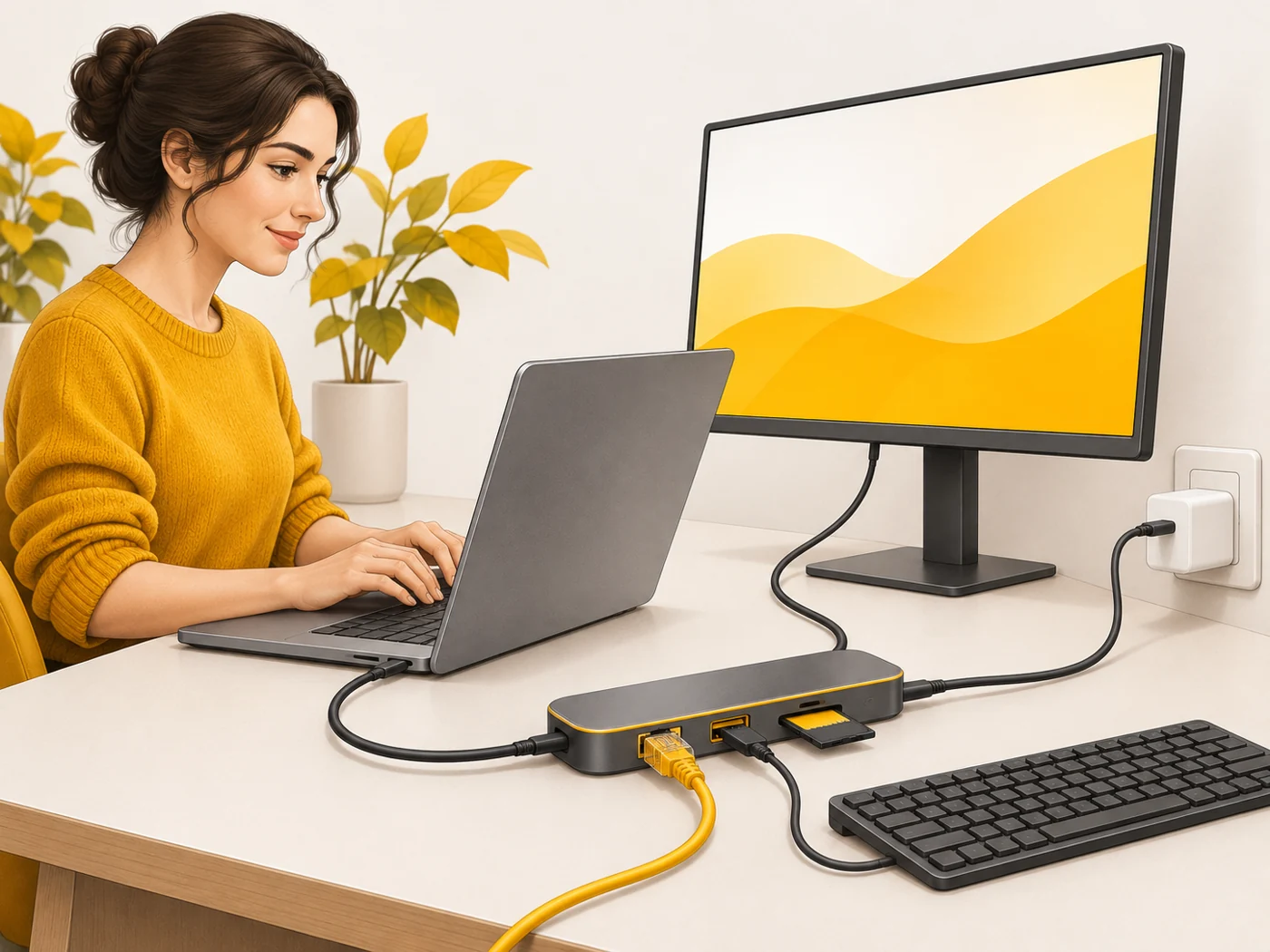
Where you'll see it
USB-A and USB-C hubs are sold in electronics shops. They are especially useful for laptops and tablets with one or two USB-C ports (MacBook, iPad, ultrabooks).
Does it matter when buying
For an ultrabook or iPad it is almost an essential accessory. Choose by your needs: HDMI at 4K 60 Hz for a monitor, Ethernet for stable internet, a card reader for photos and at least 65 W PD for charging. Cheap hubs often run hot and drop connections.
Myths
- Myth: Any hub gives full speed to every port. Reality: Speed is shared between devices.
- Myth: A USB-C hub will always output video. Reality: Only if the laptop's or tablet's port supports video output.
FAQ
What is a docking station?
A more powerful hub with many ports and charging, often for a desk setup.
Can I charge a laptop through a hub?
Yes, if the hub supports PD passthrough.
Why does my hub get hot?
Converting signals and power produces heat - good hubs run cooler.