
HDMI: how to connect a laptop, console or phone to a TV
HDMI (High-Definition Multimedia Interface) is a digital interface that carries video and sound over a single cable between laptops, consoles, set-top boxes, TVs and monitors. Versions such as HDMI 2.0 and 2.1 differ in supported resolution, frame rate and features.
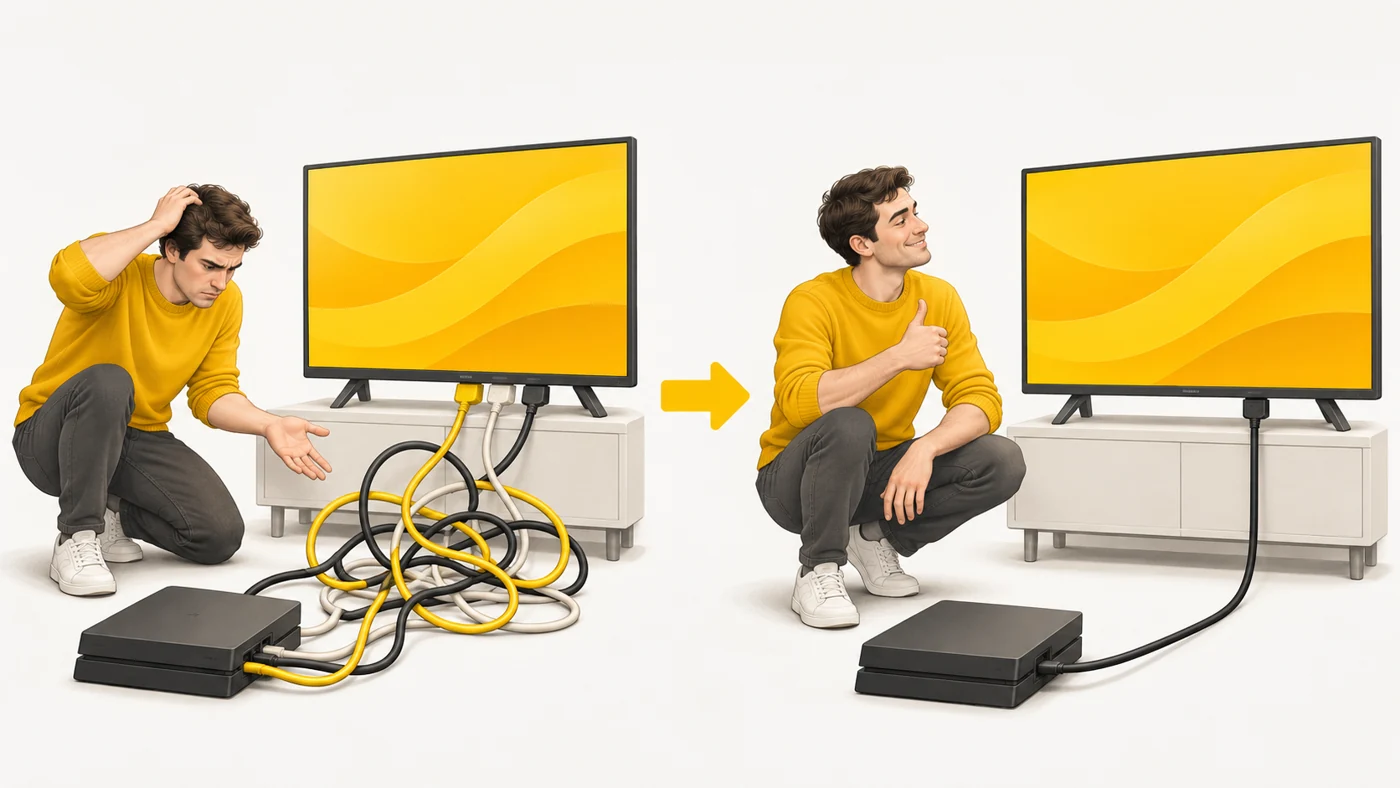
In plain words
Picture and sound used to need several cables of different colours - like separate pipes for hot and cold water. HDMI is like one modern pipe that carries everything at once: picture, sound and even remote control commands.
How it works
- The source (laptop, console) sends a digital video and audio signal.
- The cable and devices agree on resolution and refresh rate.
- HDMI 2.1 supports 4K at 120 Hz, 8K and variable refresh rate (VRR) for gaming.
- HDMI CEC lets you control devices with one remote.
- eARC sends high-quality sound from the TV to a soundbar.
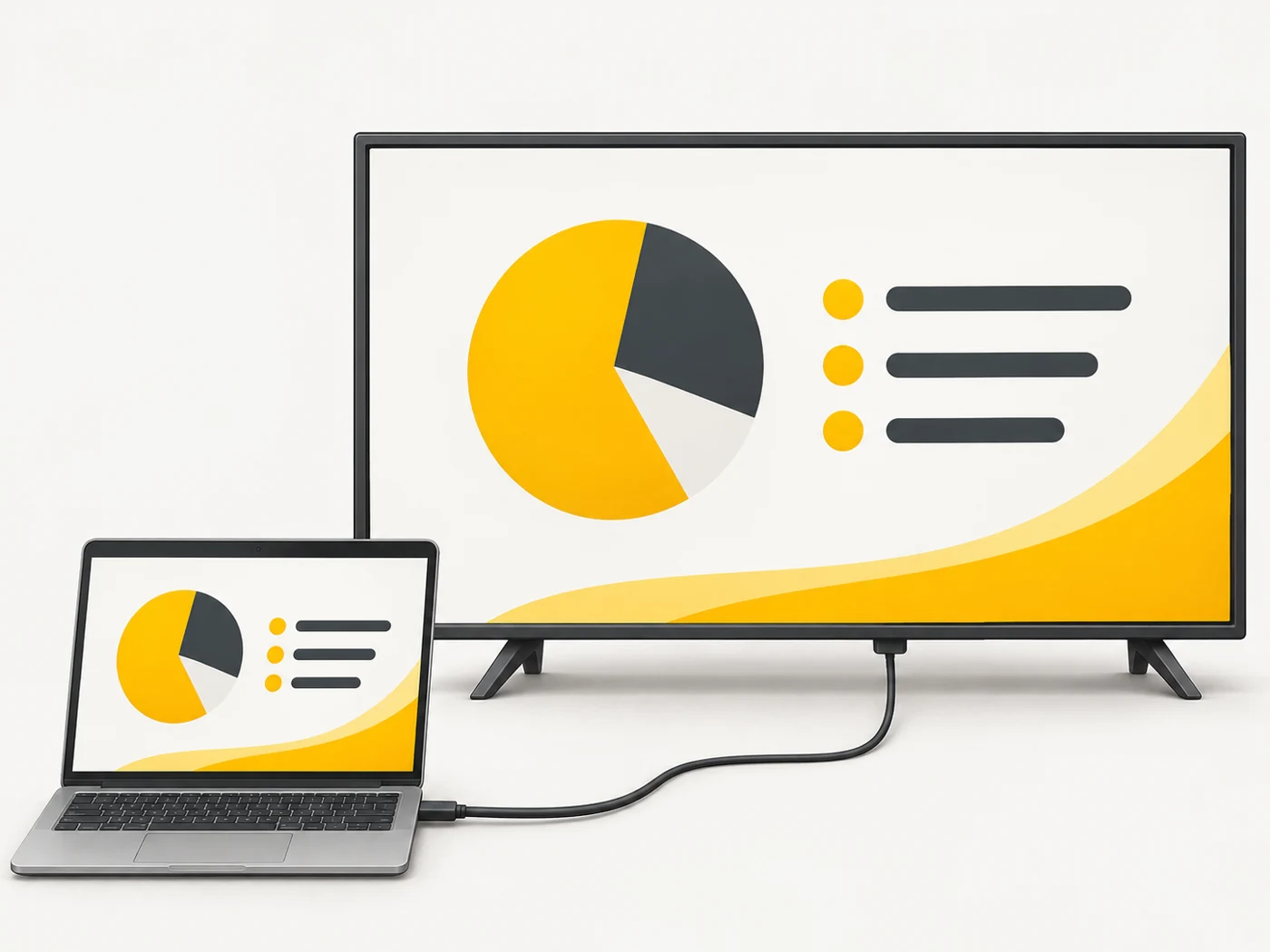
Where you'll see it
TVs, monitors, consoles, laptops, set-top boxes and projectors have HDMI ports. Phones and tablets with USB-C can output video through a USB-C to HDMI adapter if they support video output.
Does it matter when buying
For a games console at 4K 120 Hz you need HDMI 2.1 on the TV and a certified Ultra High Speed cable. For a normal laptop or set-top box, HDMI 2.0 is enough. Before buying an adapter for a phone, check that it supports video output over USB-C.
Myths
- Myth: An expensive HDMI cable gives a better picture. Reality: A digital signal either gets through or it does not; only matching the version matters.
- Myth: Any USB-C phone can connect to HDMI. Reality: Only models that support DisplayPort Alt Mode.
FAQ
What is eARC?
A channel that returns high-quality sound from the TV to a soundbar.
Which cable do I need for 4K 120 Hz?
Ultra High Speed HDMI (HDMI 2.1).
How do I show my phone's screen on a TV without a cable?
By casting: Chromecast, Miracast or AirPlay.
Related terms
USB-C, USB4 and Thunderbolt, Resolution, Screen refresh rate, Games console