
Screen and video resolution: HD, Full HD, 2K and 4K in plain words
Resolution is the number of pixels that make up an image, horizontally and vertically - for example, 2400×1080. The more pixels in the same area, the sharper the image.

In plain words
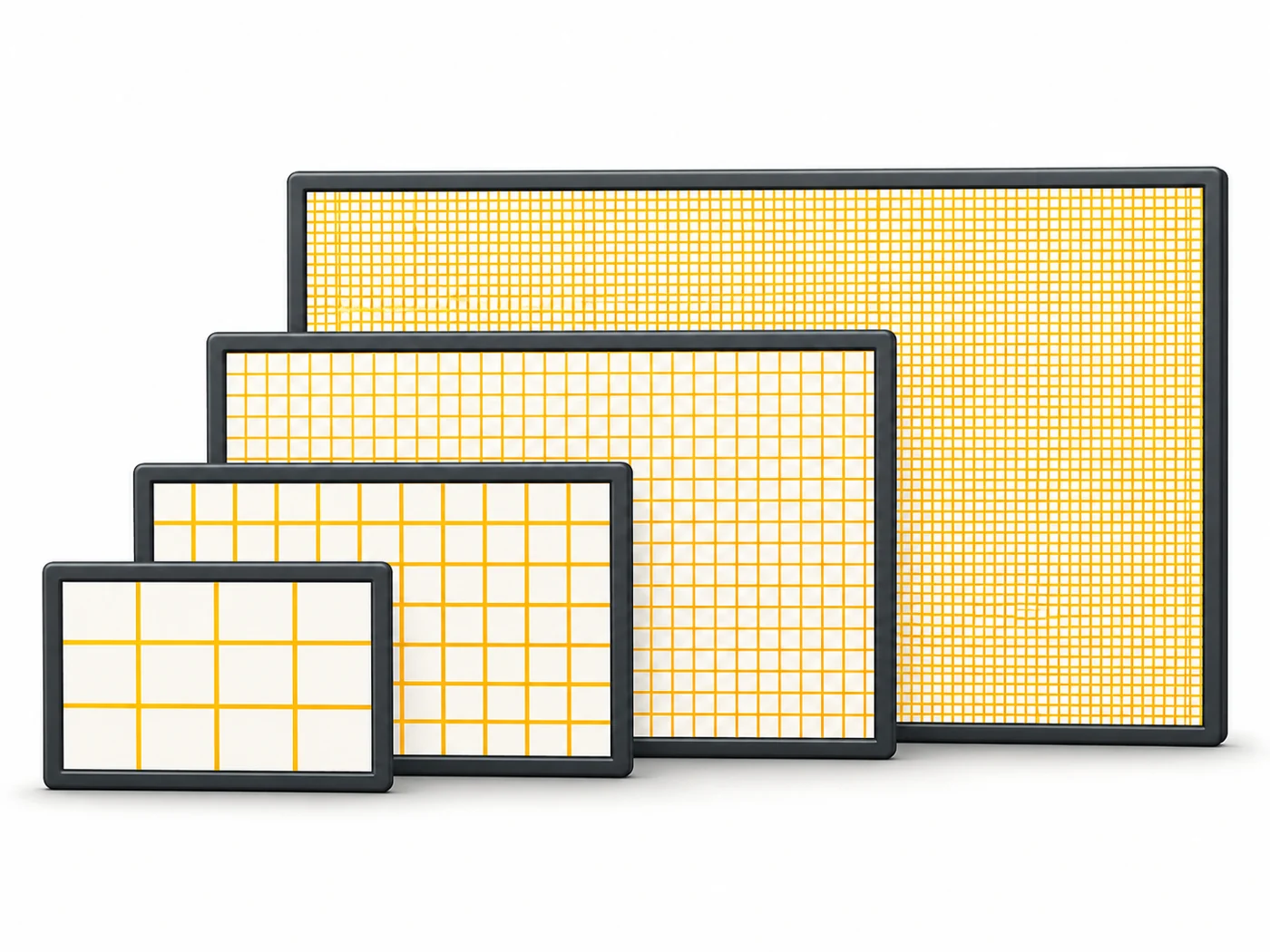
Imagine a picture made of coloured squares, like cross-stitch embroidery. With few stitches you see steps and "squares". With lots of tiny ones the picture is smooth, like a photo. Resolution is the number of stitches across and down.
How it works
- A screen is made of a grid of pixels.
- Resolution describes the size of that grid: width × height.
- Common labels: HD is 1280×720, Full HD 1920×1080, 2K/QHD 2560×1440, 4K 3840×2160.
- Perceived sharpness also depends on screen size - hence pixel density (PPI).
- Higher resolution puts more load on the GPU and can slightly increase power use.
Where you'll see it
In the specs of screens (2400×1080, 2560×1600), cameras (4K and 8K video), monitors and TVs. In our comparisons, the Display row.
Does it matter when buying
For a phone, Full HD+ is enough for a sharp picture. For a tablet of 11 inches or more, 2K is nicer. For a 27-inch monitor, 2K or 4K. Shoot video in 4K if you watch on a big TV or edit.
Myths
- Myth: A phone must have 4K. Reality: On a small screen the difference from Full HD is barely visible.
- Myth: More pixels always means a better picture. Reality: Brightness, contrast and colour matter too.
FAQ
What is Full HD+?
Full HD stretched in height for the tall screens of phones, such as 2400×1080.
How is 2K different from QHD?
In everyday use they are the same - about 2560×1440.
Should I record video in 4K?
Yes, if you have the storage and want quality on a big screen.
Related terms
Pixel density (PPI), Display, Pixel, Screen refresh rate