
Screen refresh rate (Hz): what 60, 120 and 144 Hz mean
Screen refresh rate is how many times per second a display redraws the image. It's measured in hertz (Hz): 60 Hz means 60 frames per second, 120 Hz means 120 frames.
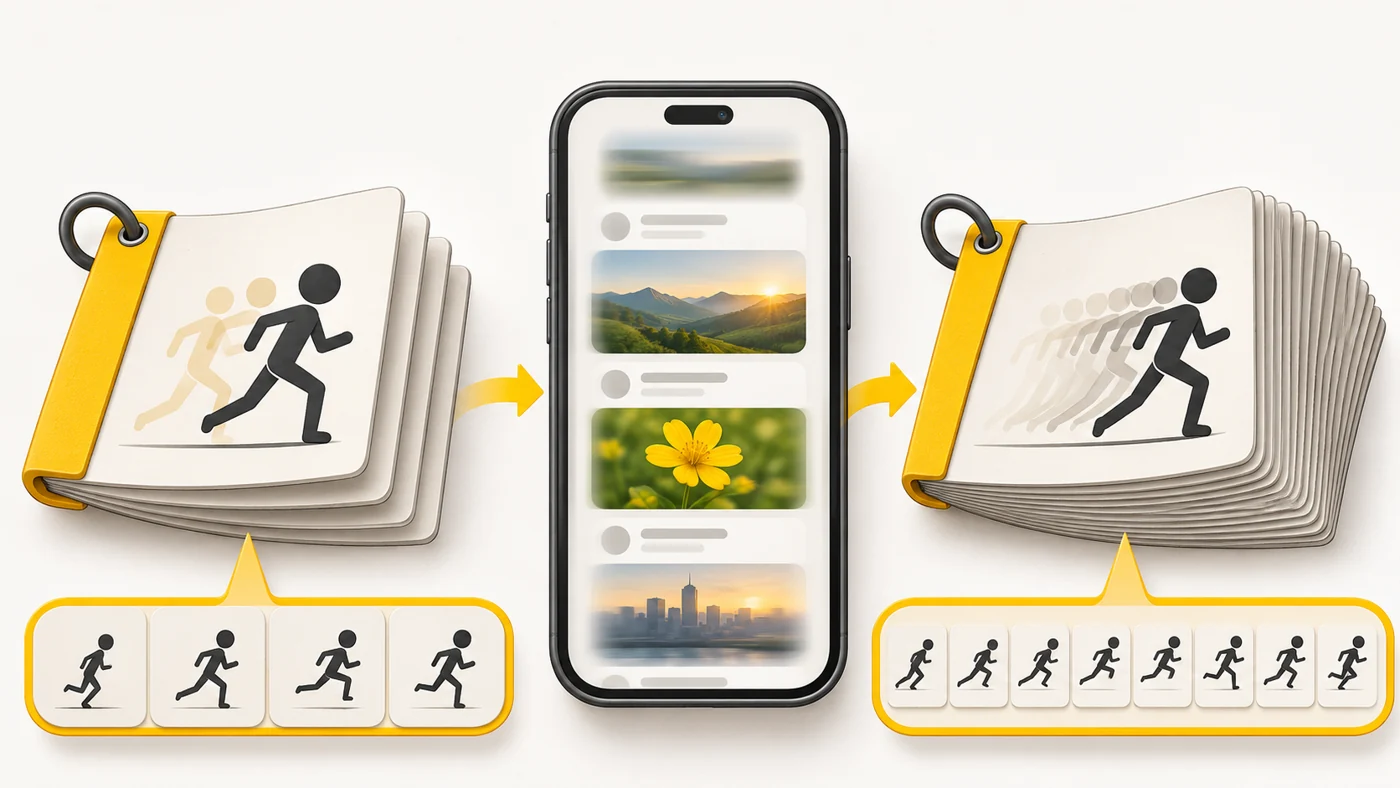
In plain words
Remember drawing a little stick figure in the margins of a notebook and flipping the pages fast so it "comes alive"? The more pages you flip per second, the smoother the motion. A 120 Hz screen "flips" twice as many pages as a 60 Hz one, so scrolling a feed looks butter-smooth.
How it works
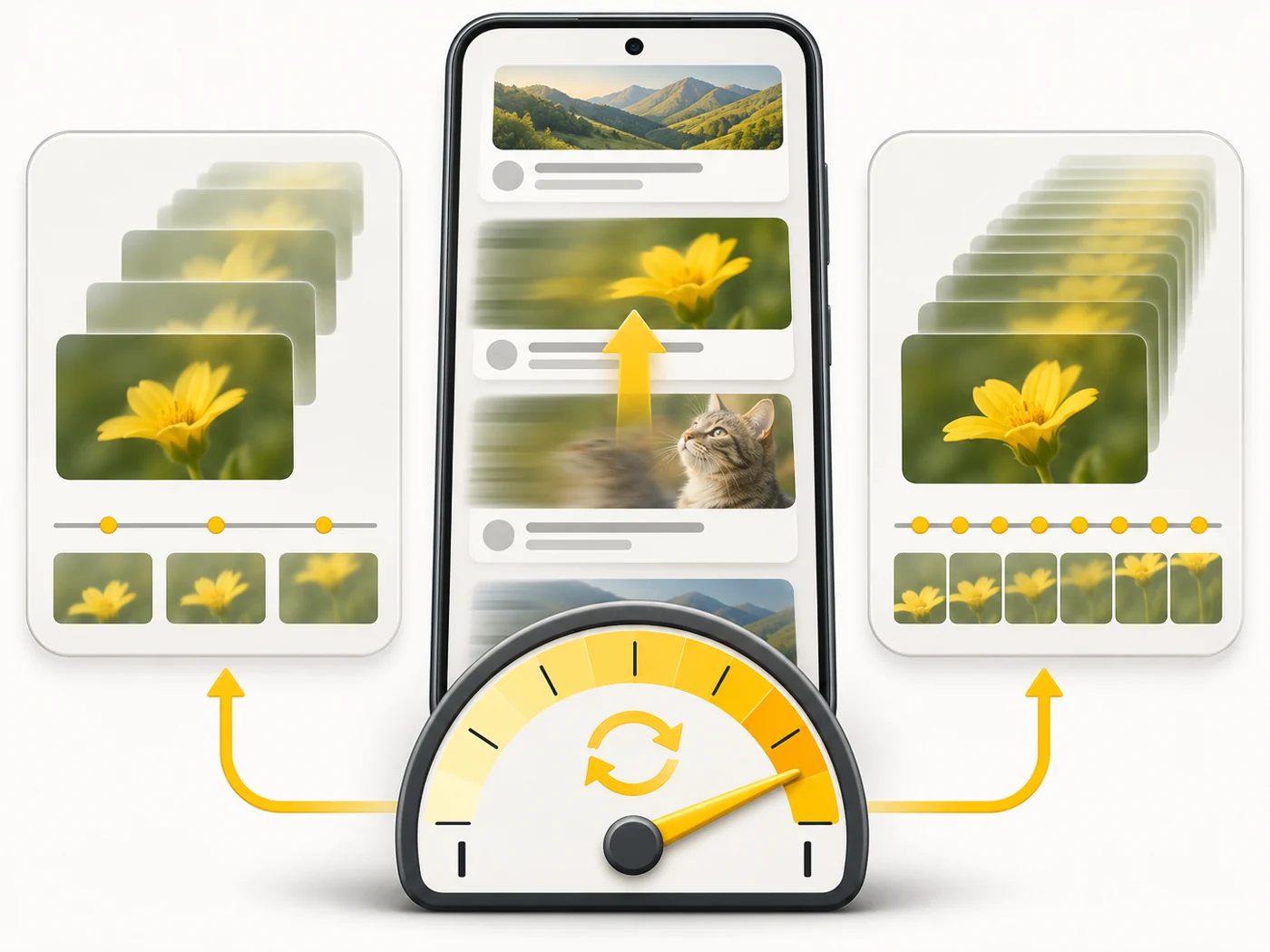
- The screen updates the picture at a set rate - 60, 90, 120, 144 or 165 times per second.
- The higher the rate, the shorter the pause between frames and the smoother the motion.
- For a game or app to look smooth, the phone has to render as many frames - this is where the chip matters.
- Higher rates use more power, so phones lower them when the picture isn't moving.
- LTPO screens can smoothly drop all the way to 1 Hz, for example on the lock screen.
Where you'll see it
Spec sheets list it next to the display: "6.7", AMOLED, 120 Hz". In our comparisons it's in the "Display" row. Smartphones today usually have 90-120 Hz, gaming models and tablets can have 144 and 165 Hz, and e-readers and E Ink watches have very low rates.
Does it matter when buying
In my view, everyone notices the difference between 60 and 90-120 Hz from day one - especially in social media feeds. Between 120 and 144 Hz most people feel no difference, except in fast games that support that rate. High refresh rates do affect the battery, but modern phones compensate well with adaptive refresh.
Myths
- Myth: 120 Hz is the same as 120 FPS in a game. Reality: No. The screen can refresh 120 times while the game only renders 60 frames - then you won't see 120 Hz smoothness.
- Myth: Refresh rate and touch sampling rate are the same thing. Reality: No. The latter is how often the screen checks your finger's touch - it matters for reaction speed in games.
FAQ
Can I switch to 60 Hz manually to save battery?
Yes, most Android phones have this in the display settings.
What is adaptive refresh rate?
The phone changes the hertz by itself: high while scrolling, low when you're reading or looking at photos.
Does 120 Hz matter on a tablet?
Yes, if you draw with a stylus or play games: the line keeps up with your hand and motion looks smoother.
Related terms
LTPO, Touch sampling rate, PWM flicker and DC dimming, Peak brightness (nits), AMOLED