
Pixel: the smallest building block of an image
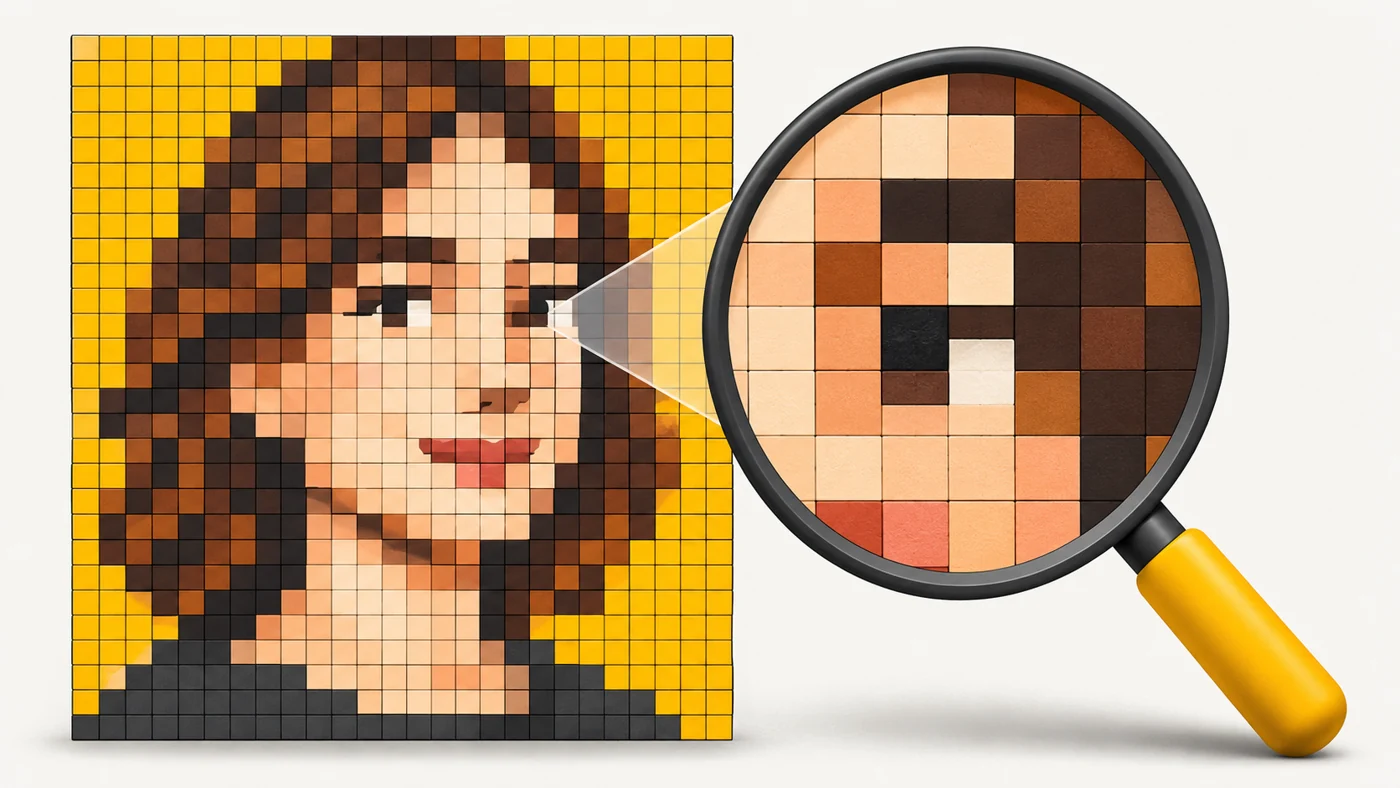
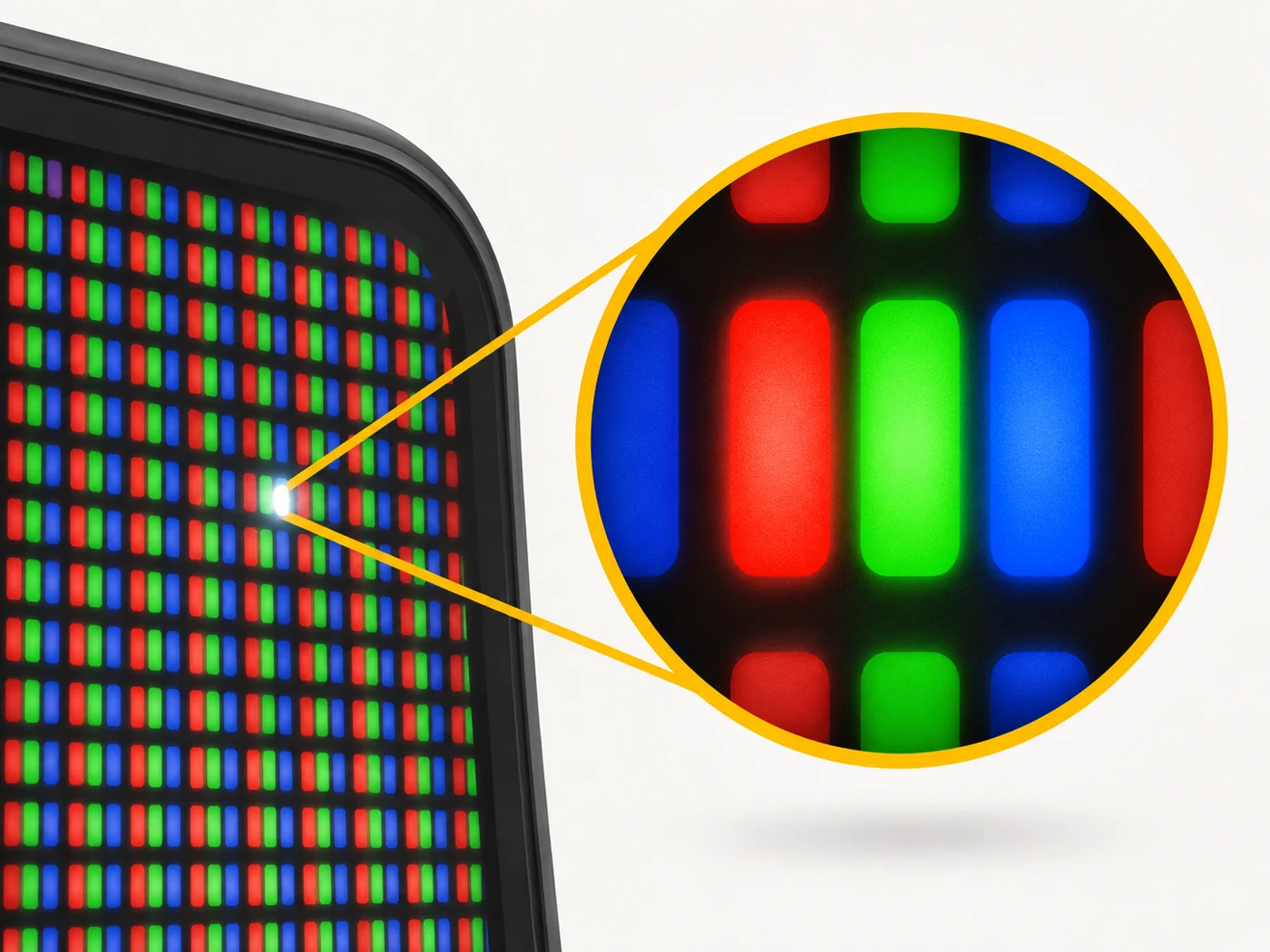
A pixel (from "picture element") is the smallest element of a digital image or screen. On a screen a pixel is made of red, green and blue subpixels; in a camera it is a light-sensitive cell on the sensor.
In plain words
A digital picture is like a mosaic of square tiles. Each tile is a pixel and has only one colour. Step back and the tiles merge into a portrait or a landscape. The smaller and more numerous the tiles, the less you notice the "mosaic".
How it works
- An image is a grid of pixels with coordinates.
- Each screen pixel is made of three subpixels: red, green and blue.
- By mixing their brightness, the screen produces millions of colours.
- In a camera, a sensor pixel catches light and turns it into a signal.
- Camera pixel size is measured in microns (µm): bigger means more light-sensitive.
Where you'll see it
In the specs of screens (resolution, PPI) and cameras (megapixels, pixel size such as "1.6 µm" or "2.4 µm" after binning). Also in graphics, games and web design.
Does it matter when buying
It is worth knowing that megapixels are not everything. A camera with fewer but larger pixels often shoots better at night. And on a screen, pixel density matters: above 400 PPI you can no longer make out individual pixels on a phone.
Myths
- Myth: More pixels are always better. Reality: Pixel size and processing matter too.
- Myth: A pixel is always a square. Reality: Subpixels can have different shapes and layouts.
FAQ
What is a megapixel?
A million pixels.
What is a "dead pixel"?
A pixel that does not light up or shows the wrong colour.
Why are camera pixels measured in microns?
Because they are tiny - thousandths of a millimetre.