
Pixel density (PPI): when a screen looks sharp
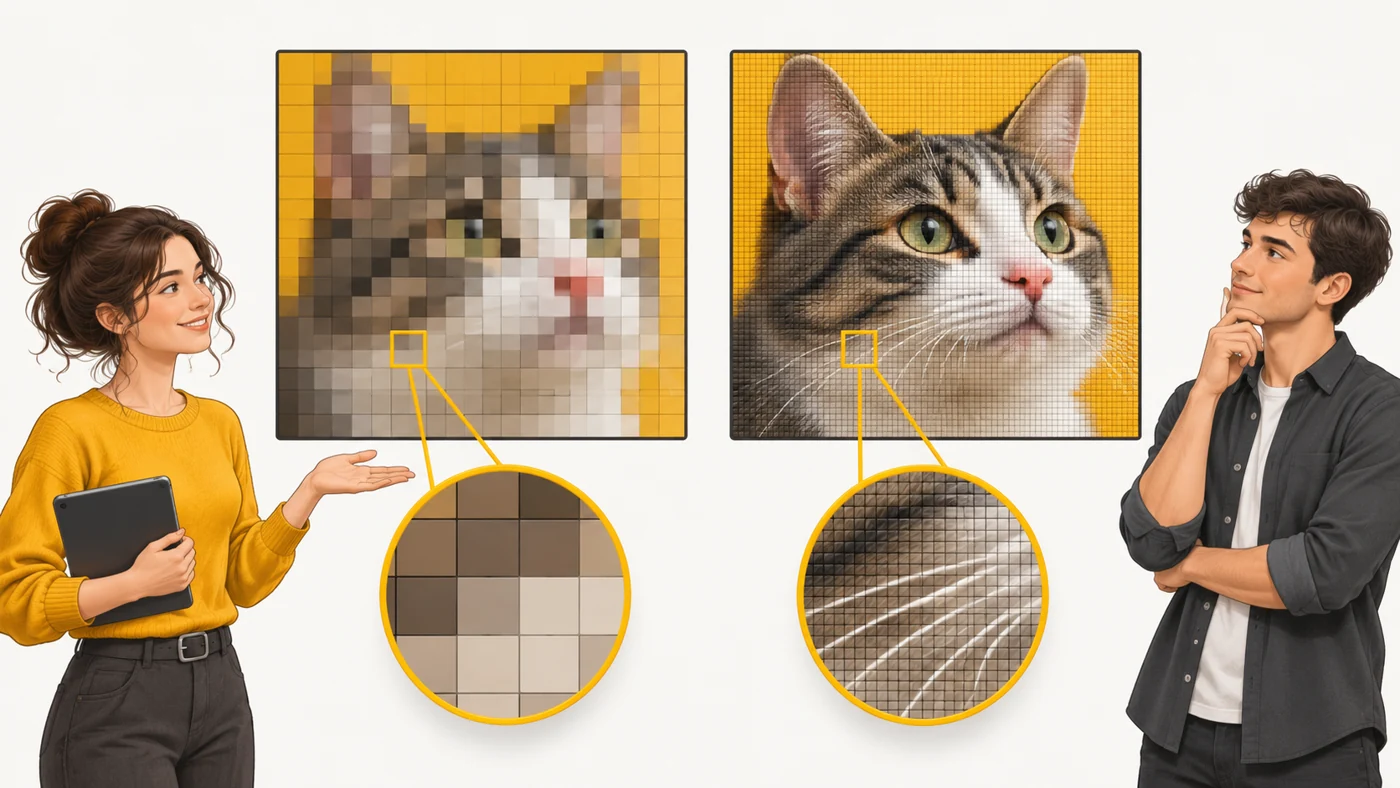
PPI (pixels per inch) is the number of pixels that fit into one inch of screen (2.54 cm). The higher the density, the smaller the pixels and the sharper the text and images.
In plain words
Imagine a tile mosaic. With big tiles you see the squares; with tiny ones it looks almost like a photo. Resolution tells you how many tiles there are in total; PPI tells you how small they are. That is why Full HD looks very sharp on a phone, while the same Full HD on a big TV looks "grainy" up close.
How it works
- Take the screen resolution, for example 2400×1080.
- Calculate the number of pixels along the diagonal.
- Divide by the diagonal in inches - that gives PPI.
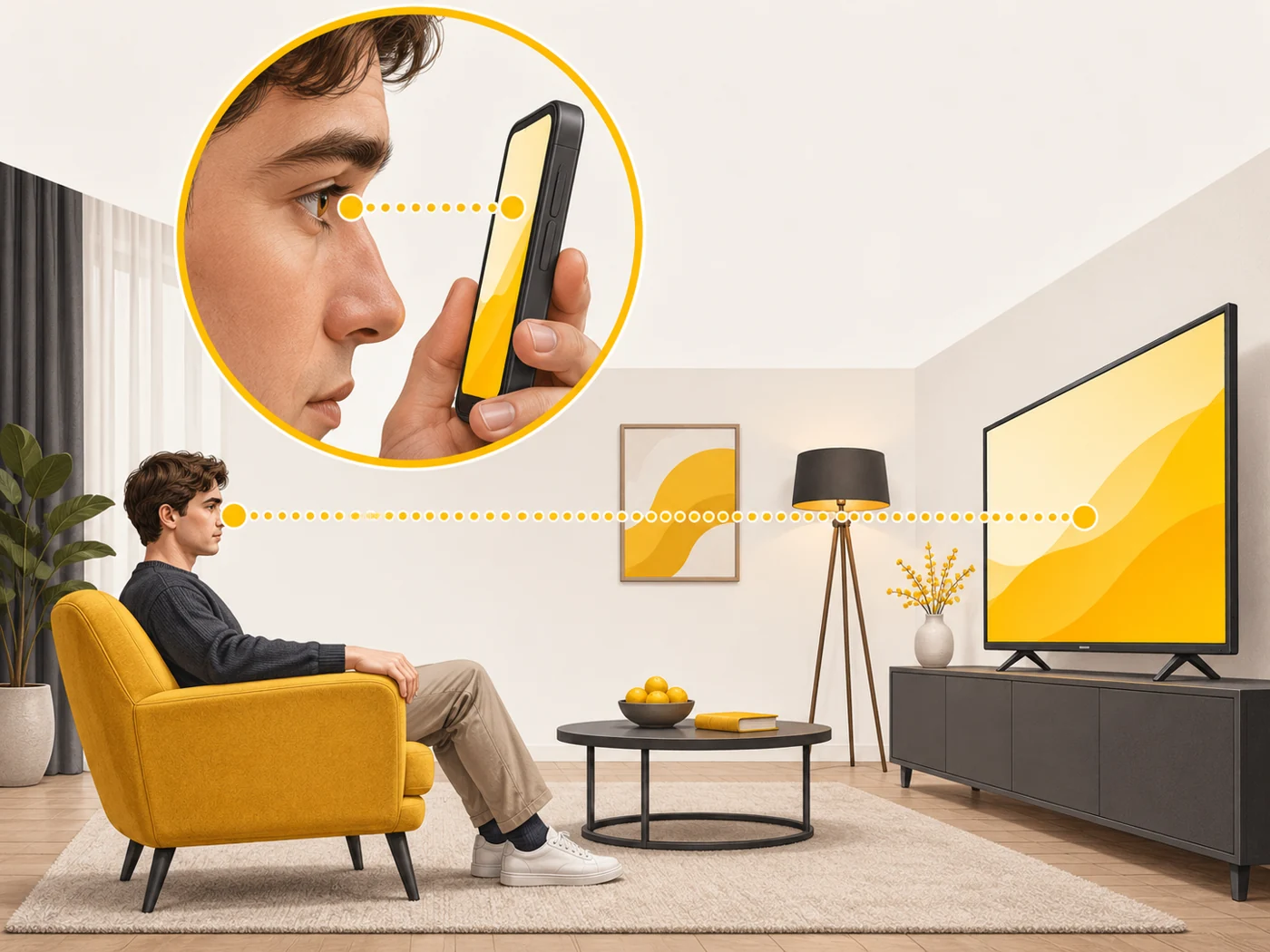
- Smartphones, held close to the eyes, need high density.
- TVs, watched from a distance, can have lower density.
Where you'll see it
In the screen specs of smartphones, tablets, watches and monitors. Modern smartphones have 400-500 PPI, tablets 250-350, laptops 150-250 and monitors 100-180.
Does it matter when buying
On a smartphone, from roughly 400 PPI text looks perfectly sharp; beyond that, few people see a difference. On a tablet you draw or read on, higher density is nice too. For a monitor, what matters more is the combination of size and resolution with how far away you sit.
Myths
- Myth: More PPI is always noticeably better. Reality: Past a certain point your eyes cannot see the difference, and the battery drains faster.
- Myth: 4K is equally sharp on any screen. Reality: On a big screen the same pixels are larger, so density is lower.
FAQ
How do I calculate PPI?
The square root of the sum of the squared resolution sides, divided by the diagonal in inches.
What is "Retina"?
Apple's marketing name for screens where pixels are invisible at a typical viewing distance.
Does PPI affect the battery?
High resolution puts more load on the GPU, so it can slightly increase power use.
Related terms
Resolution, Colour gamut (DCI-P3, sRGB), Screen refresh rate