
Firmware: what it is and why you should update your devices
Firmware is software built into a device that controls how it works. On a phone, the whole system is often called firmware; on routers, earbuds, watches and TVs it is the device's internal program.
In plain words
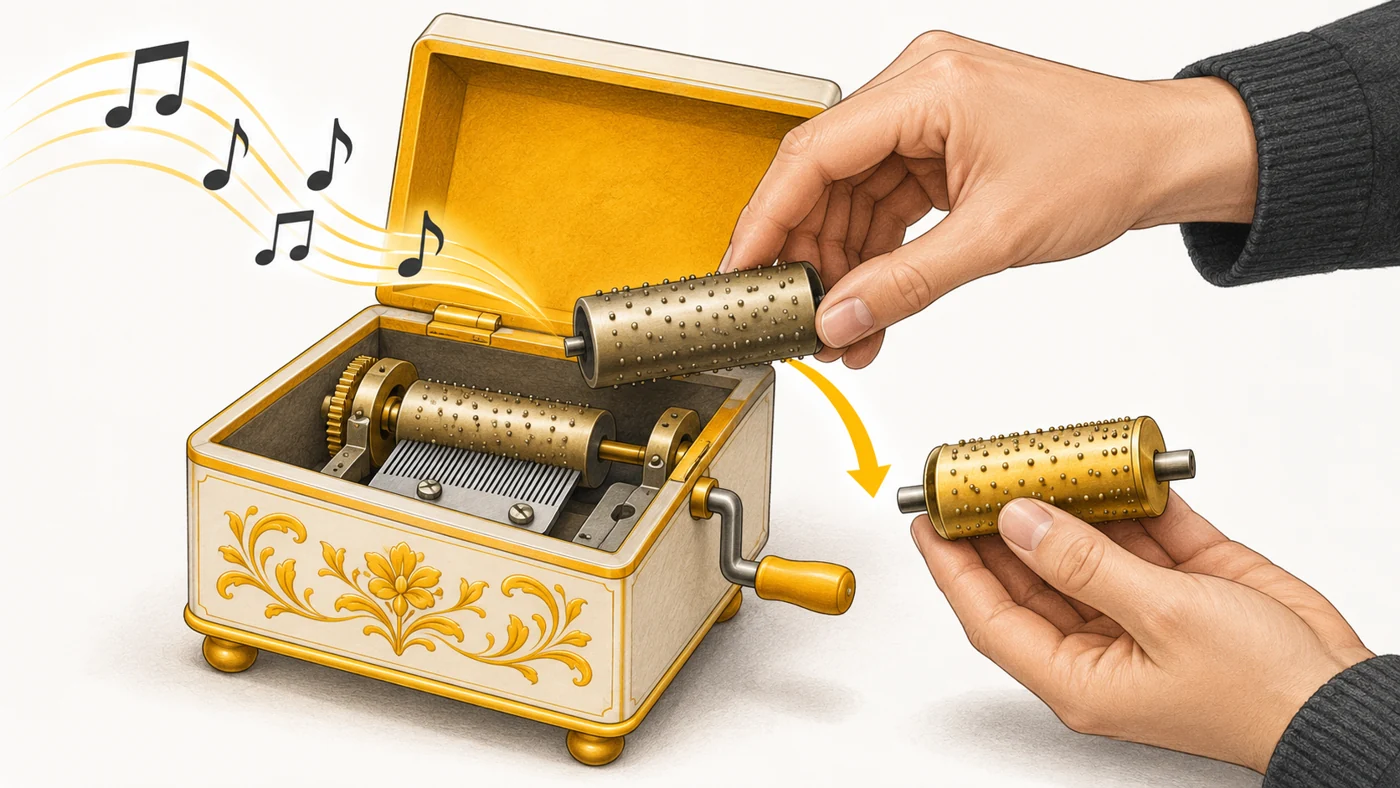
A device is like a music box, and the firmware is the spiked cylinder that decides which tune it plays. A new cylinder means a new tune: bugs fixed, new features, better sound. A homemade cylinder (custom firmware) might play something interesting - or break the box.
How it works
- Firmware is stored in the device's flash memory.
- It starts when the device is switched on and controls the hardware.
- The manufacturer releases updates with fixes and features.
- Updates arrive "over the air" (OTA) or via an app or computer.
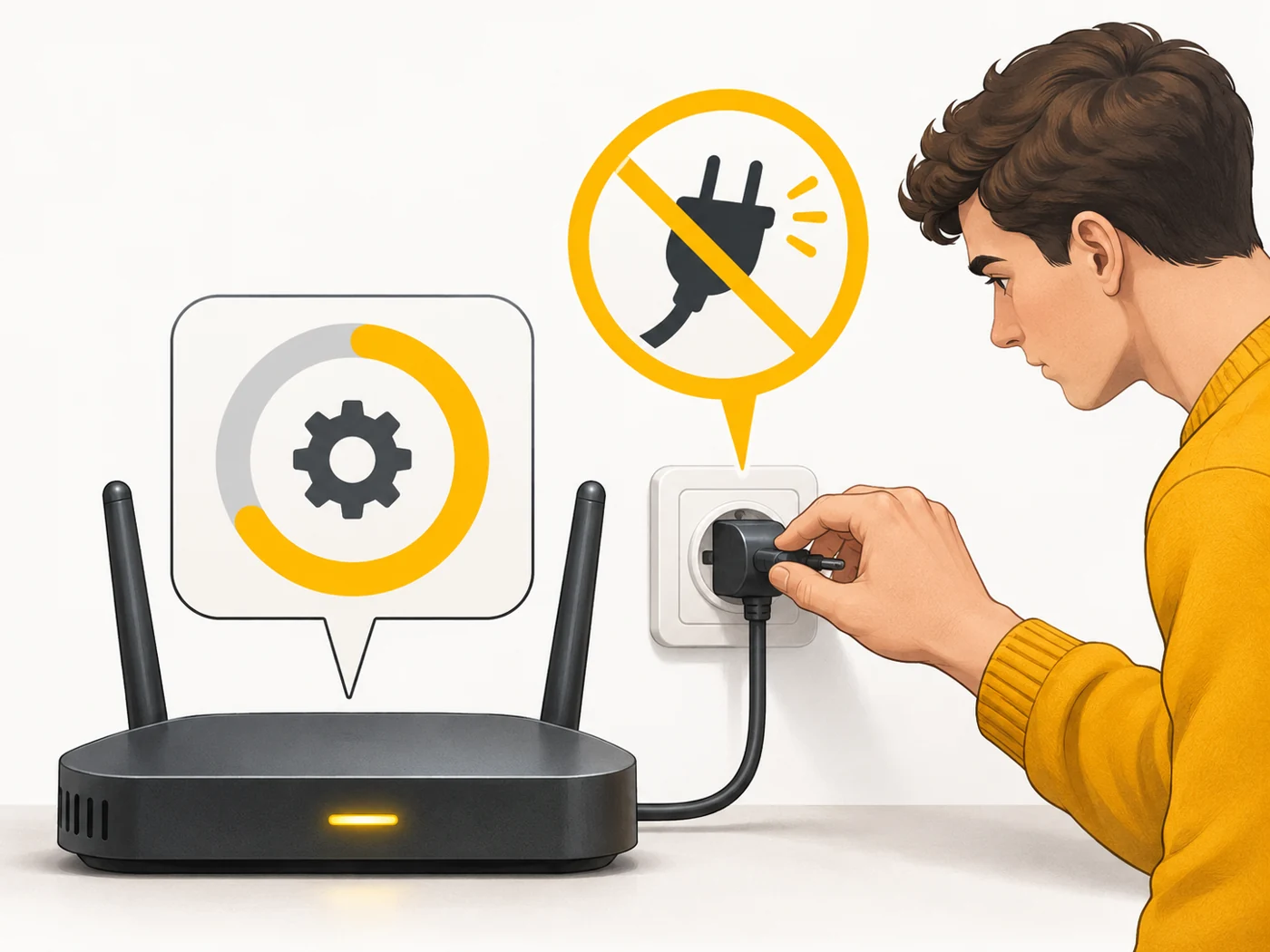
- You must not cut the power during an update, or the device may be bricked.
Where you'll see it
On phones: Settings - System update. On routers: the web interface or app. On earbuds and watches: the companion apps (Galaxy Wearable, Garmin Connect, Sony Headphones). On TVs: the "Software update" section.
Does it matter when buying
Yes - firmware updates close security holes, especially on routers. I recommend turning on automatic updates wherever you can and updating your router at least every few months. Before updating a phone, make sure it has at least 50% charge and a backup.
Myths
- Myth: Updates always make a device worse. Reality: Most of the time they fix bugs and vulnerabilities.
- Myth: Custom firmware is safe. Reality: It can void your warranty, weaken security and break banking apps.
FAQ
What is an OTA update?
An "over-the-air" update - delivered over the internet without a cable.
What if an update stalls?
Do not switch the device off; wait, and if it fails, contact a service centre.
How do I update my router's firmware?
In its web interface or app, under "Update" or "Firmware".
Related terms
Software update policy, Bootloader unlock and root, Operating system, WPA3