
WPA3: modern security for your home Wi-Fi network
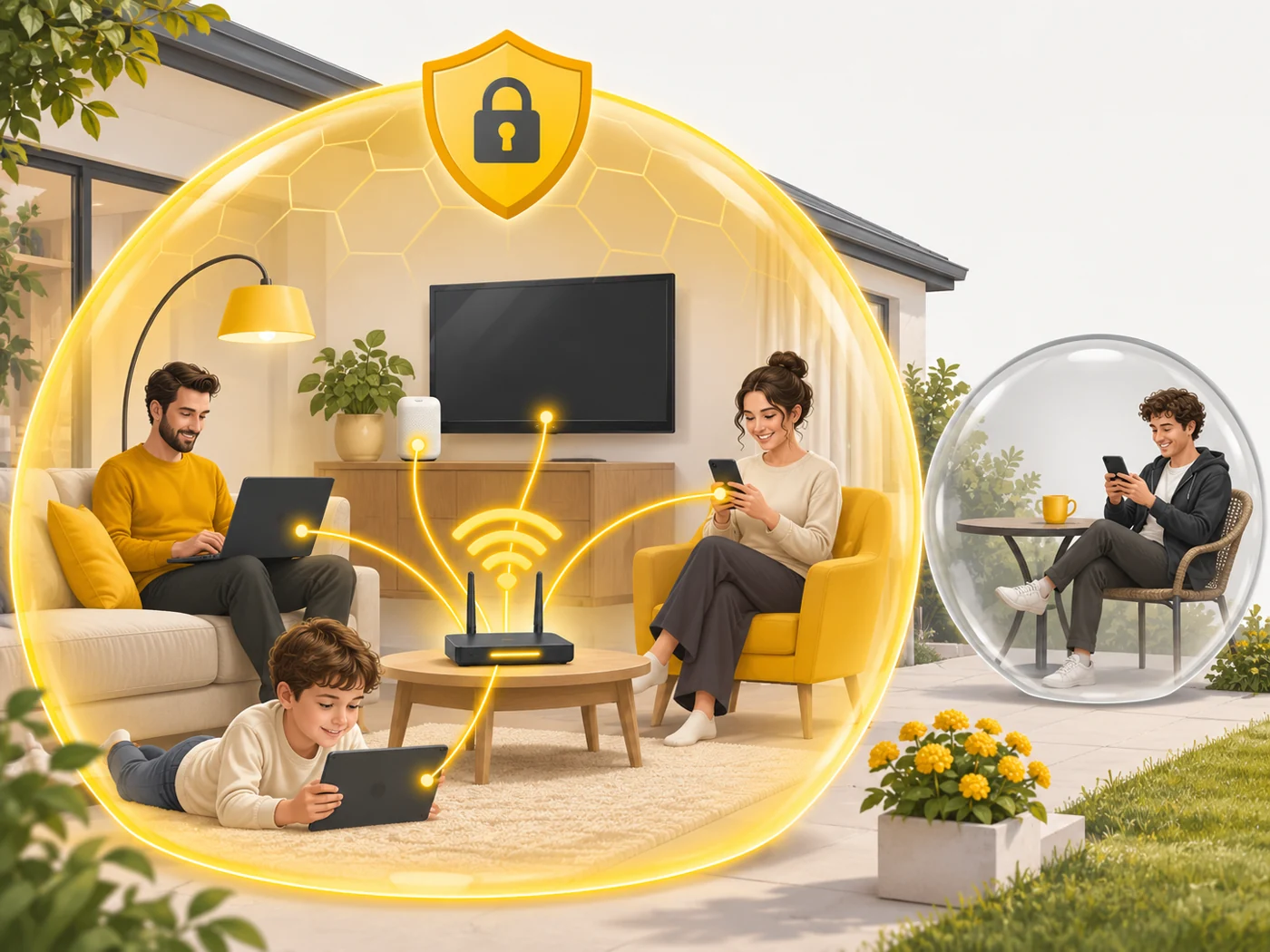
WPA3 (Wi-Fi Protected Access 3) is the modern security standard for Wi-Fi networks. It encrypts data between devices and the router and makes guessing the password much harder, even if it is not very complex.
In plain words
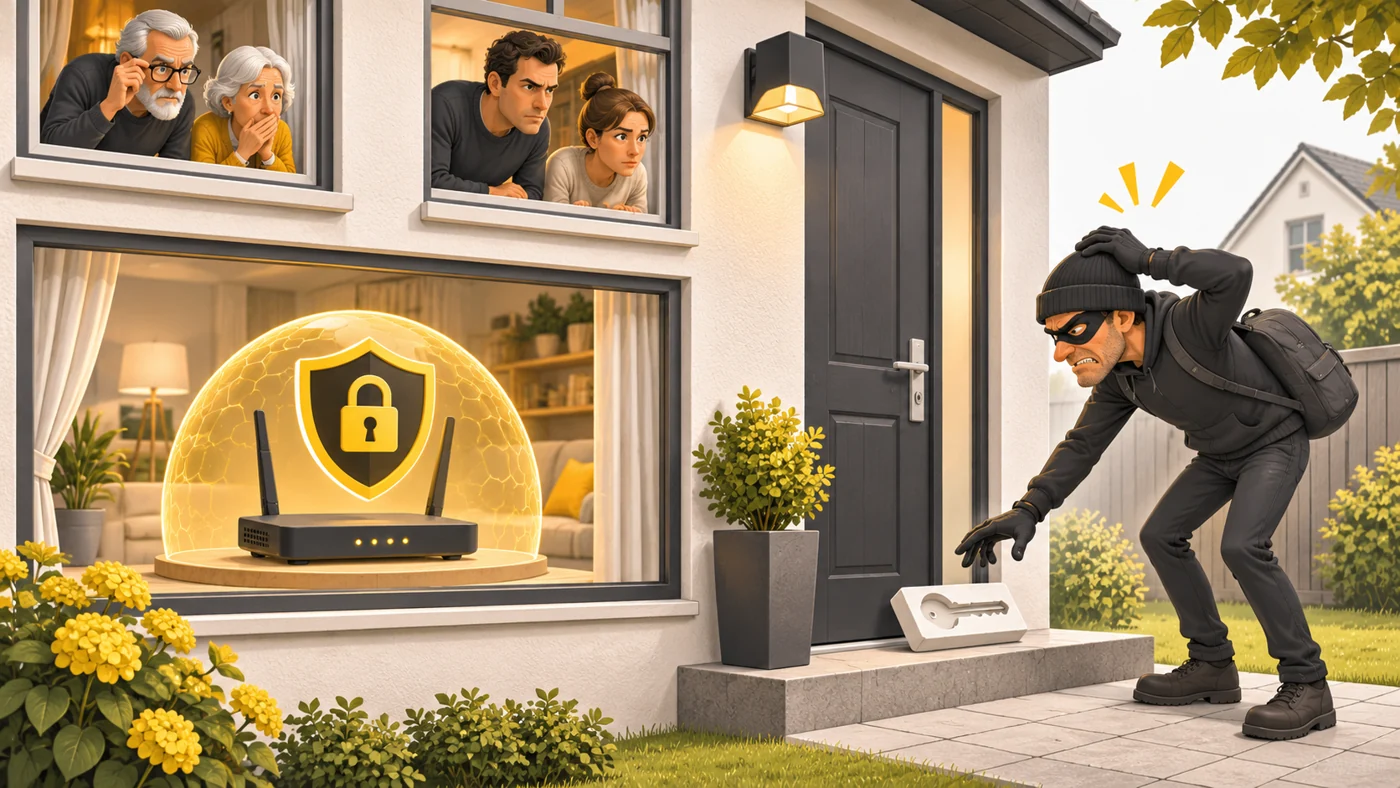
WPA2 is like a lock a burglar can take an impression of and then try millions of keys on at home, at leisure. WPA3 is like a lock where every attempt has to happen right at the door, in full view of the neighbours. Trying millions of combinations becomes impossible. But a very simple password like "12345678" is still a bad idea.
How it works
- When connecting, the device and router perform a "handshake".
- WPA3 uses the SAE method, which resists offline password guessing.
- Each session gets its own encryption keys.
- Even if the password leaks one day, previously intercepted data cannot be decrypted.
- On open networks (cafés), WPA3 can encrypt traffic without a password (Enhanced Open).
Where you'll see it
WPA3 is supported by Wi-Fi 6 and 7 routers and many Wi-Fi 5 ones, as well as modern phones, laptops and tablets. In the router settings, look for Security: WPA2-PSK, WPA3-SAE or a mixed WPA2/WPA3 mode.
Does it matter when buying
Yes. I recommend turning on WPA3, or the mixed WPA2/WPA3 mode if you have older devices at home. Add a strong password and updated router firmware. For guests, it is better to create a separate guest network.
Myths
- Myth: With WPA3 you can use a simple password. Reality: It resists guessing better, but a simple password can still be guessed by hand.
- Myth: Mixed mode is as secure as pure WPA3. Reality: Older devices connect via WPA2, so for them the network is protected at the WPA2 level.
FAQ
Why do some devices not connect after I turn on WPA3?
They are old and do not support WPA3 - switch to mixed mode.
Does WPA3 protect me from hackers on the internet?
No, it protects the Wi-Fi connection in your home.
What is a guest network?
A separate network for visitors with no access to your home devices.