
Google: the company behind Android, Search and Gemini
Google is an American tech company (part of the Alphabet holding) that develops a search engine, the Android operating system, the Chrome browser, Gmail, YouTube, Google Maps, cloud services and the Gemini AI models. It also makes Pixel phones.
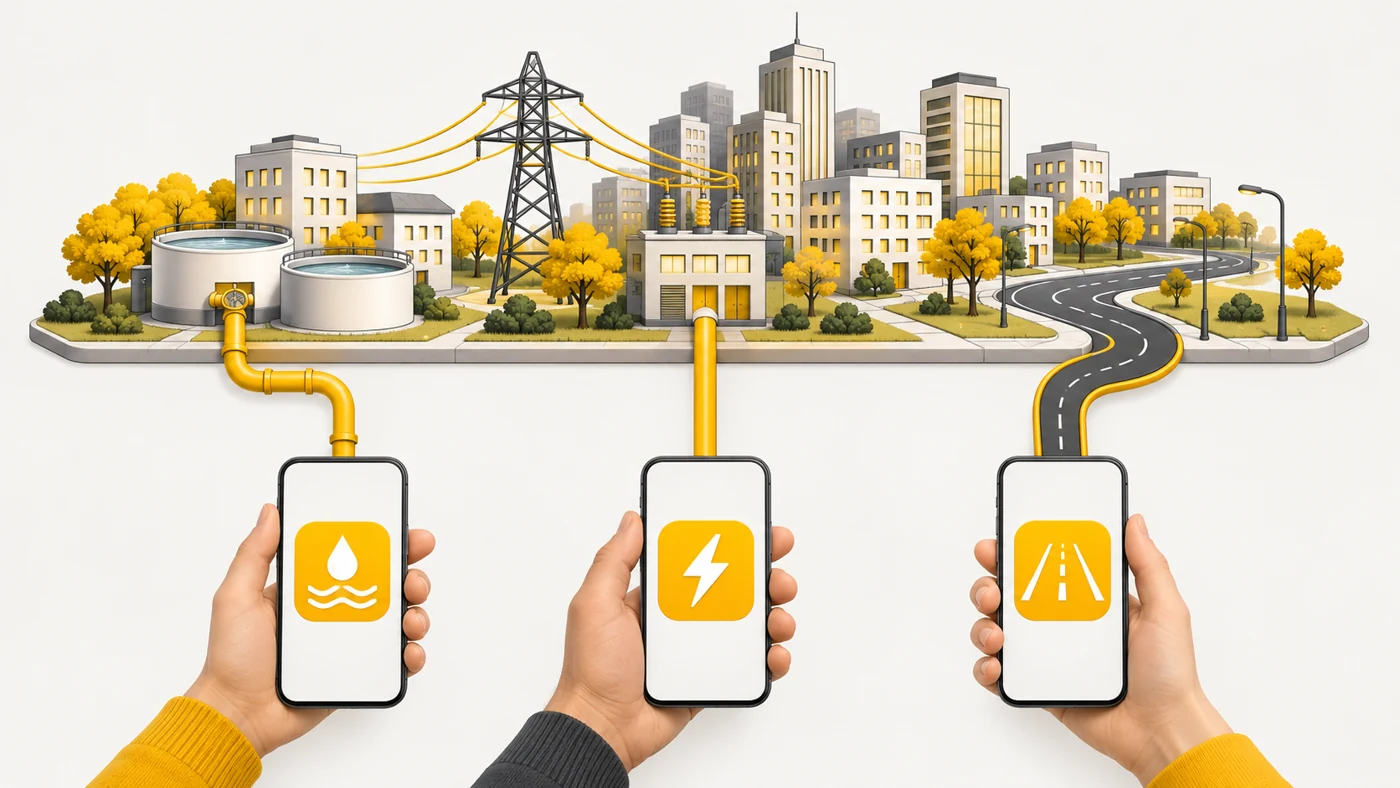
In plain words
For an Android phone, Google is like the city services that provide water, power and roads: search, the app store, maps and email. You can live without them, but most people are used to exactly these "utilities". The price is part of your data, which is how you pay for things being free.
How it works
- Google Play is the main app store for Android.
- Your Google account syncs contacts, photos, passwords and settings.
- Google Mobile Services are licensed to phone manufacturers.
- Gemini is an assistant built on Google's AI models.
- Advertising is the company's main source of income.
Where you'll see it
On almost every Android phone, in browsers, on smart TVs, Wear OS watches and in cars with Android Auto. Account settings are at myaccount.google.com.
Does it matter when buying
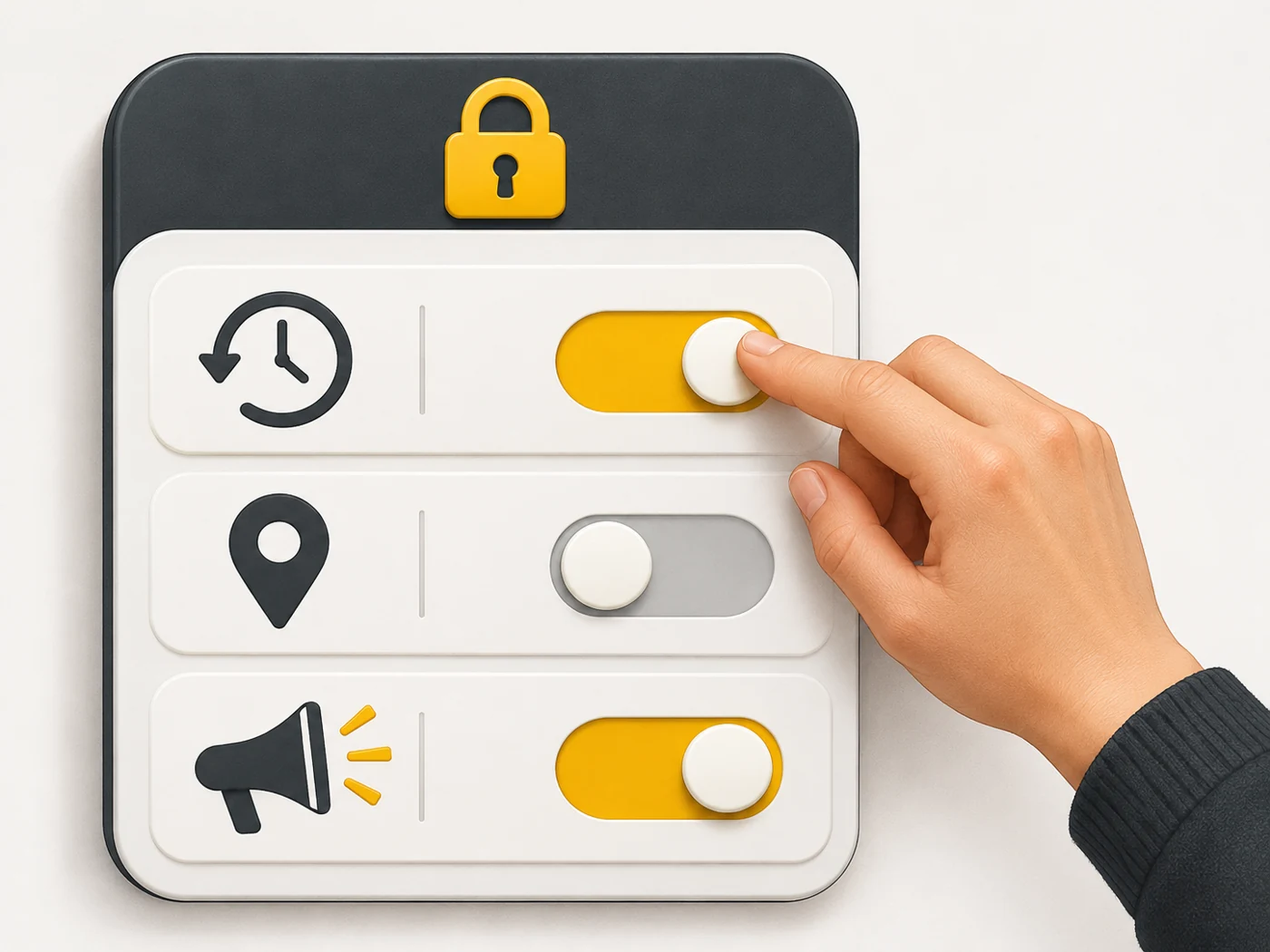
If you have an Android phone, a Google account is practically essential. My tips: turn on 2FA or passkeys, review your activity and ad settings, and turn on photo backup. Phones without Google services (such as newer Huawei models) have app limitations.
Myths
- Myth: Google reads all my emails by hand. Reality: Data is processed automatically; privacy settings let you limit personalisation.
- Myth: Android does not work without Google. Reality: It does, but without Google Play and a number of services.
FAQ
How do I secure my Google account?
Passkeys or 2FA, a strong password and a Security Checkup.
What are Google Mobile Services?
A set of Google apps and services for Android phones.
How do I delete my search history?
Under "Data & privacy" in your Google account.