
IMEI: what this number is and how to check it
IMEI (International Mobile Equipment Identity) is a unique 15-digit identifier for a mobile device: a phone, a tablet with a SIM, a modem or a watch with eSIM. A phone with two SIMs has two IMEIs.
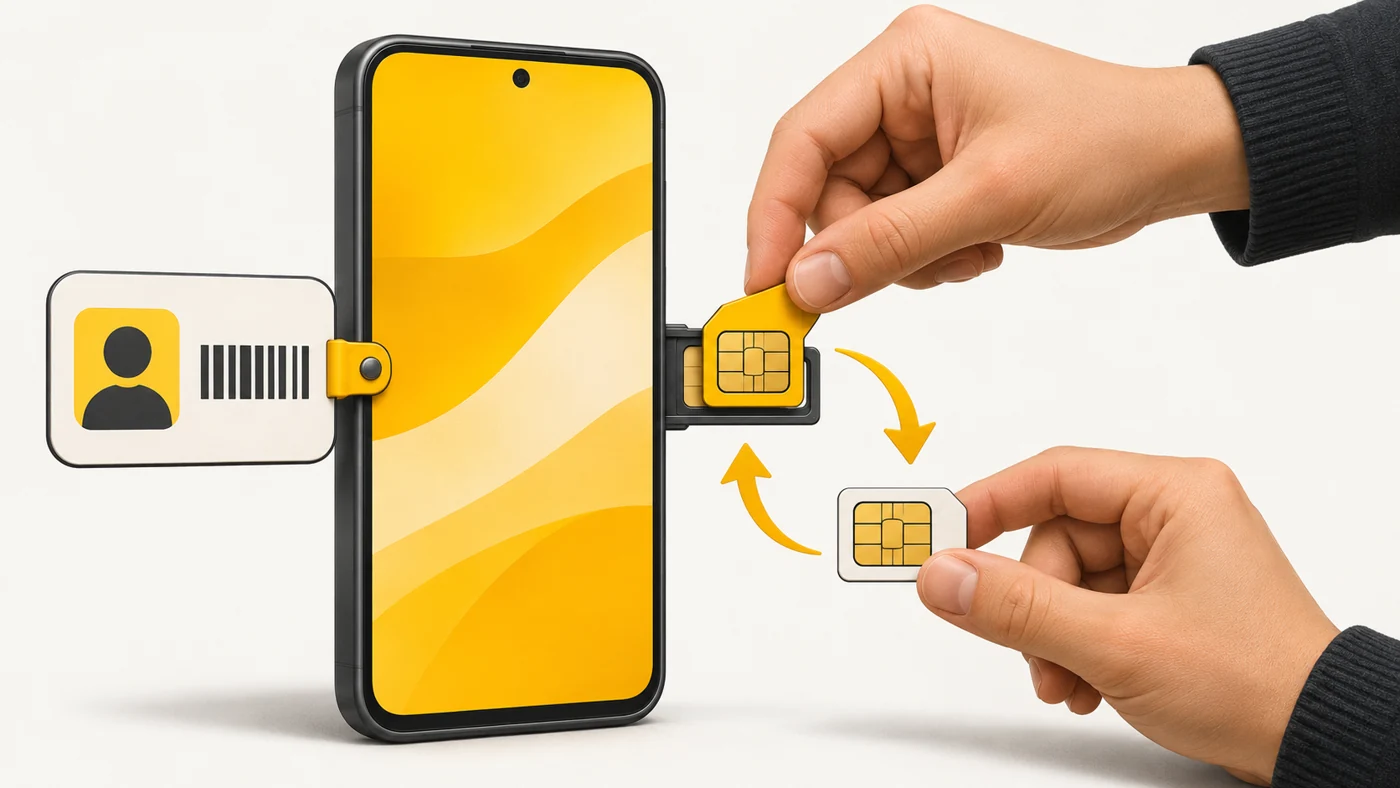
In plain words
Your phone number is like your name, which you can change by switching SIM cards. The IMEI is like the ID number in the phone's own passport: it is built into the device and never changes, however many SIM cards you swap.
How it works
- The manufacturer assigns each device a unique IMEI.
- The phone reports it to the operator's network when connecting.
- Operators and police can use the IMEI to block stolen phones.
- The IMEI is printed on the box, shown in settings and, on some models, under the SIM tray.
- Changing an IMEI is illegal in most countries.
Where you'll see it
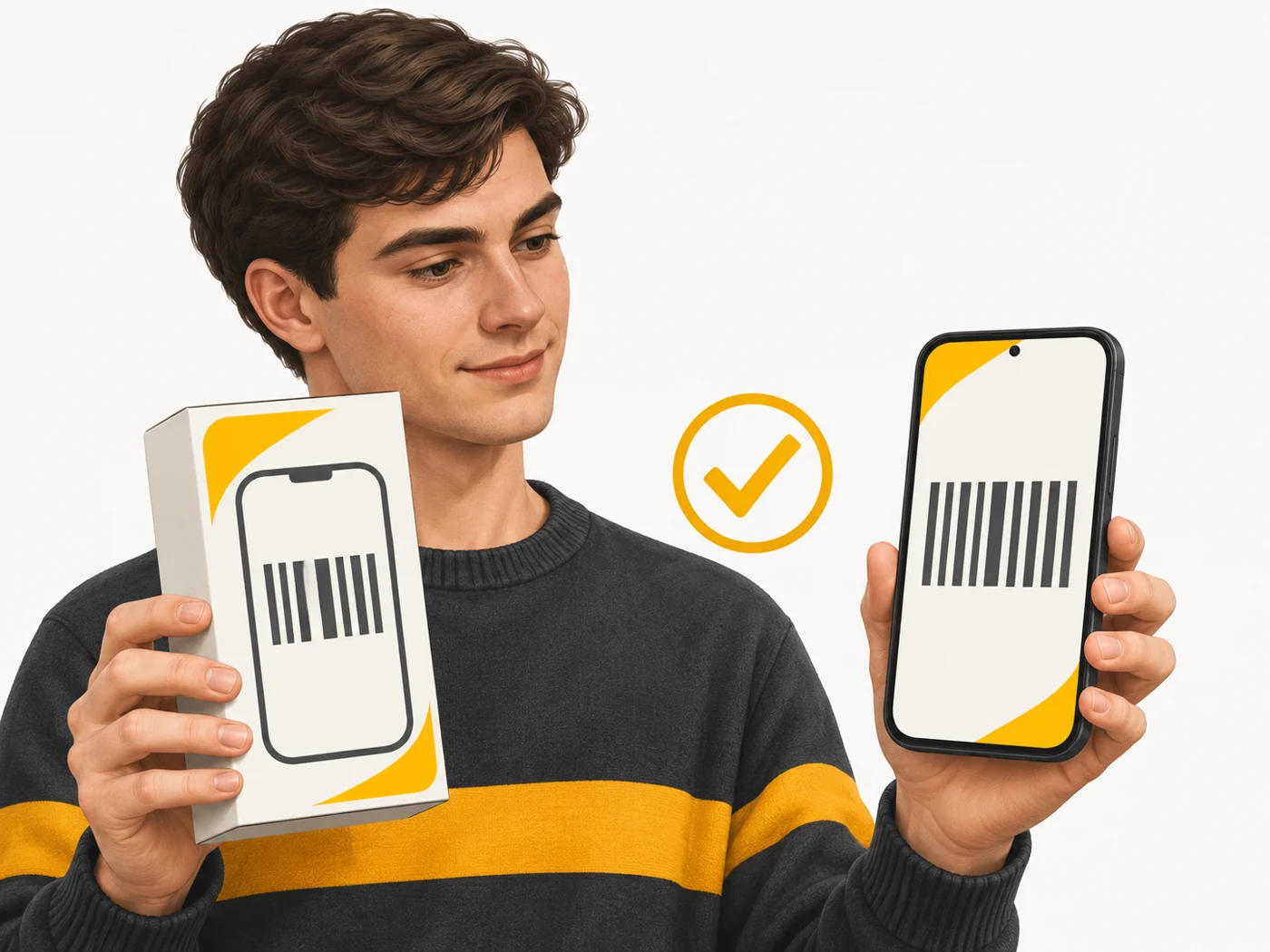
To find your IMEI, dial *#06# and the number appears on the screen. It is also in Settings - About phone, on the box and in the paperwork. These numbers should match.
Does it matter when buying
A lot - when buying a used phone. Check that the IMEI in settings matches the box and, if possible, check it against stolen device databases. And write down your own IMEI in advance: if your phone is stolen, you will need it for the police report.
Myths
- Myth: An IMEI can be used to track a person in real time. Reality: Not by ordinary people - only operators and law enforcement have such data.
- Myth: A factory reset changes the IMEI. Reality: No, the IMEI stays the same.
FAQ
How do I find my IMEI?
Dial *#06# or look in Settings - About phone.
Why does my phone have two IMEIs?
Because it has two modem slots for two SIMs.
What should I do if my phone is stolen?
Lock it with Find My Device, block the SIM with your operator and report it to the police with the IMEI.