
MMS and RCS: from picture messages to modern chat in your texts
MMS (Multimedia Messaging Service) is the standard for messages with photos, audio and video over the mobile network, popular in the 2000s. RCS (Rich Communication Services) is its modern replacement: chat features in your ordinary messaging app - high-quality photos, typing indicators, read receipts and group chats.
In plain words
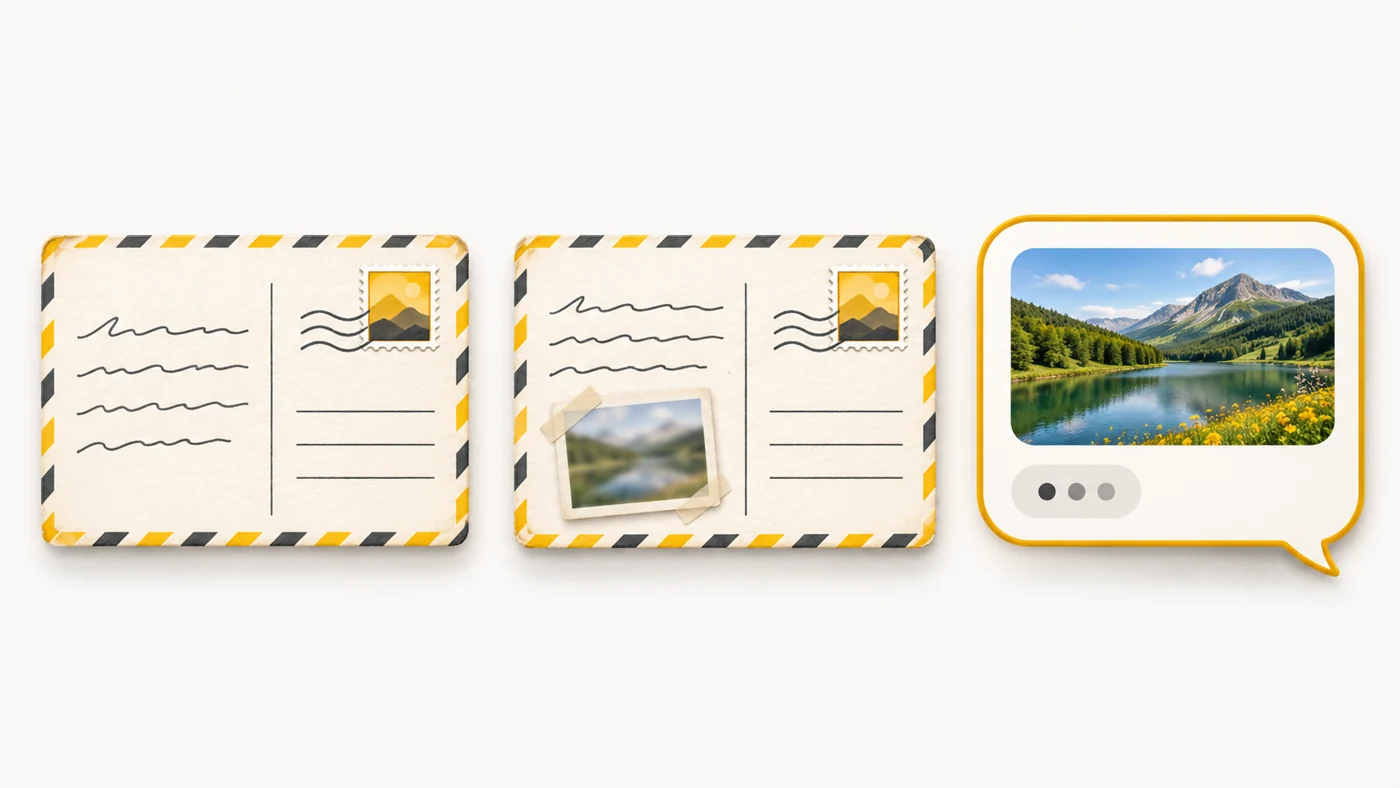
A text message is like a postcard with a short note. MMS is like a postcard with a tiny photo glued on that is hard to make out. RCS is like a modern messaging app built into your Messages: good-quality photos, you can see your friend typing, and it all goes over the internet.
How it works
- MMS sends messages through the operator's network with a size limit.
- Photos in MMS are heavily compressed, and sending often costs extra.
- RCS works over mobile data or Wi-Fi.
- RCS supports large files, group chats and read receipts.
- If RCS is unavailable, the message is sent as an ordinary SMS/MMS.
Where you'll see it
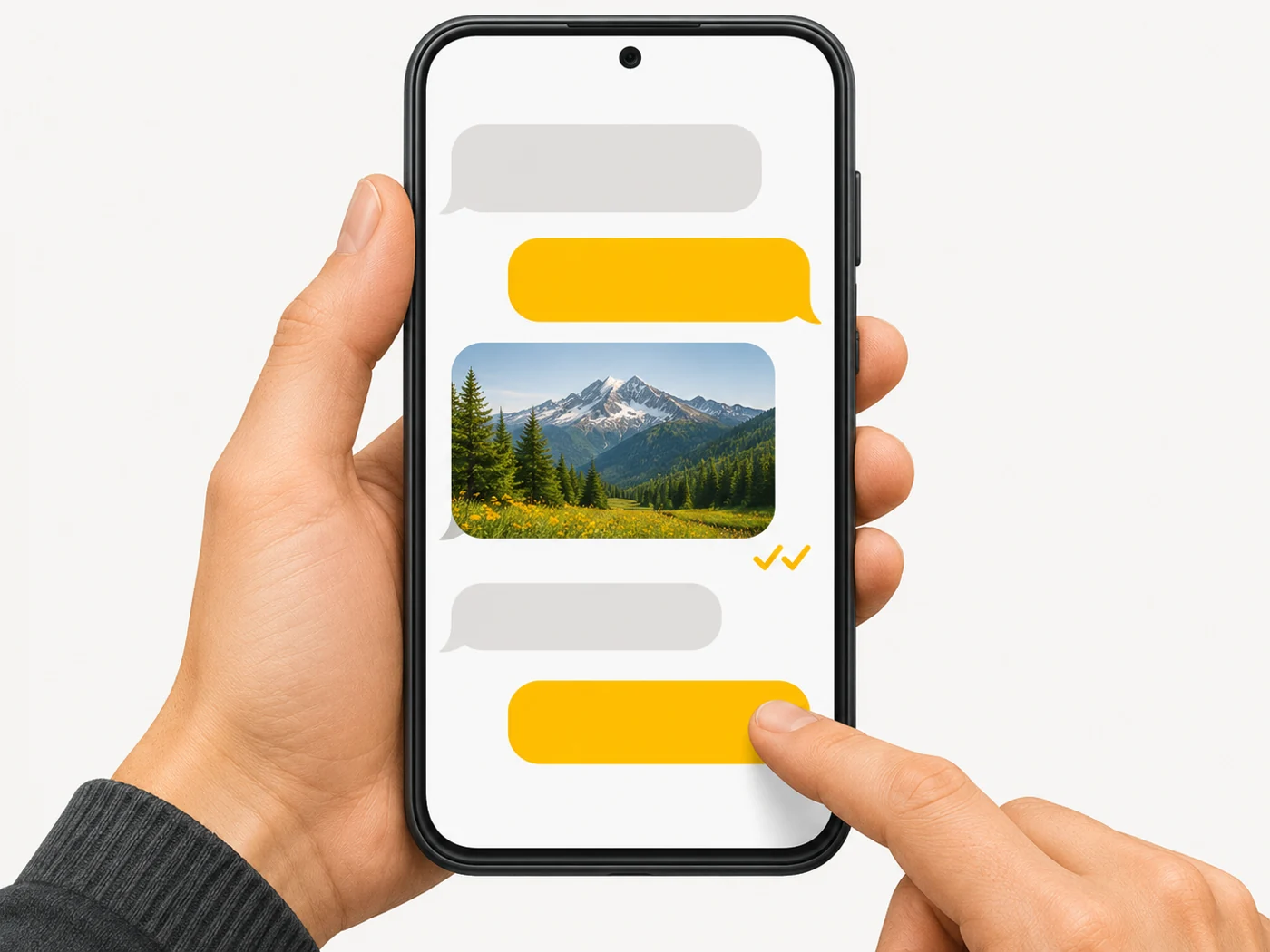
RCS works in Google Messages on Android and in the iPhone Messages app from iOS 18. In settings it is called "Chat features" or "RCS". Availability depends on your operator and country. Phones still support MMS, but hardly anyone uses it.
Does it matter when buying
For most people, messaging apps have replaced both MMS and SMS. But RCS is handy for talking to people who do not use those apps, without installing anything. I would not use MMS - it is expensive and compresses photos.
Myths
- Myth: RCS is the same as SMS. Reality: RCS is chat over the internet with messaging-app features.
- Myth: MMS is free. Reality: It is often charged separately.
FAQ
How do I turn on RCS?
In Google Messages: Settings - Chat features; on iPhone: Settings - Messages - RCS.
Is RCS encrypted?
Between compatible Android devices in Google Messages, yes, end to end; in other cases it depends on the implementation.
Does RCS need internet?
Yes, otherwise the message goes as SMS.