
OFDMA: how Wi-Fi 6 serves many devices at once
OFDMA (Orthogonal Frequency-Division Multiple Access) is a Wi-Fi 6 and 7 technology that splits one channel into many small sub-channels, letting the router send small chunks of data to different devices at the same time.
In plain words
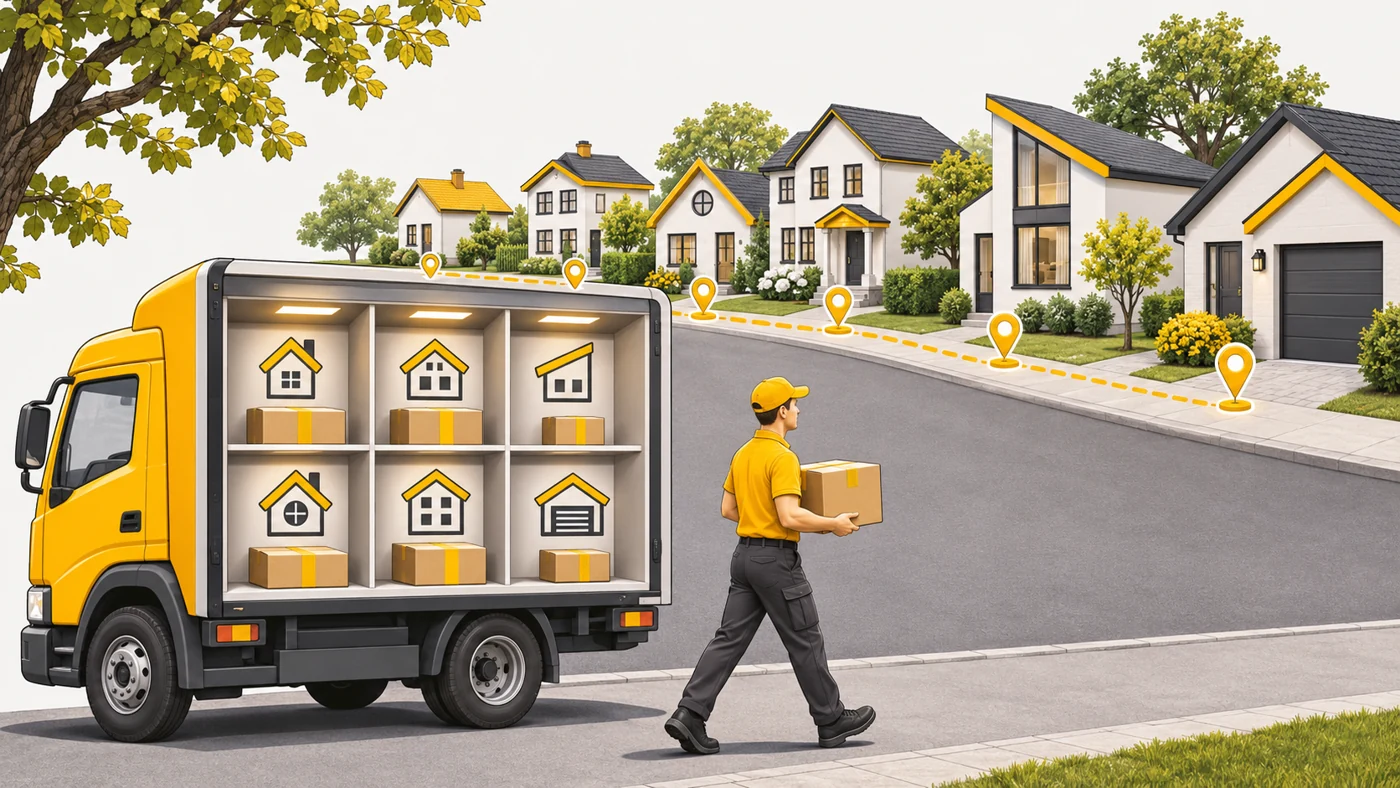
Imagine a courier with a big van. In the past, they carried one small parcel per trip - the van drove almost empty. With OFDMA they load parcels for five addresses and deliver them in one trip. For Wi-Fi this means less waiting for each device, especially when there are many devices with little data each.
How it works
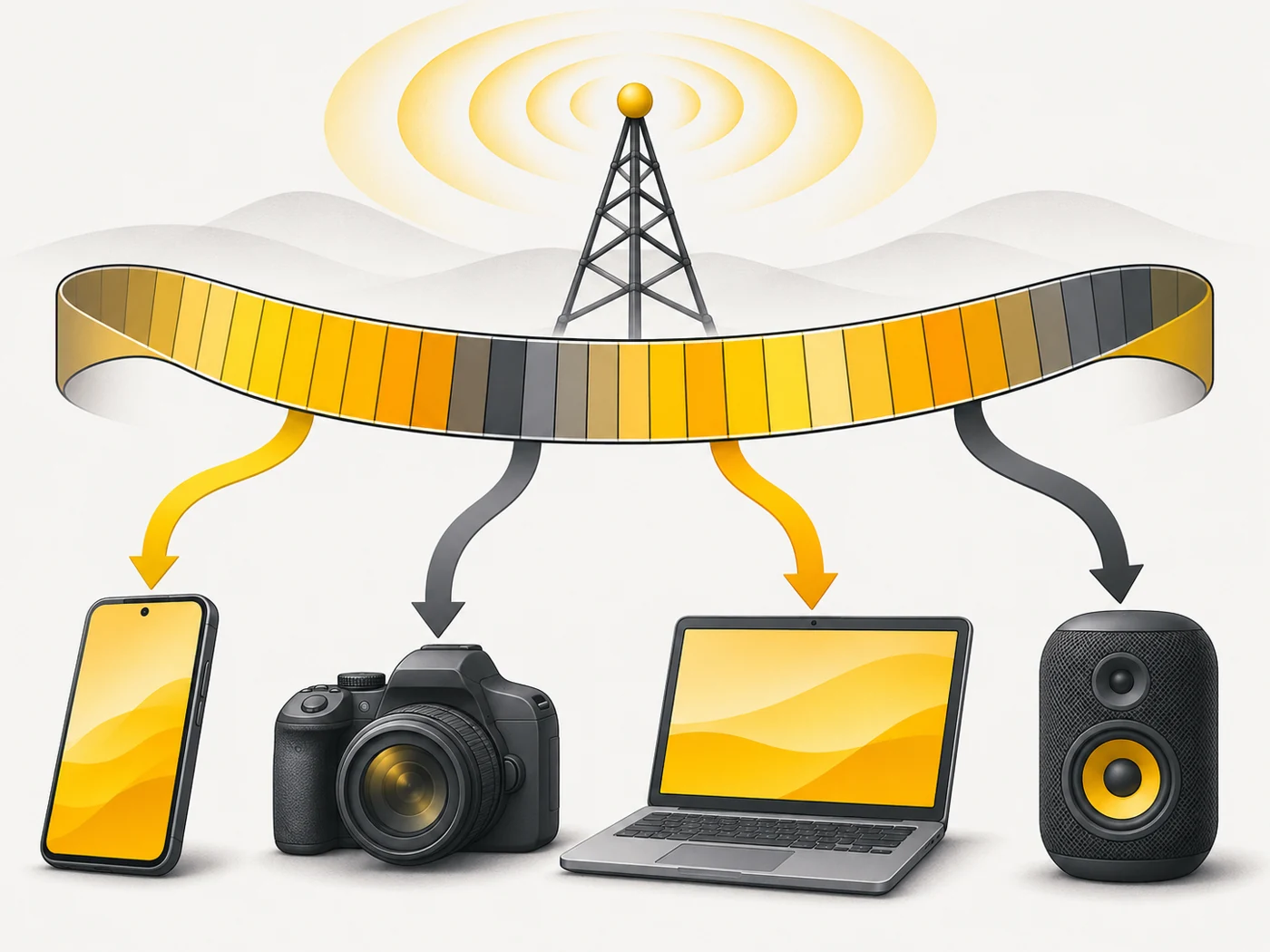
- A Wi-Fi channel consists of thousands of tiny frequency subcarriers.
- OFDMA groups them into "resource units" of different sizes.
- The router assigns different units to different devices at the same time.
- Small transfers (messages, sensors, game packets) do not occupy the whole channel.
- Latency drops, especially on networks with dozens of devices.
Where you'll see it
OFDMA is a mandatory part of Wi-Fi 6 and Wi-Fi 7. It is sometimes mentioned in a router's list of technologies. It makes the biggest difference in homes with smart devices, cameras and lots of phones.
Does it matter when buying
You do not choose OFDMA separately - it comes with Wi-Fi 6/7. But it explains why upgrading from Wi-Fi 5 to Wi-Fi 6 in a gadget-packed home feels more stable even if speed tests show the same numbers.
Myths
- Myth: OFDMA increases maximum speed. Reality: It reduces latency and waiting when there are many devices.
- Myth: OFDMA works with older devices. Reality: Only Wi-Fi 6 and newer devices get its benefits.
FAQ
How is OFDMA different from MU-MIMO?
OFDMA divides frequencies; MU-MIMO uses different antenna "beams". They complement each other.
Do I need to turn on OFDMA?
It is usually on by default.
Where is the benefit biggest?
On networks with many devices and small transfers.