
Wi-Fi 6 and Wi-Fi 6E: what changed and are they still relevant
Wi-Fi 6 (IEEE 802.11ax) is the sixth generation of Wi-Fi, designed mainly for stable performance when a network has many devices. Wi-Fi 6E is the same standard with an extra 6 GHz band.

In plain words
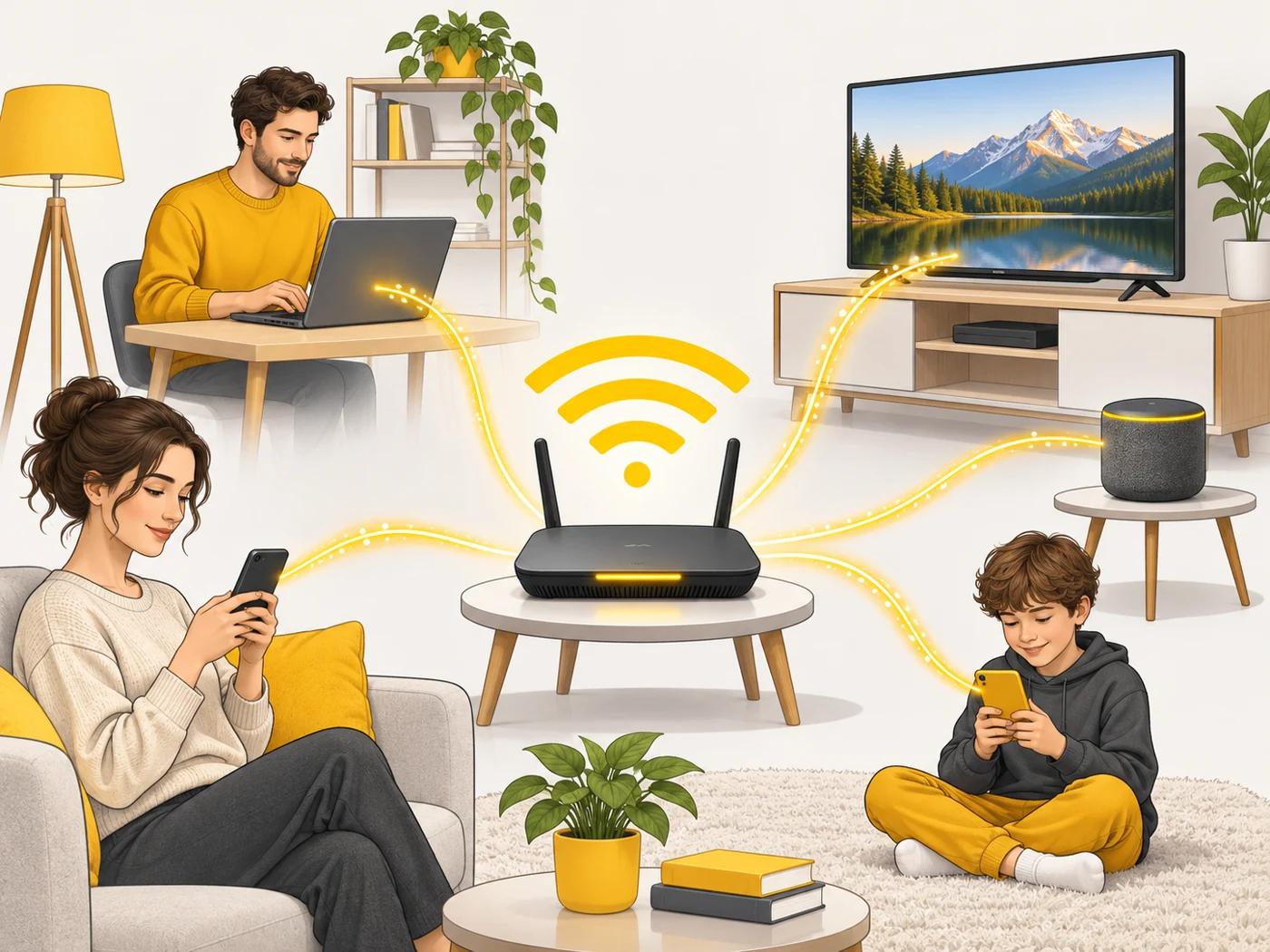
Wi-Fi 5 is like a shop cashier who serves people strictly one at a time. Wi-Fi 6 is like a cashier who rings up several small purchases for different people at once (OFDMA) and works several tills (MU-MIMO). The queue moves faster even when it is crowded. And 6E opens a new hall with its own tills where there is almost nobody.
How it works
- Wi-Fi 6 uses the 2.4 and 5 GHz bands; 6E adds 6 GHz.
- OFDMA splits a channel into small parts for several devices at once.
- MU-MIMO lets the router send data to several devices in parallel.
- Target Wake Time lets devices "sleep" between sessions to save battery.
- 1024-QAM encoding packs more data into the signal.
Where you'll see it
In the specs of routers (AX labels: AX1800, AX3000, AX5400), smartphones, laptops and tablets. In our router comparisons it is the Wi-Fi row: "Wi-Fi 6, AX3000".
Does it matter when buying
If you are choosing a budget router, Wi-Fi 6 is still a good pick, especially AX3000 with 160 MHz channels. But since affordable Wi-Fi 7 is now not far off in price, I would compare both. Wi-Fi 6E helps if there are lots of neighbouring networks and you have devices that support 6 GHz.
Myths
- Myth: Wi-Fi 6 will make your internet many times faster. Reality: It improves the link between router and devices; your internet speed is set by your provider.
- Myth: 6E is a separate new standard. Reality: It is Wi-Fi 6 with access to the 6 GHz band.
FAQ
Do older devices work with Wi-Fi 6?
Yes, the router is backward compatible with Wi-Fi 5 and 4.
What is AX3000?
The combined maximum Wi-Fi speed of a Wi-Fi 6 router across all bands.
Do I need 6E at home?
If you have 6 GHz devices and congested airwaves in an apartment block, yes.
Related terms
Wi-Fi 7, OFDMA, MU-MIMO, 2.4, 5 and 6 GHz bands, Wi-Fi