
Proximity sensor: why the screen goes dark during a call
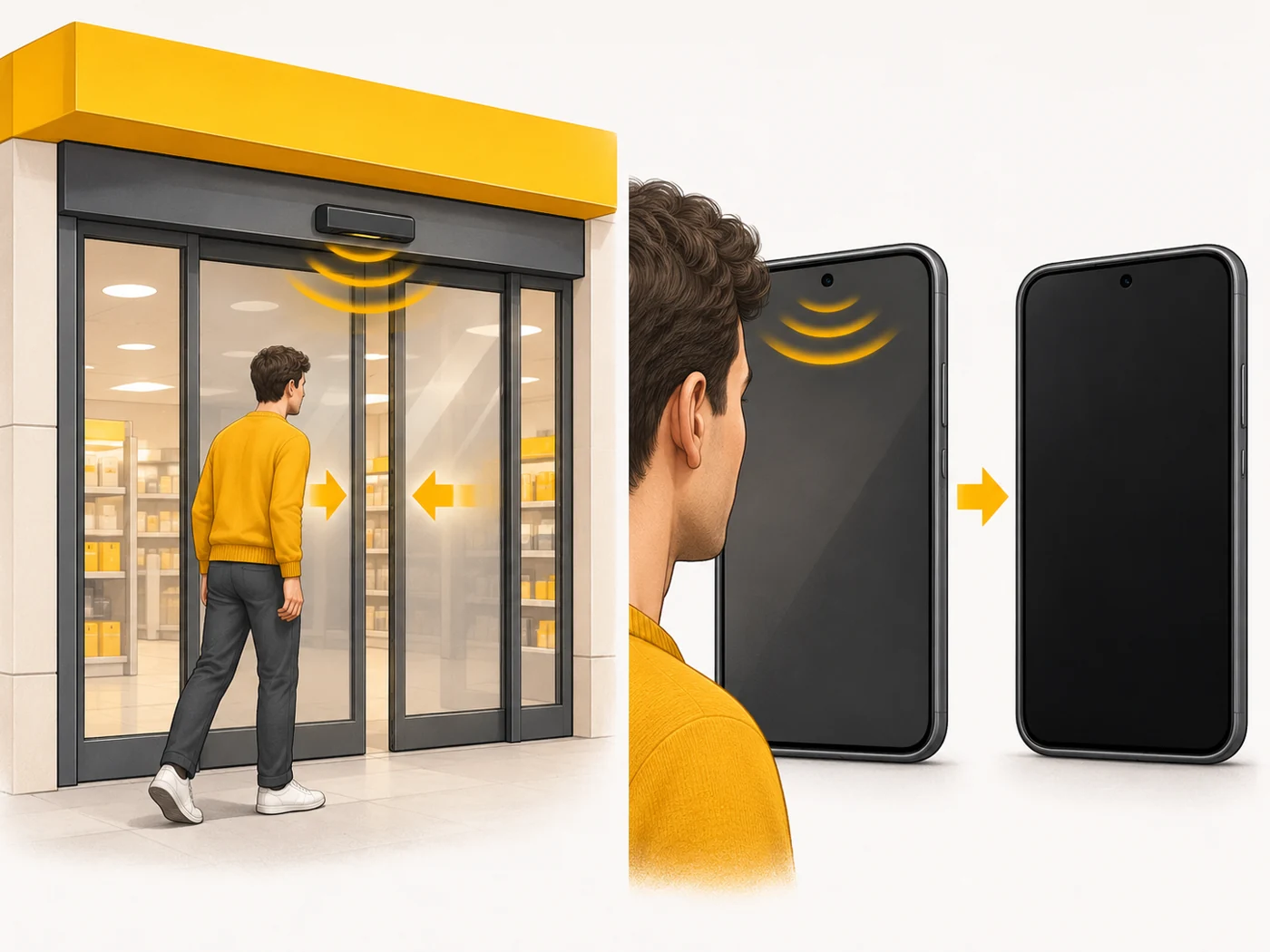
A proximity sensor sits near the front camera or under the screen and detects when something is close to the phone (your face, a pocket). During a call it turns the screen off so you do not press anything with your cheek, and it saves battery.

In plain words
A proximity sensor is like automatic shop doors in reverse: when you get very close, the screen's "doors" close. Move away and they open again. So your cheek will not "press" the end-call button.
How it works
- An infrared LED emits invisible light.
- A receiver picks up the reflected light.
- If the reflection is strong, something is close and the screen turns off.
- Some phones use an ultrasonic "virtual" sensor.
- The sensor also helps lock the screen in your pocket.
Where you'll see it
Near the top earpiece or under the screen of almost every phone. You can test it with service menus or sensor-testing apps.
Does it matter when buying
If the screen does not turn off during calls or turns off for no reason, the culprit may be a screen protector, film, dirt over the sensor or a "virtual" sensor. Choose a screen protector with a cut-out or one that is sensor-compatible.
Myths
- Myth: The proximity sensor is a camera. Reality: It is a separate, simple sensor that uses infrared light.
- Myth: A screen protector makes no difference. Reality: Opaque edges or a poor protector can interfere with the sensor.
FAQ
Why does my screen go dark during a call?
That is the proximity sensor at work.
Why won't my screen turn on after a call?
The sensor is dirty or covered by glass or film.
What is an ultrasonic proximity sensor?
A sensor that uses the speaker and microphone instead of infrared light.
Related terms
MEMS sensors, Touchscreen, Cover glass (Gorilla Glass Victus, Armor)