
Touchscreen: how your phone feels the touch of a finger
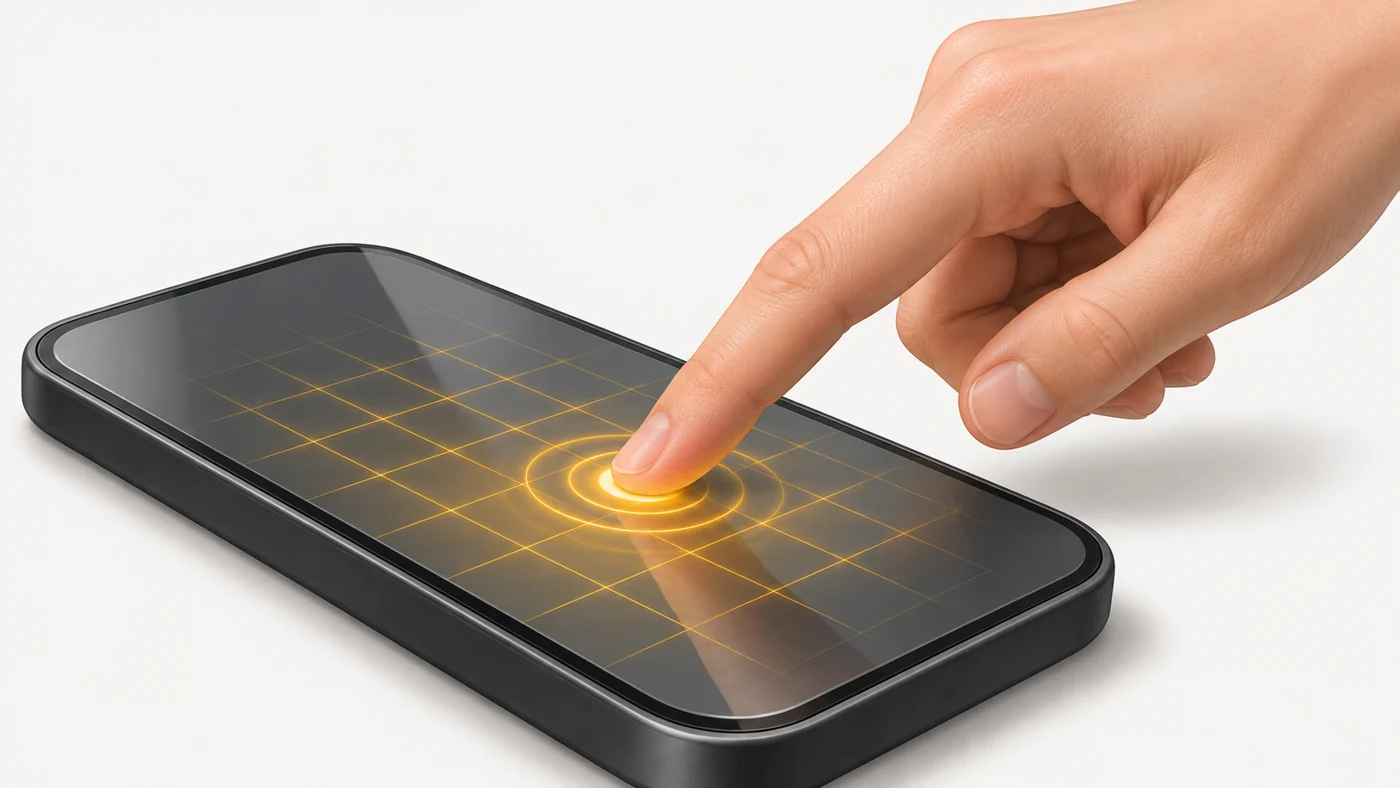
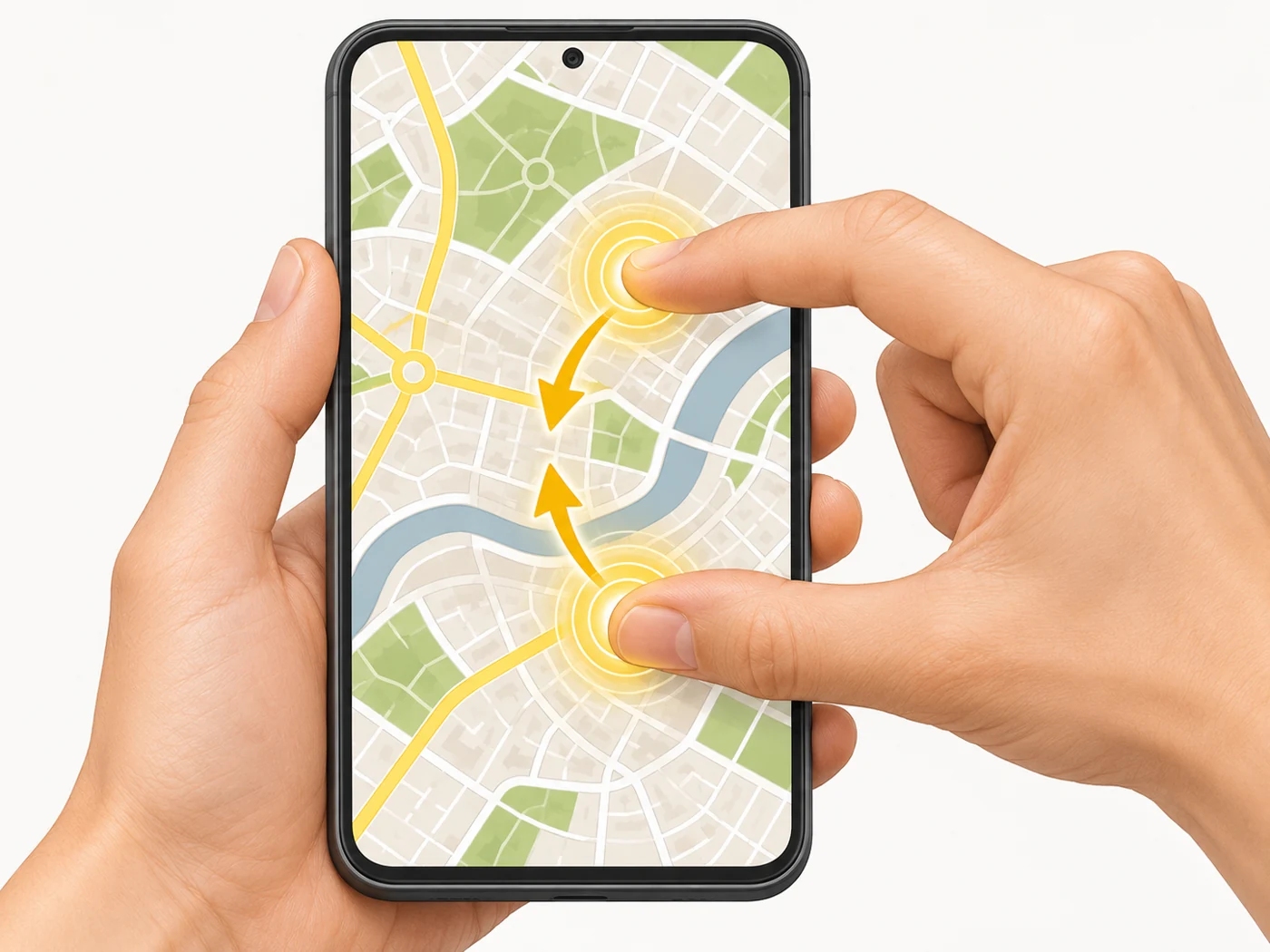
A touchscreen is a display with a built-in layer that senses the touch of a finger or stylus and passes the coordinates to the system. Modern phones use capacitive sensors with multi-touch - several touches at once.
In plain words
Your body conducts electricity, like a wet finger. A capacitive sensor is like an invisible grid over the screen carrying a weak current. When you touch it, your finger "takes" a little charge at a specific point on the grid - and the phone knows exactly where you pressed. An ordinary glove does not conduct current, so the screen cannot "see" it.
How it works
- A transparent grid of electrodes sits over the display.
- The controller constantly measures capacitance at each point of the grid.
- Your finger changes the capacitance where it touches.
- The controller works out the coordinates, number of fingers and movement.
- The system recognises gestures such as zooming and swiping.
Where you'll see it
In every phone, tablet and watch, many laptops and payment terminals. Specs sometimes list the touch sampling rate, stylus support and a "glove mode".
Does it matter when buying
Every decent phone has a good sensor. Useful extras: a high touch sampling rate for gaming, wet-hands mode on rugged phones and stylus support on tablets. A cheap screen protector can reduce sensitivity.
Myths
- Myth: A touchscreen responds to pressure. Reality: A capacitive screen responds to electrical conductivity, not to how hard you press.
- Myth: You can press the screen with any stick. Reality: You need a conductive material - a finger or a special stylus.
FAQ
Why does the screen ignore gloves?
Fabric does not conduct current; there are touchscreen gloves with conductive threads.
What is multi-touch?
The ability to recognise several touches at once - for zooming and gestures.
Why does the screen "tap" by itself?
Water, damage or a poor screen protector.
Related terms
Touch sampling rate, Stylus, Display, Cover glass (Gorilla Glass Victus, Armor)