
Stylus for tablets and phones: Apple Pencil, S Pen and others
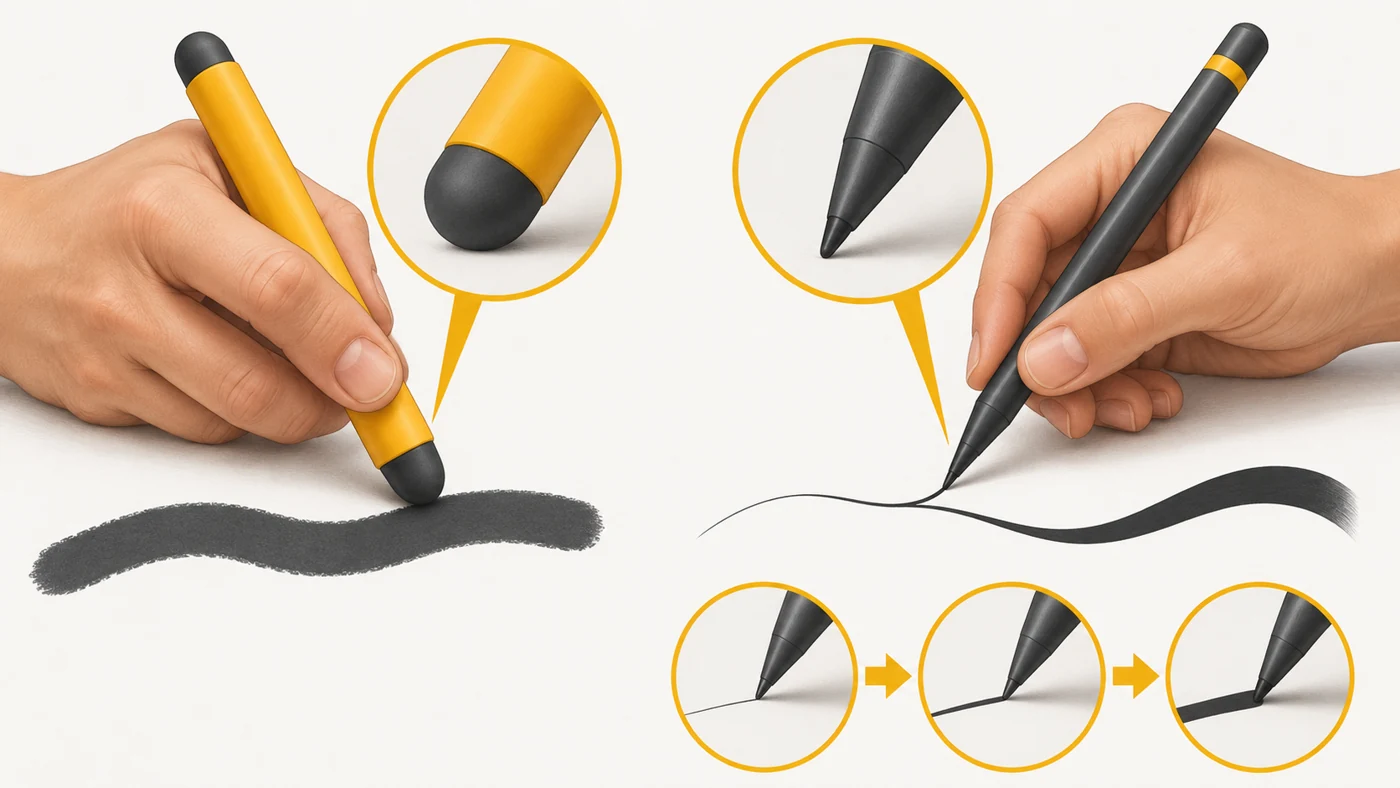
A stylus is a pen for working on a touchscreen: writing, drawing, taking notes and making precise selections. There are passive styluses (with a rubber tip, like a finger) and active ones (with electronics, pressure, tilt and buttons) - Apple Pencil, Samsung S Pen, Lenovo Tab Pen, Xiaomi Focus Pen.
In plain words
A passive stylus is like a stick with an eraser on the end: the screen sees it as a fat finger, so neat writing is hard. An active one is like a real artist's pencil: the line is thinner when you press lightly and thicker when you press harder, and tilting it gives shading, like a pencil lead.
How it works
- A passive stylus imitates a finger and works with any capacitive screen.
- An active stylus has electronics and sends pressure and tilt data.
- The screen or a special layer (like the digitiser for S Pen) tracks the tip precisely.
- Palm rejection lets you rest your hand on the screen.
- Most active styluses charge from the tablet or via USB-C; the S Pen can work without a battery.
Where you'll see it
In tablet specs: "stylus support", "S Pen included", "Apple Pencil Pro". In our tablet comparisons we note whether a stylus comes in the box. Some phones (Galaxy S Ultra, Moto G Stylus) have a built-in stylus.
Does it matter when buying
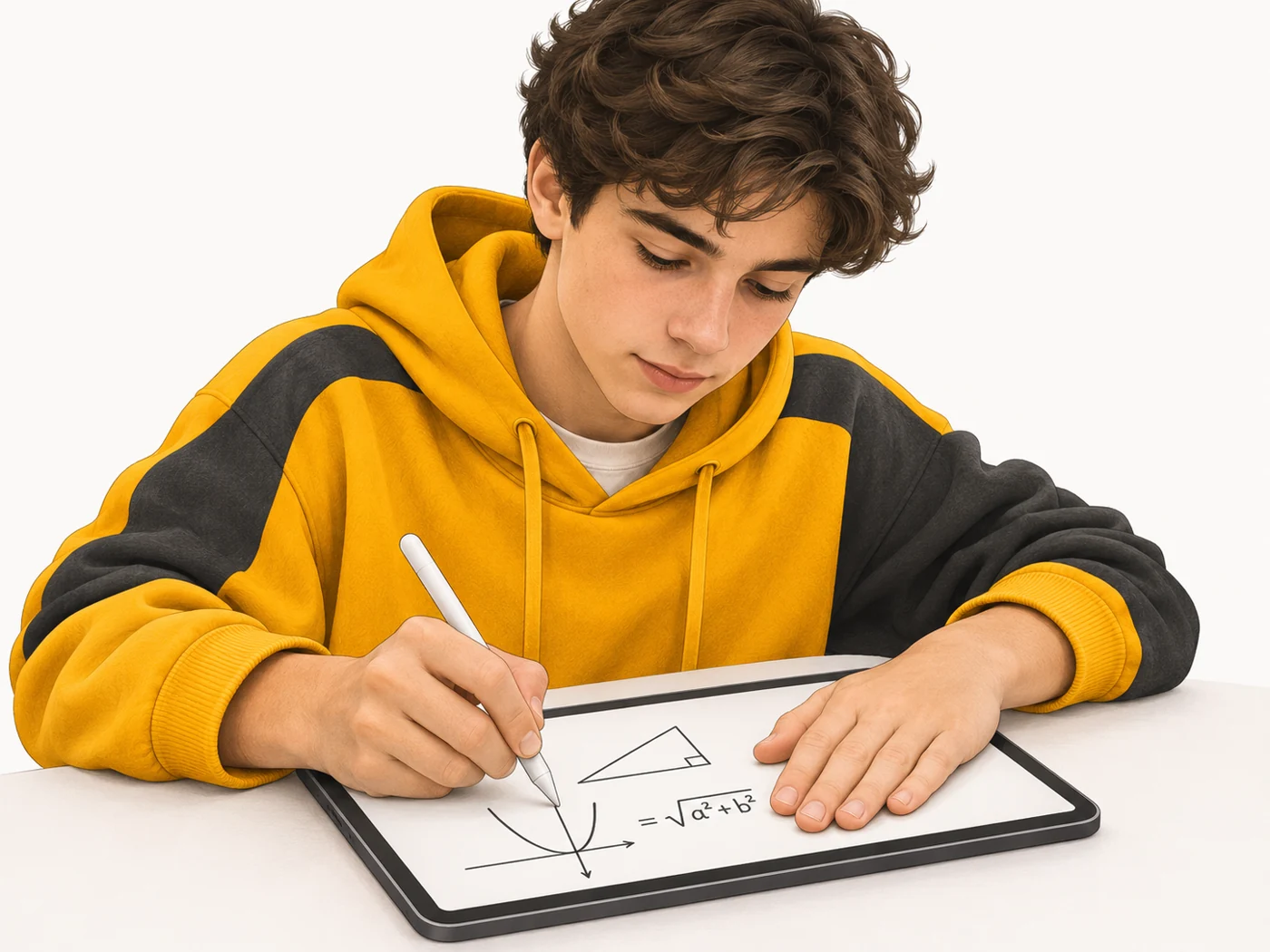
For study it is very handy: notes, maths, diagrams. For drawing you need an active stylus with pressure sensitivity and low latency. Check compatibility: styluses only work with certain models. A stylus in the box is a real advantage.
Myths
- Myth: Any stylus works with any tablet. Reality: Active styluses are only compatible with certain models.
- Myth: Only artists need a stylus. Reality: It is useful for notes, signatures and precise work with documents.
FAQ
What are pressure levels?
How many degrees of pressure the stylus can tell apart - the more, the smoother the line.
Can I write with a stylus on any screen?
With a passive one, yes; with an active one, only on compatible devices.
Do I need a stylus for study?
Not necessarily, but it is very handy for notes and maths.
Related terms
Tablet, Touchscreen, Screen refresh rate, Matte anti-glare (nano-texture)