
Tablet: what it is for and how to choose one for study, gaming and drawing
A tablet is a portable device with a large touchscreen (usually 8-14 inches) running a mobile OS (iPadOS, Android, HarmonyOS) or Windows. People use it for study, reading, films, games, drawing and work.
In plain words
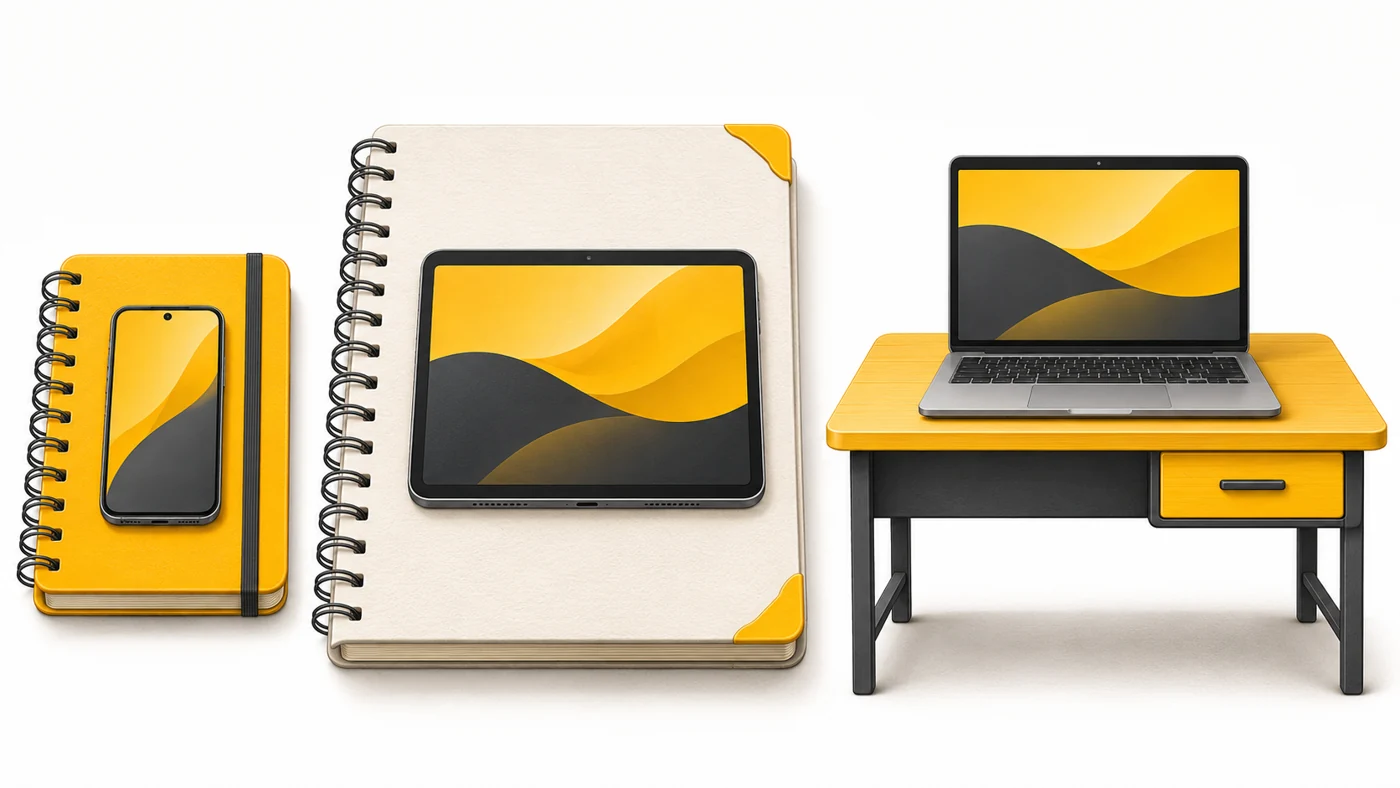
A phone is like a notebook in your pocket: always with you, but awkward for writing a lot. A laptop is like a desk: comfortable to work at, but heavy to carry. A tablet is like a big sketchbook: light, with a large page, handy on the sofa, on the road and in class.
How it works
- The large touchscreen is the main way to control it.
- A mobile chip gives long battery life and silent running without a fan.
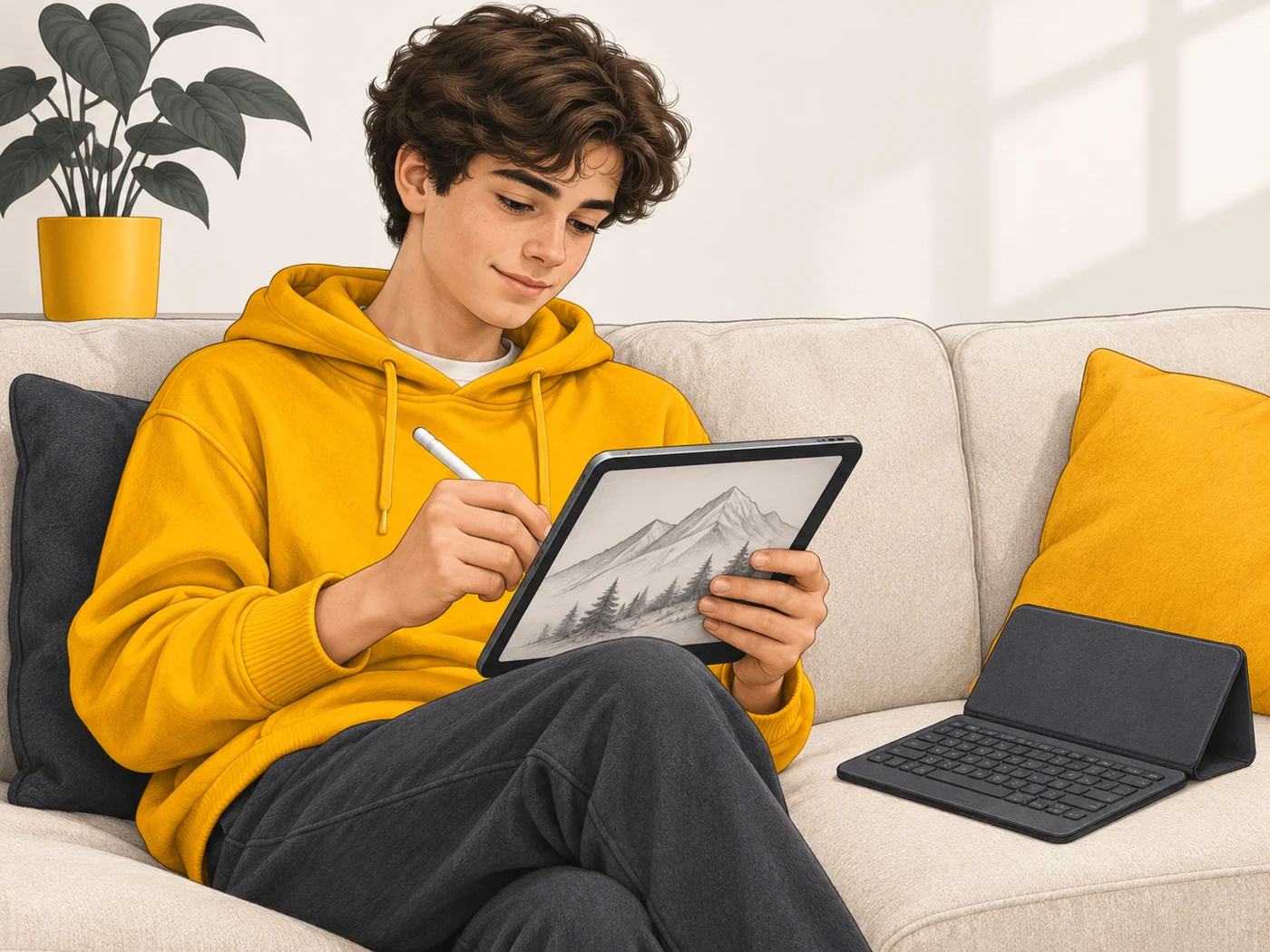
- A stylus and keyboard case turn the tablet into a notebook or mini laptop.
- LTE/5G versions take a SIM card and work without Wi-Fi.
- Apps are adapted for the big screen and multitasking.
Where you'll see it
iPad, Samsung Galaxy Tab, Xiaomi Pad, Lenovo, Huawei MatePad, Redmi Pad, plus kids' and rugged tablets. In our tablet comparisons we line up the screen, chip, memory, battery, stylus and weight.
Does it matter when buying
For study and watching, look at the screen (10-11 inches or more, 90-120 Hz), the battery and four speakers. For drawing, pressure-sensitive stylus support. For gaming, the chip and cooling. For travel, an LTE version. My tip: a stylus in the box can save you a fair bit of money.
Myths
- Myth: A tablet completely replaces a laptop. Reality: For many tasks, yes, but a laptop is more convenient for programming and complex office work.
- Myth: The cheapest tablet is fine for a child. Reality: A weak tablet lags and ages fast; a mid-range one with parental controls is better.
FAQ
What size should I choose?
8-9 inches for reading and travel, 11 as an all-rounder, 12-13 for drawing and work.
Do I need LTE?
If you often work away from Wi-Fi, yes - or share internet from your phone.
Which is better for drawing - iPad or Android?
Both have good styluses; latency, pressure sensitivity and apps are what matter.