
Spam: how to get rid of unwanted calls, texts and emails
Spam is mass unwanted messaging: ads, mailings, robocalls and scam emails. It arrives by email, text message, messaging apps, social networks and phone calls.
In plain words
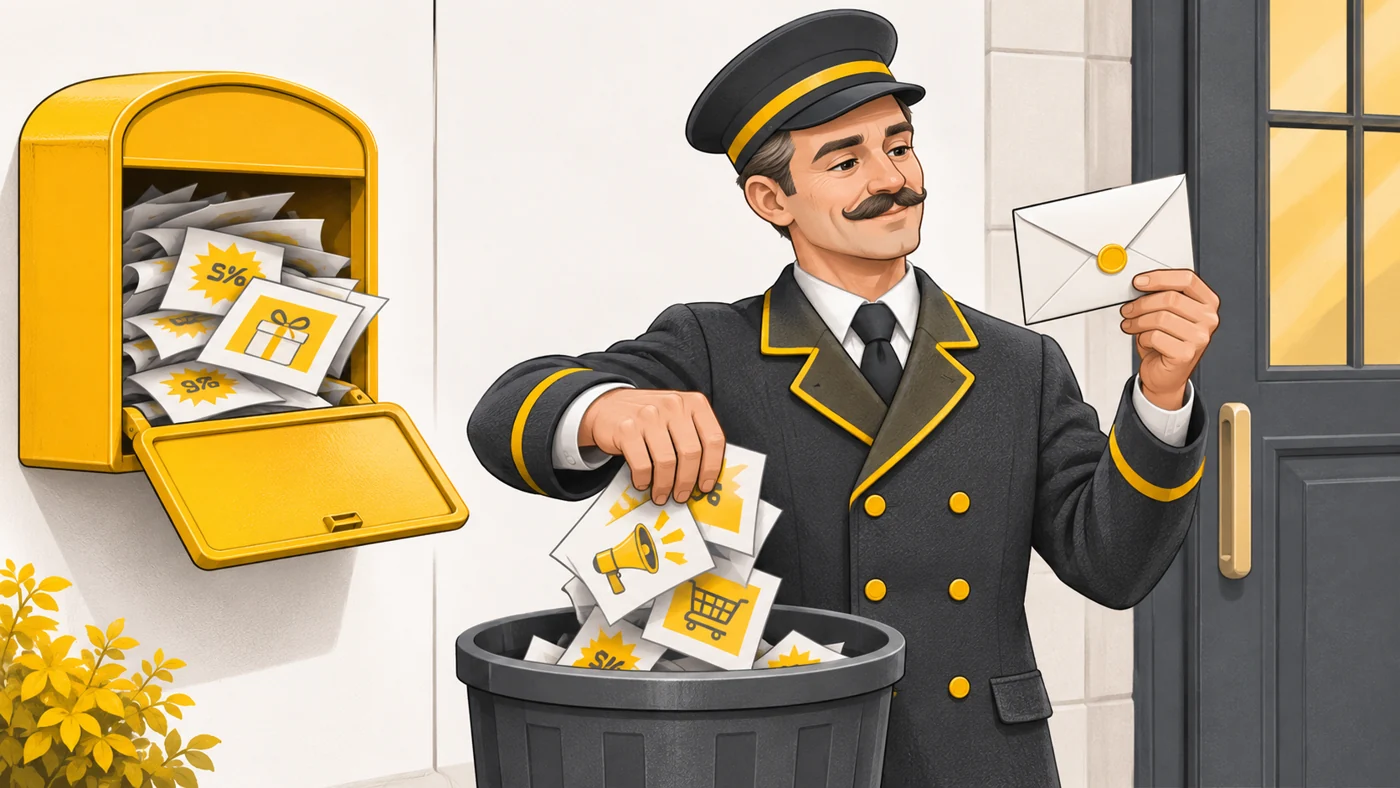
Spam is like the flyers stuffed into your letterbox: most of it is just rubbish, but among them may be a "letter from your bank" that actually comes from scammers. A spam filter is like a concierge who sorts out the junk before you even open the box.
How it works
- Spammers collect addresses and numbers from data leaks and websites, or generate random ones.
- Mailings go out in bulk from many addresses and numbers.
- Filters analyse the sender, the content and user reports.
- Suspicious messages go to the Spam folder or are flagged.
- Your reports ("Mark as spam") train the filters.
Where you'll see it
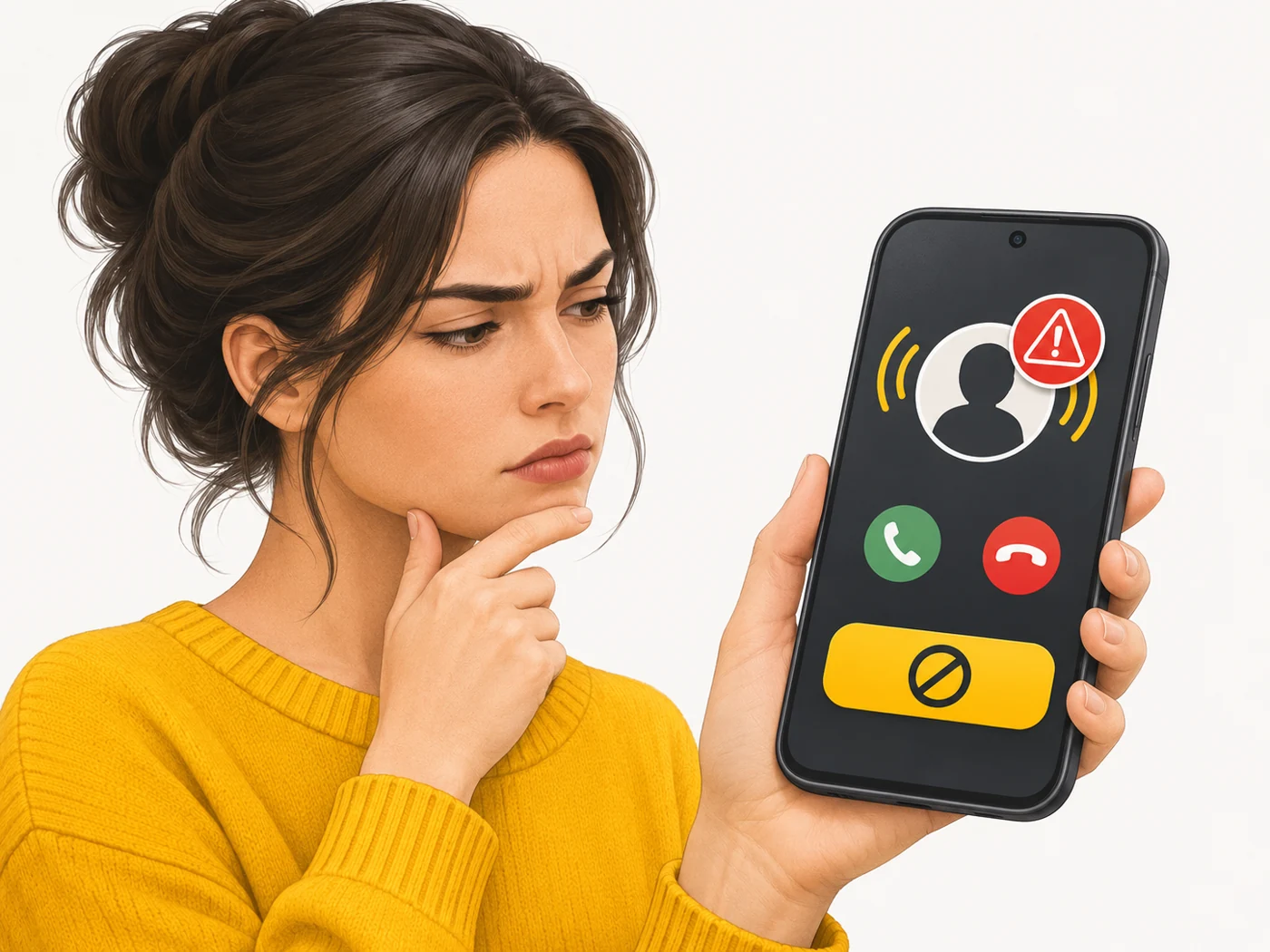
The Spam folder in Gmail, Outlook and iCloud. Call and text filters on phones (Google Phone, Samsung, Xiaomi), caller ID apps and blocking in messaging apps. Operators also offer spam-call blocking services.
Does it matter when buying
Yes, because spam is the main channel for phishing. My tips: do not reply or tap links, mark messages as spam, turn on call filters, and do not give out your main number and email where you can use secondary ones.
Myths
- Myth: Unsubscribing always helps. Reality: In scam emails, the "unsubscribe" link can confirm your address is active.
- Myth: Spam is just advertising. Reality: Some spam is phishing or carries malicious attachments.
FAQ
How do I block spam calls?
Turn on the spam filter in the Phone app and block numbers.
Why do emails end up in spam?
Filters consider them suspicious; check the folder now and then.
Where did spammers get my number?
From database leaks, public pages or random generation.