
Malicious apps on your phone: how to spot and avoid them
Malicious apps (mobile malware) are programs that pretend to be useful but steal passwords, banking details and text-message codes, show intrusive ads, spy on the user or sign them up for paid services.

In plain words
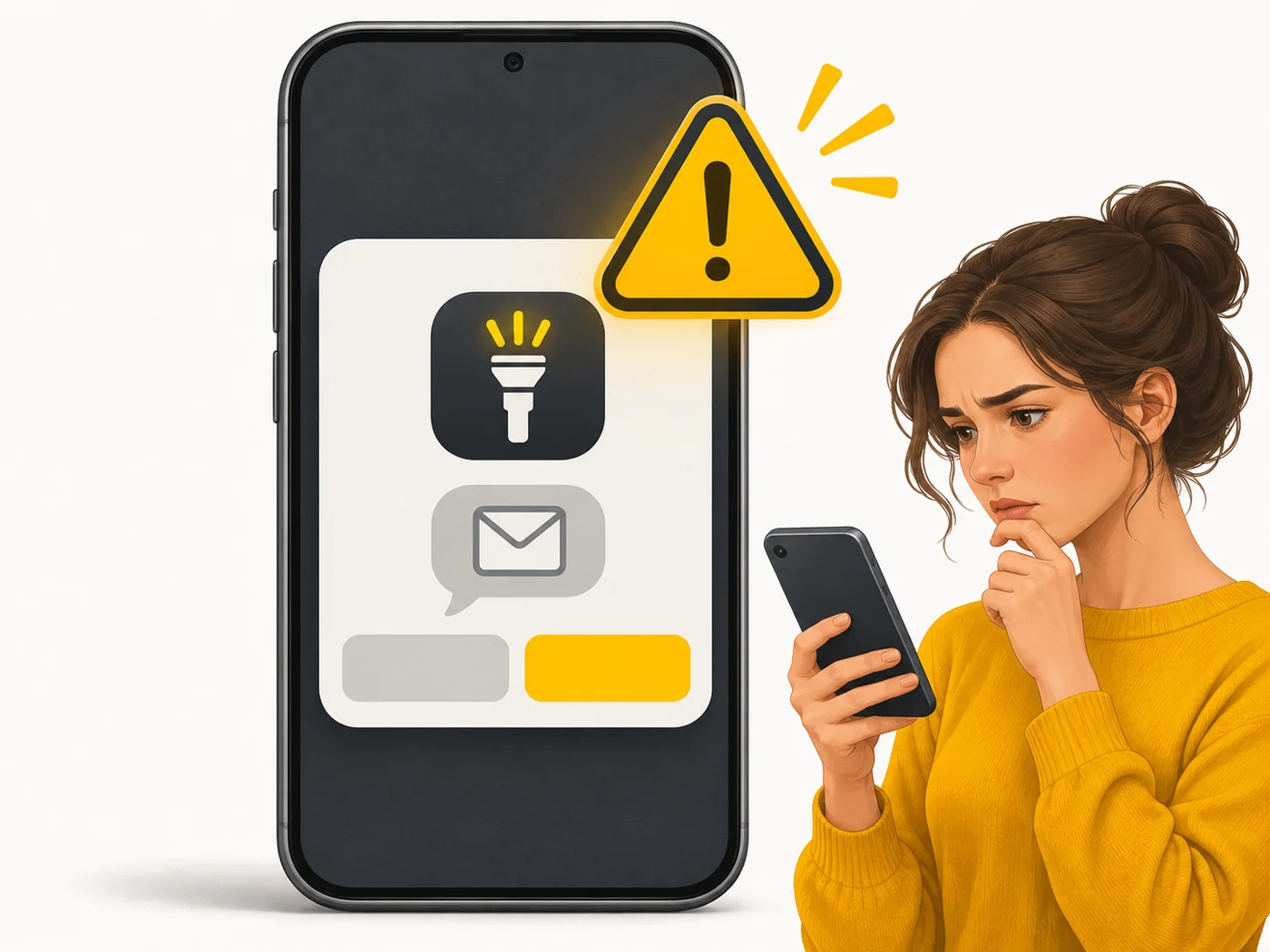
A malicious app is a wolf in sheep's clothing: it looks like a free game, a torch or a "phone booster", but inside is an attacker. You open the door for it yourself by tapping "Install" and "Allow".
How it works
- The app spreads via third-party sites, messaging apps, fake updates or even official stores.
- When installing, it asks for unnecessary permissions: access to SMS, accessibility services, device admin.
- Once granted, it reads SMS codes, overlays fake screens on banking apps or shows ads.
- Some hide their icon so they are hard to remove.
- Data is sent to the attackers over the internet.
Where you'll see it
Most often as APK files from messaging channels and websites ("free premium version", "cracked game"), fake browser updates, and "booster" and "cleaner" apps. The risk is lower on iPhone thanks to its closed system, but phishing works there too.
Does it matter when buying
A lot. My rules: install apps only from official stores; read permissions carefully (a torch does not need SMS access); do not install APKs from chats; keep your system updated. If your phone suddenly runs hot, drains fast and shows full-screen ads, check your list of apps.
Myths
- Myth: Android needs a paid antivirus. Reality: Built-in Google Play Protect plus caution is usually enough.
- Myth: There can be no malicious apps on Google Play. Reality: It is rare but it happens; read the reviews and permissions.
FAQ
How can I tell if my phone is infected?
Ads on top of apps, new unknown programs, fast battery drain, strange texts or unexpected charges.
What should I do if it is infected?
Remove suspicious apps, change passwords from another device and, in tough cases, factory-reset the phone.
Can iPhones get viruses?
Rarely; the main threats there are phishing and scam profiles.
Related terms
Antivirus, Phishing, Software update policy, Bootloader unlock and root, Spam