
Sync: how contacts, photos and notes appear on all your devices
Syncing is the automatic updating of the same data across several devices: contacts, calendar, photos, notes, passwords and bookmarks. It usually works through a cloud account (Google, Apple, Samsung, Microsoft).

In plain words
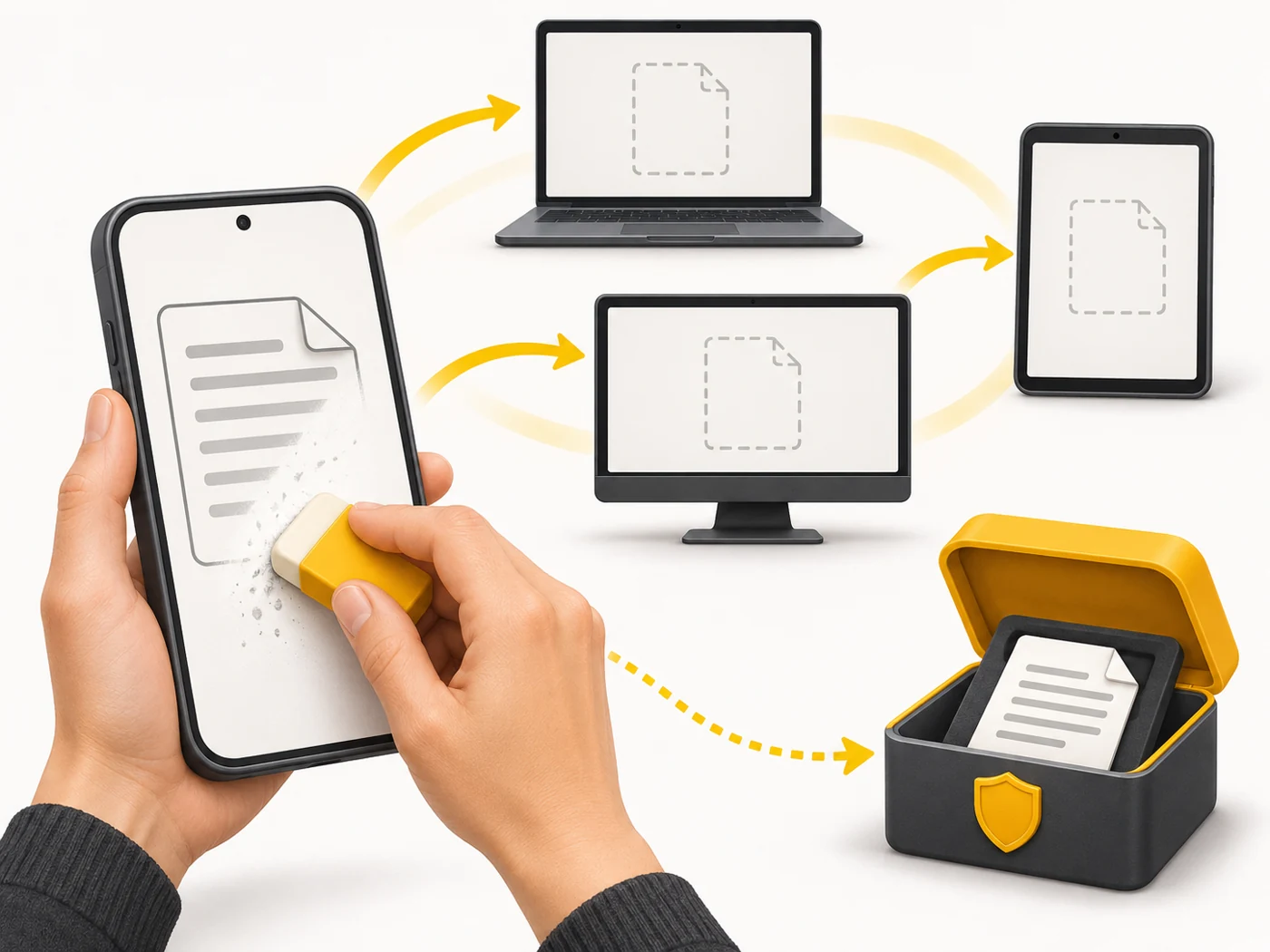
Sync is like a shared class notebook in the cloud: someone adds the homework from their phone, and it is already on the laptop and tablet. But if someone accidentally erases a page, it disappears everywhere. That is why sync is not the same as a backup.
How it works
- The devices are signed in to the same account.
- Changes on one device are sent to the server.
- The server sends the updates to the other devices.
- Conflicts (simultaneous changes) are resolved by the service's rules.
- Deletions sync too - sometimes with a 30-day bin.
Where you'll see it
Settings - Accounts - Sync (Android); Settings - [Your name] - iCloud (iPhone). In browsers, sign in to your account to sync bookmarks and passwords.
Does it matter when buying
Before changing phones, make sure syncing of contacts, photos and notes is on, and make a backup. Remember: sync does not protect you from accidental deletion - keep a separate copy of anything important.
Myths
- Myth: Sync equals backup. Reality: Deletions sync; a backup preserves the state at a particular moment.
- Myth: There is no sync without internet. Reality: It happens as soon as you are back online.
FAQ
How do I move contacts to a new phone?
Sign in to the same account and wait for it to sync.
Why aren't my photos showing up on another device?
Check that sync is on, you have internet and there is free cloud storage.
Can I turn off sync for certain data?
Yes, in your account settings.