
On-screen keyboard: swipe typing, voice input and useful settings
An on-screen (virtual) keyboard is an app for typing on a touchscreen. Modern keyboards (Gboard, SwiftKey, Samsung Keyboard, iOS) offer autocorrect, word suggestions, swipe typing, voice input, emoji and multiple languages.
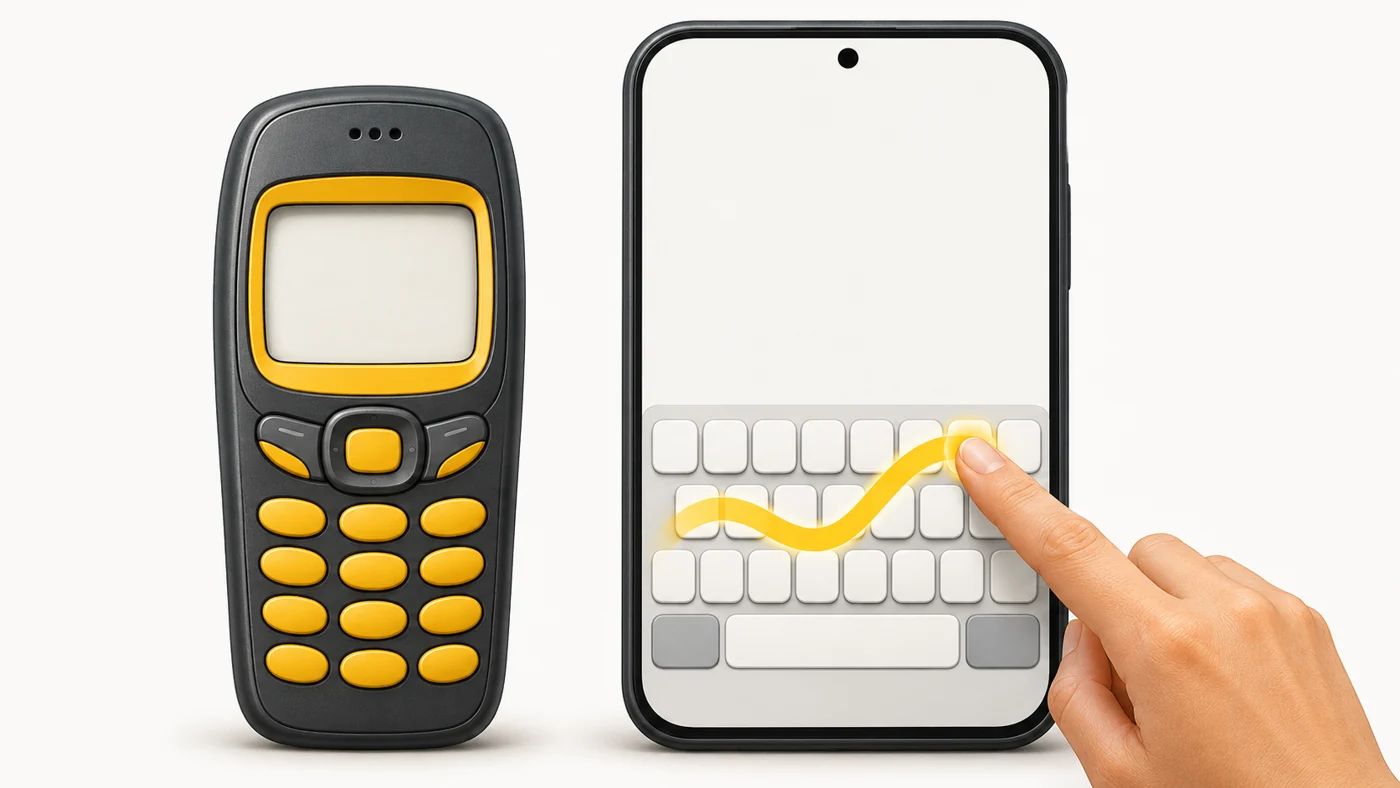
In plain words
A phone keypad used to be like a typewriter with 12 buttons: to type "s" you had to press a key four times (T9 helped a little). A modern keyboard is like an attentive friend who finishes your words and guesses what you meant, even if you just slide your finger across the letters.
How it works
- The keyboard shows a layout on the screen.
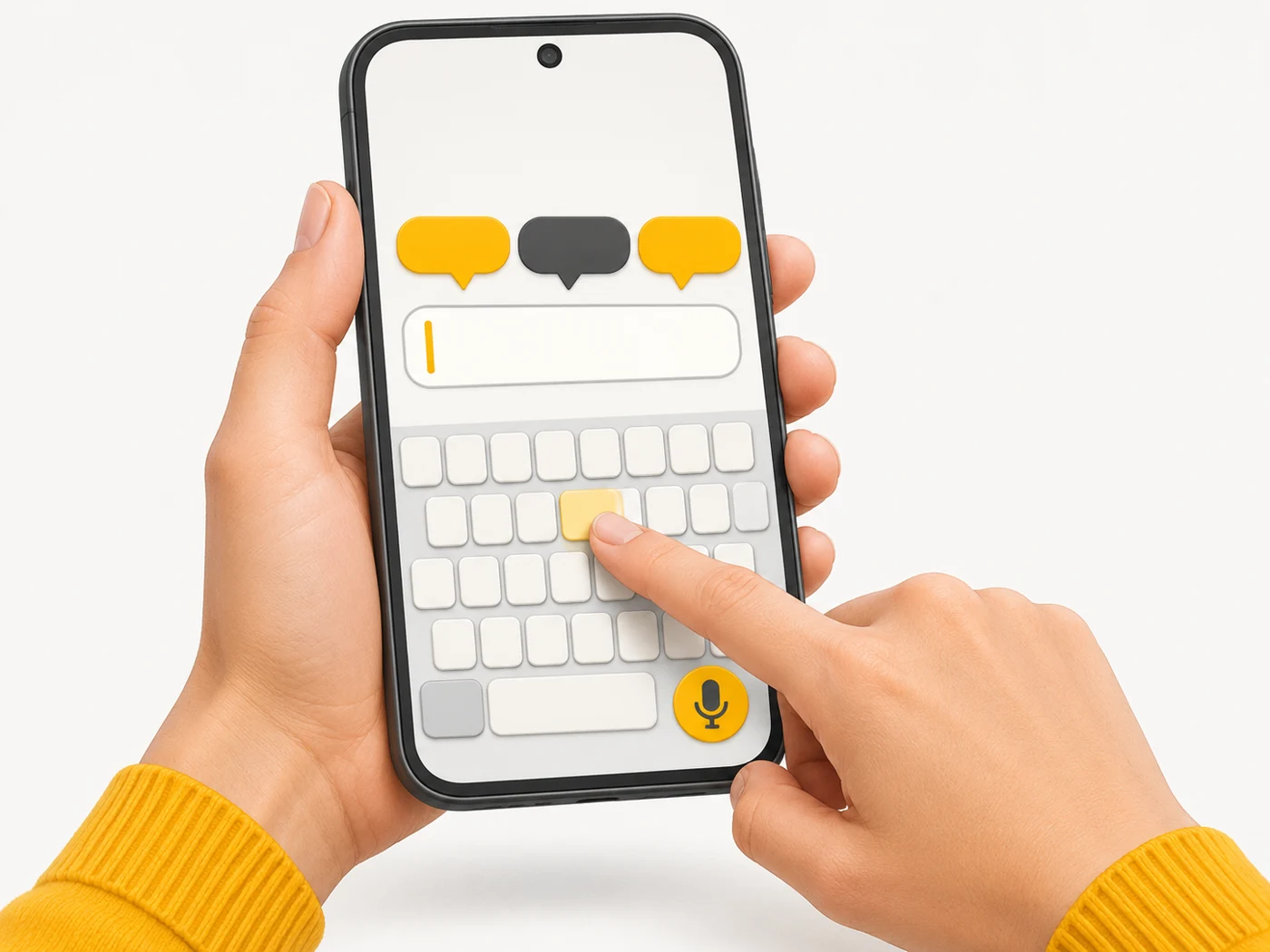
- A language model predicts the next word and fixes typos.
- Swipe typing recognises a word from your finger's path.
- Voice input turns speech into text.
- The keyboard learns your words - often right on the device.
Where you'll see it
Phones' built-in keyboards, plus third-party ones from Google Play and the App Store. Settings: Language and input (Android) or General - Keyboard (iPhone). Popular keyboards support dozens of languages and layouts.
Does it matter when buying
A comfortable keyboard is an everyday pleasure. Set up the layouts you need, turn off unnecessary sounds and try swipe typing. For security, do not install unknown keyboards: a keyboard sees everything you type, including passwords.
Myths
- Myth: Third-party keyboards are as safe as built-in ones. Reality: A keyboard has access to everything you type - trust only reputable ones.
- Myth: Swipe typing is only for English. Reality: Popular keyboards support swipe typing in many languages.
FAQ
How do I add a language?
In keyboard settings: Languages - Add the language you need.
Can I connect a physical keyboard?
Yes, via Bluetooth or USB.
How do I turn off autocorrect?
In keyboard settings, under Text correction.