
Web browser: how to choose and set up your internet app
A browser is a program for viewing websites: Chrome, Safari, Firefox, Edge, Opera, Brave, Samsung Internet. It loads and displays pages, remembers passwords and bookmarks, and protects you from dangerous sites.

In plain words
The internet is like a gigantic library, and the browser is the librarian who fetches the book (page) you want and opens it for you. A good librarian will also warn you that a book may be a scam, and will not tell strangers what you are reading.
How it works
- You type a website address or a search.
- The browser connects to the server and downloads the page code (HTML, CSS, JavaScript).
- The browser engine "draws" the page on screen.
- It stores the cache, cookies, history and passwords.
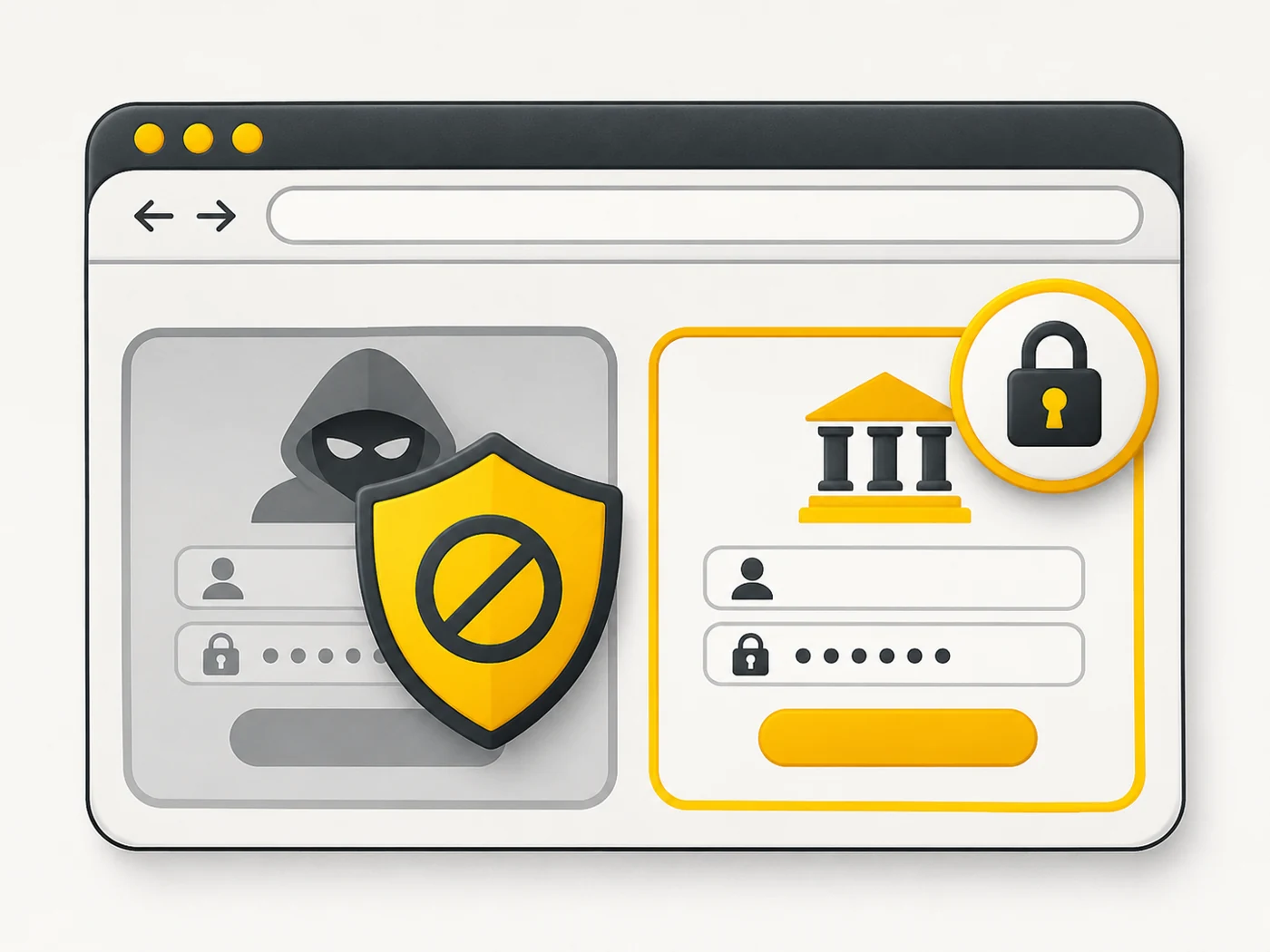
- Built-in protection warns you about phishing sites and dangerous downloads.
Where you'll see it
On Android the default is Chrome or the manufacturer's browser; on iPhone it is Safari. On computers: Chrome, Edge, Safari and Firefox. Most browsers sync bookmarks and passwords across devices.
Does it matter when buying
Choose a browser that keeps getting updates and has built-in phishing protection. For privacy, turn off third-party cookies, use a password manager and be careful with extensions: malicious add-ons can steal data.
Myths
- Myth: Incognito mode makes me invisible online. Reality: It only stops history being saved on the device; websites and your provider still see everything.
- Myth: All browsers are equally secure. Reality: Outdated and unknown browsers can be vulnerable.
FAQ
How do I change the default browser?
In your phone's settings: Default apps - Browser.
What are cookies?
Small files that websites use to remember you and your settings.
Is it safe to save passwords in the browser?
Yes, with a secured account and 2FA; a separate password manager is even better.