
Plug and Play: plug it in and it works
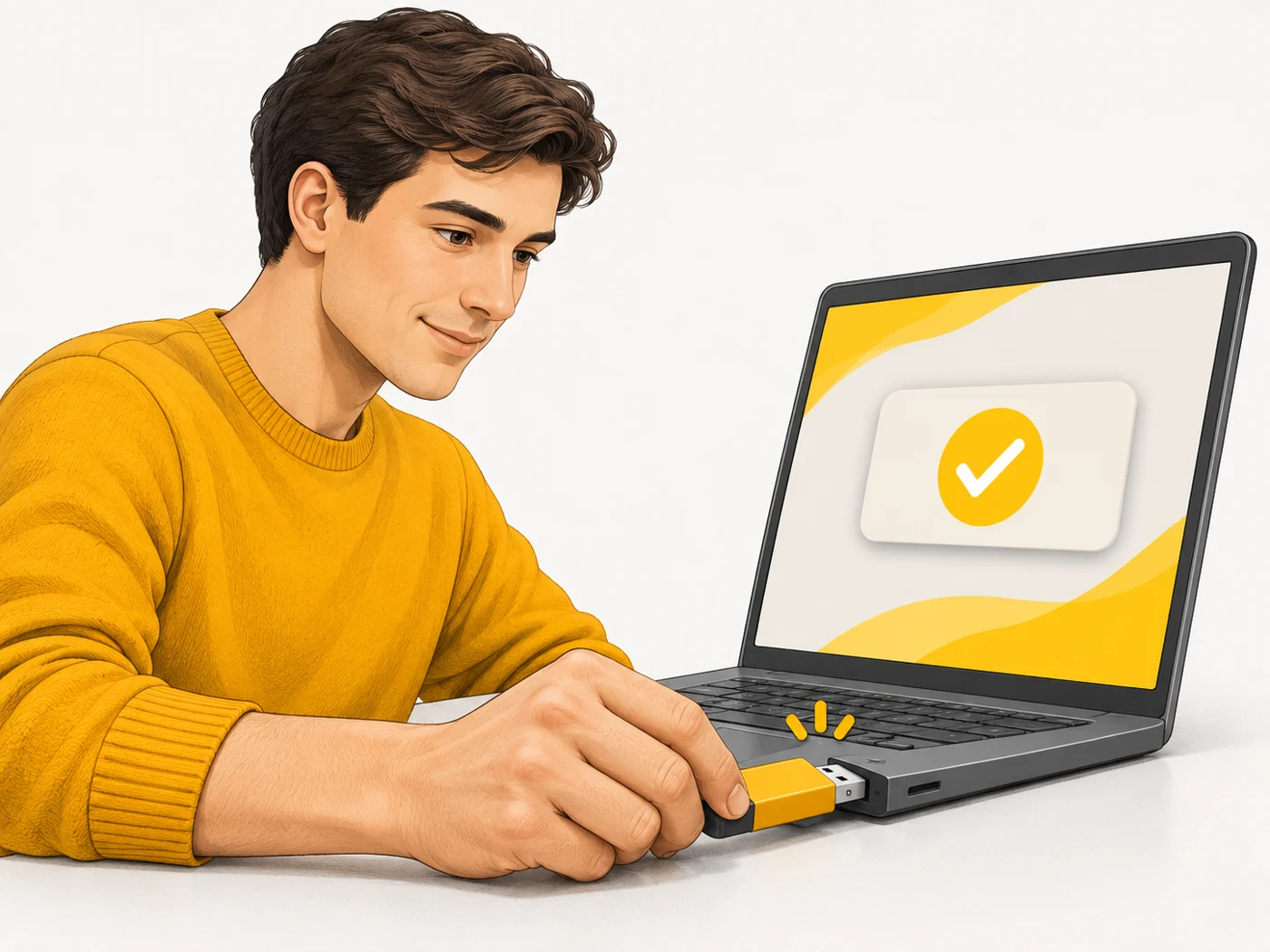
Plug and Play is a system's ability to automatically recognise a new device, install its driver and configure it without the user's help. Typical examples are USB flash drives, mice and headphones.

In plain words
Connecting a printer used to be like inviting a guest who only speaks an unfamiliar language: you had to find an interpreter (a driver) and spend ages explaining the rules. Plug and Play is like a guest who brings their own interpreter and knows where to hang their coat and sit down.
How it works
- The device tells the system its type and identifier.
- The system finds a suitable driver - built in or downloaded.
- The device gets the resources and settings it needs.
- You see a notification that everything is ready.
- When it is disconnected, the system frees the resources.
Where you'll see it
USB devices, monitors, printers, game controllers and Bluetooth accessories. A similar principle is used in UPnP for network devices and Matter for smart homes.
Does it matter when buying
Most devices work as Plug and Play now, which is convenient. If something is not recognised, check the cable, the port and system updates.
Myths
- Myth: Plug and Play means no drivers are needed. Reality: They are needed; the system just installs them automatically.
- Myth: Every device is Plug and Play. Reality: Some professional devices still need manual setup.
FAQ
Why isn't my new device recognised?
A faulty cable or port, or the driver needs updating.
What is hot-plugging?
Connecting and disconnecting a device without switching the computer off.
Is it safe to pull out a flash drive without "safely removing" it?
It is better to use safe removal so you do not lose data.