
UPnP on your router: convenient for gaming, risky for security
UPnP (Universal Plug and Play) is a set of protocols that let devices on a home network automatically find each other and ask the router to open ports for incoming connections - with no manual setup.
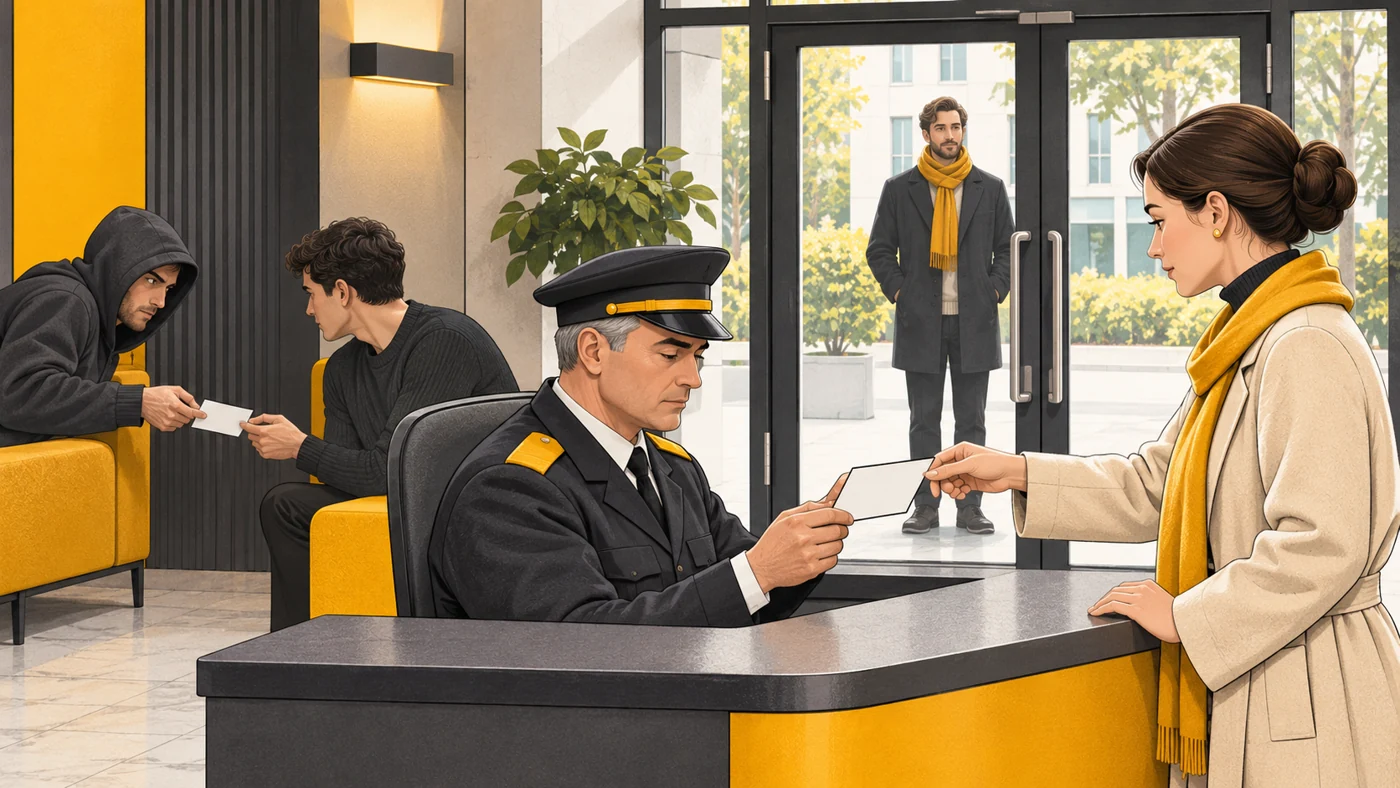
In plain words
A router is like a doorman at a building who lets nobody in without an invitation. UPnP is when residents can tell the doorman themselves: "Let my guest in at 3 pm." Handy for games and calls - but if a "pest" moves into the building, it can ask the doorman to open the door too.
How it works
- A device on the network (console, PC) finds the router via UPnP.
- It asks for a particular port to be opened for incoming connections.
- The router automatically adds a port-forwarding rule.
- Online games and apps get an "open NAT".
- When the app closes, the rule may be removed.
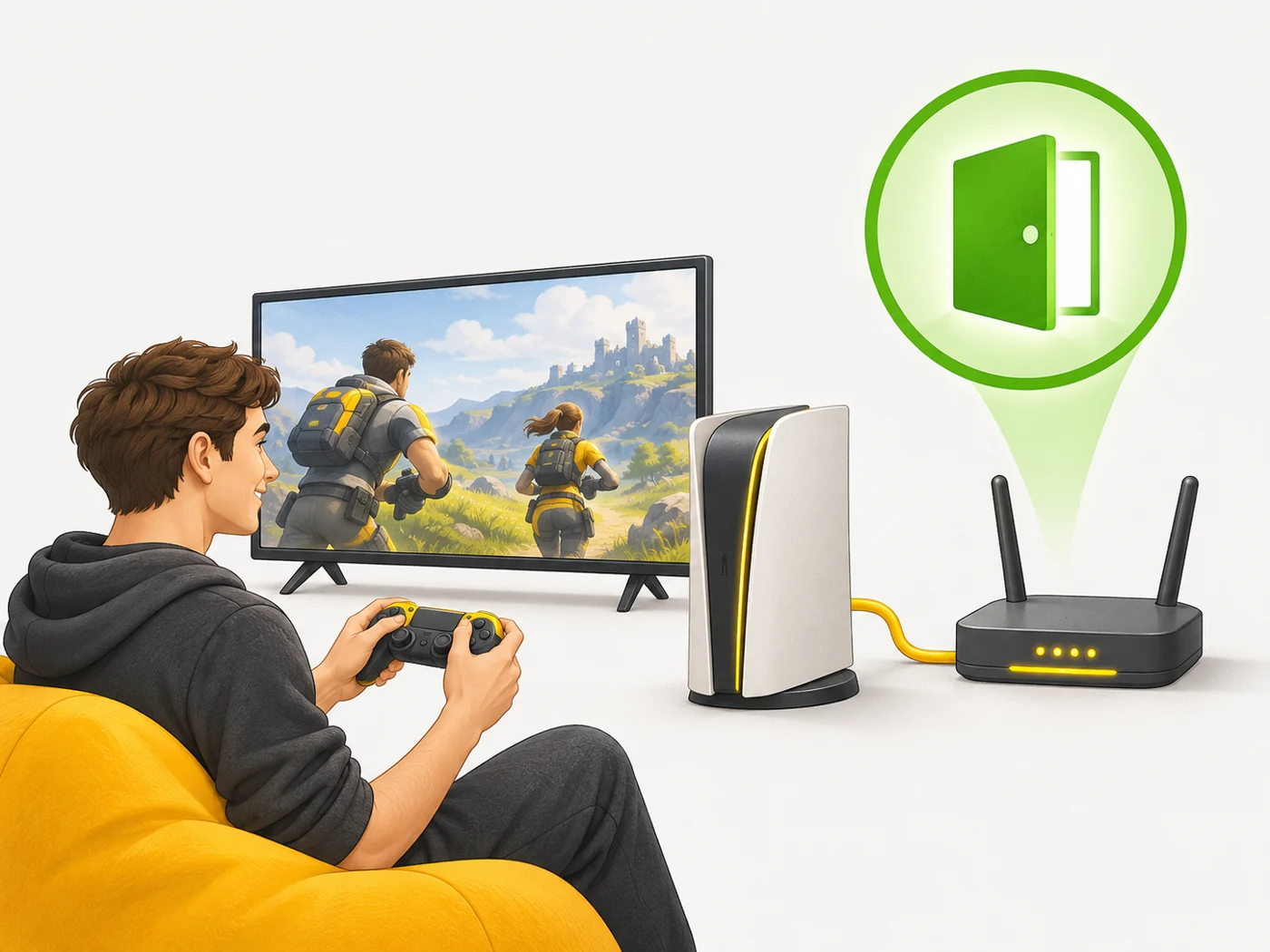
Where you'll see it
Most routers have UPnP settings (under "NAT", "Port forwarding" or "UPnP"). Games consoles (Xbox, PlayStation), game launchers, torrent clients and some cameras use it.
Does it matter when buying
For online gaming, UPnP often fixes "strict NAT" problems. But from a security point of view, malware can use it too. My approach: turn it on if you game on a console and keep the router's firmware updated; if you do not need it, turn it off.
Myths
- Myth: UPnP is the same as Plug and Play for USB. Reality: The idea is similar, but UPnP is about network devices and ports.
- Myth: Turning off UPnP breaks the internet. Reality: The internet works fine; only some games and apps may have issues.
FAQ
What is "strict NAT" on a console?
A restriction on incoming connections; UPnP or opening ports manually helps.
Is UPnP safe?
It is convenient, but it also opens doors for malware.
How do I turn on UPnP?
In the router's web interface or app.