
DLNA: how to show photos and videos from your phone on a TV over Wi-Fi
DLNA (Digital Living Network Alliance) is a standard that lets devices on a home network share photos, music and video - for example, playing a film from a laptop or network storage on your TV without a cable.
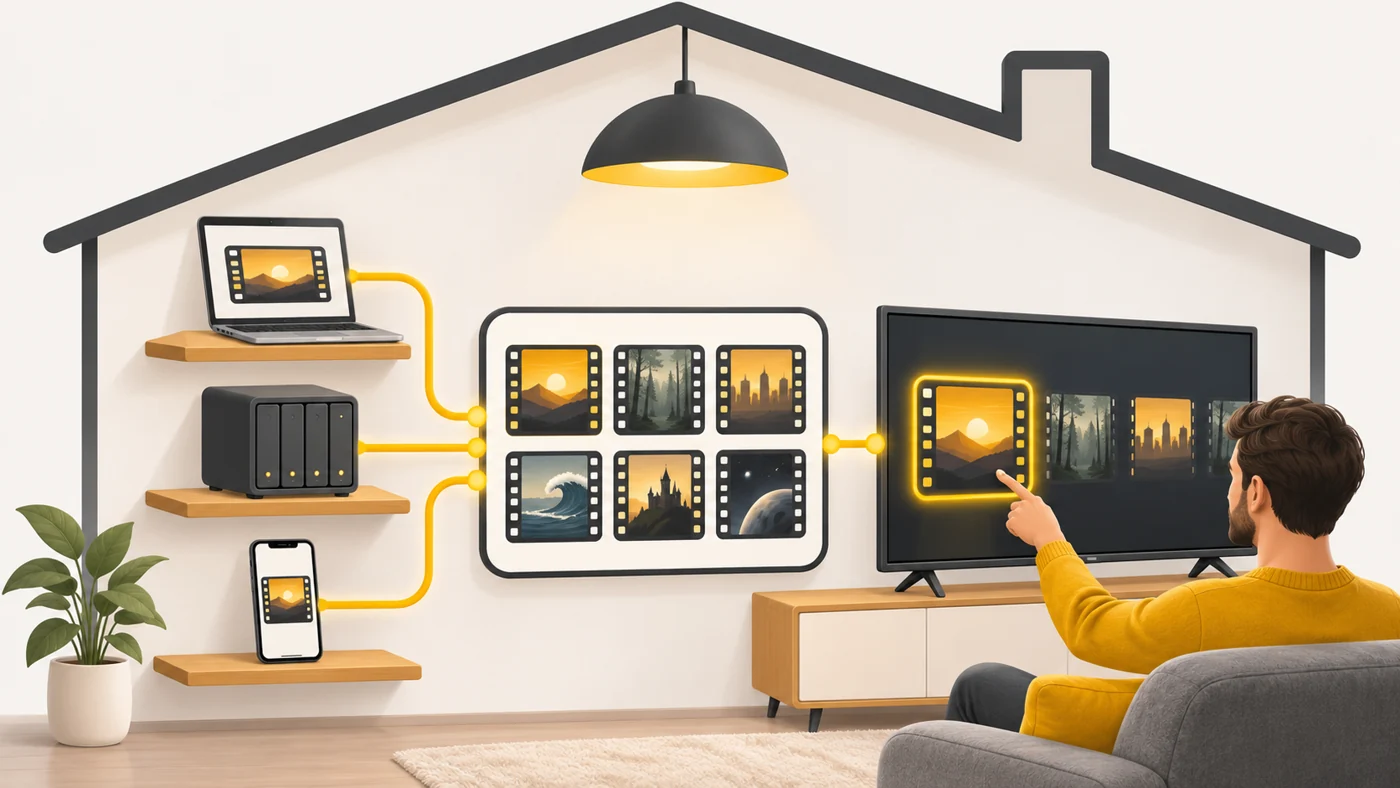
In plain words
DLNA is like a home library where all the shelves (computer, storage drive, phone) are listed in one catalogue. The TV looks in the catalogue and takes the "book" - a film - it wants from any shelf over Wi-Fi.
How it works
- A DLNA server (laptop, NAS, phone) shares media files on the network.
- The TV or set-top box finds the server automatically.
- You choose a file and it plays over the network.
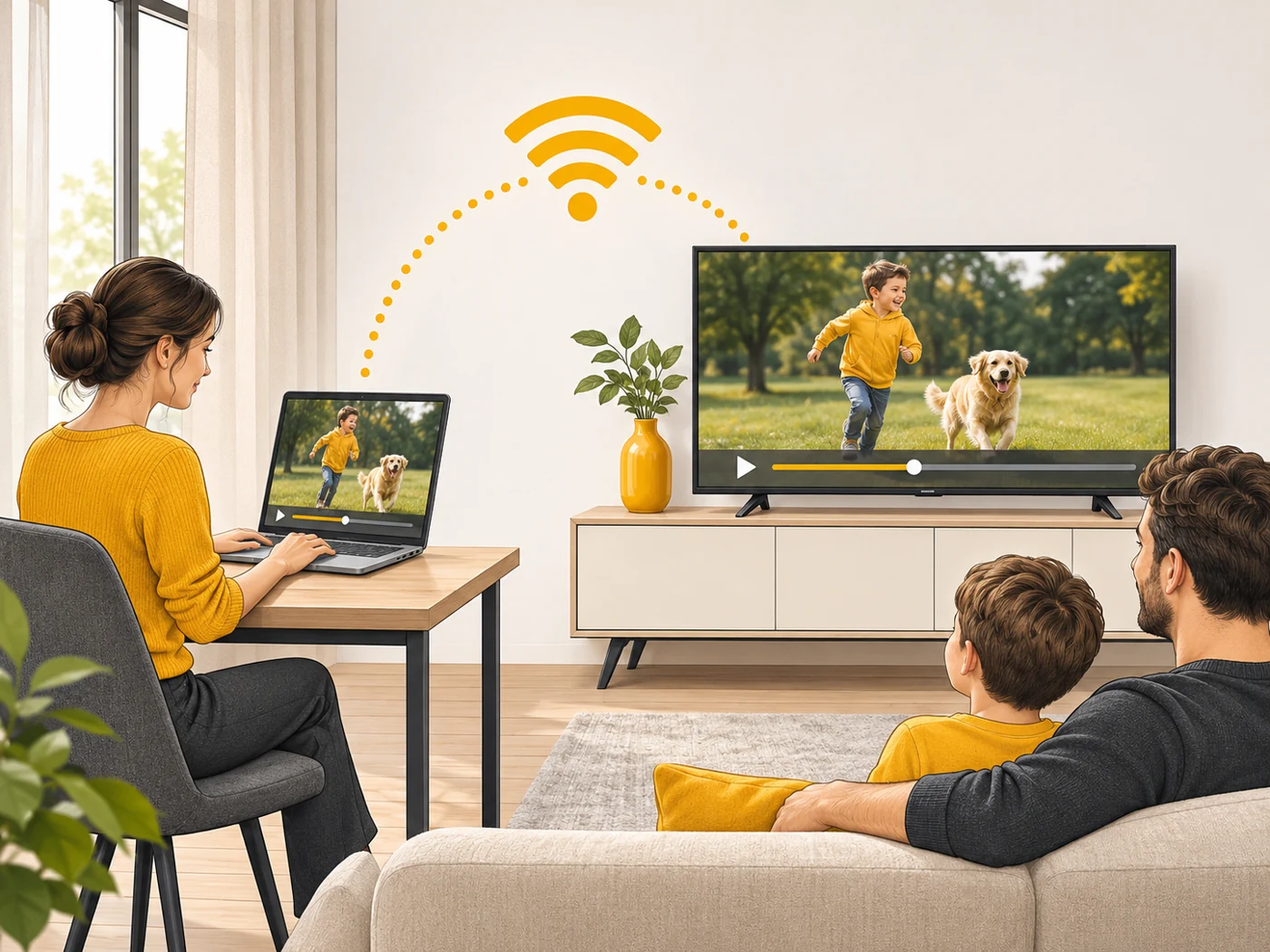
- The devices must be on the same Wi-Fi or wired network.
- Format support depends on the TV.
Where you'll see it
Many TVs, receivers, network storage drives and media players (Plex, Kodi, VLC, Windows Media) support DLNA. Modern alternatives are Chromecast (Google Cast), AirPlay and Miracast.
Does it matter when buying
It is useful if you have a collection of films or photos on a computer or NAS and want to watch them on the TV. For streaming from YouTube and Netflix, Chromecast or AirPlay is more convenient.
Myths
- Myth: DLNA needs the internet. Reality: A local network is enough.
- Myth: DLNA and Chromecast are the same thing. Reality: Chromecast usually passes on a link to a stream; DLNA plays files from a local server.
FAQ
How do I turn on DLNA on a PC?
In Windows media streaming settings or with a media server program.
Why won't my TV play the file?
The format or codec is not supported.
Is DLNA safe?
On a home network, yes; do not expose it to the internet.