
IPTV: television over the internet
IPTV (Internet Protocol Television) delivers TV channels over your provider's internet network or through online services. You can watch on a smart TV, set-top box, phone, tablet or computer.
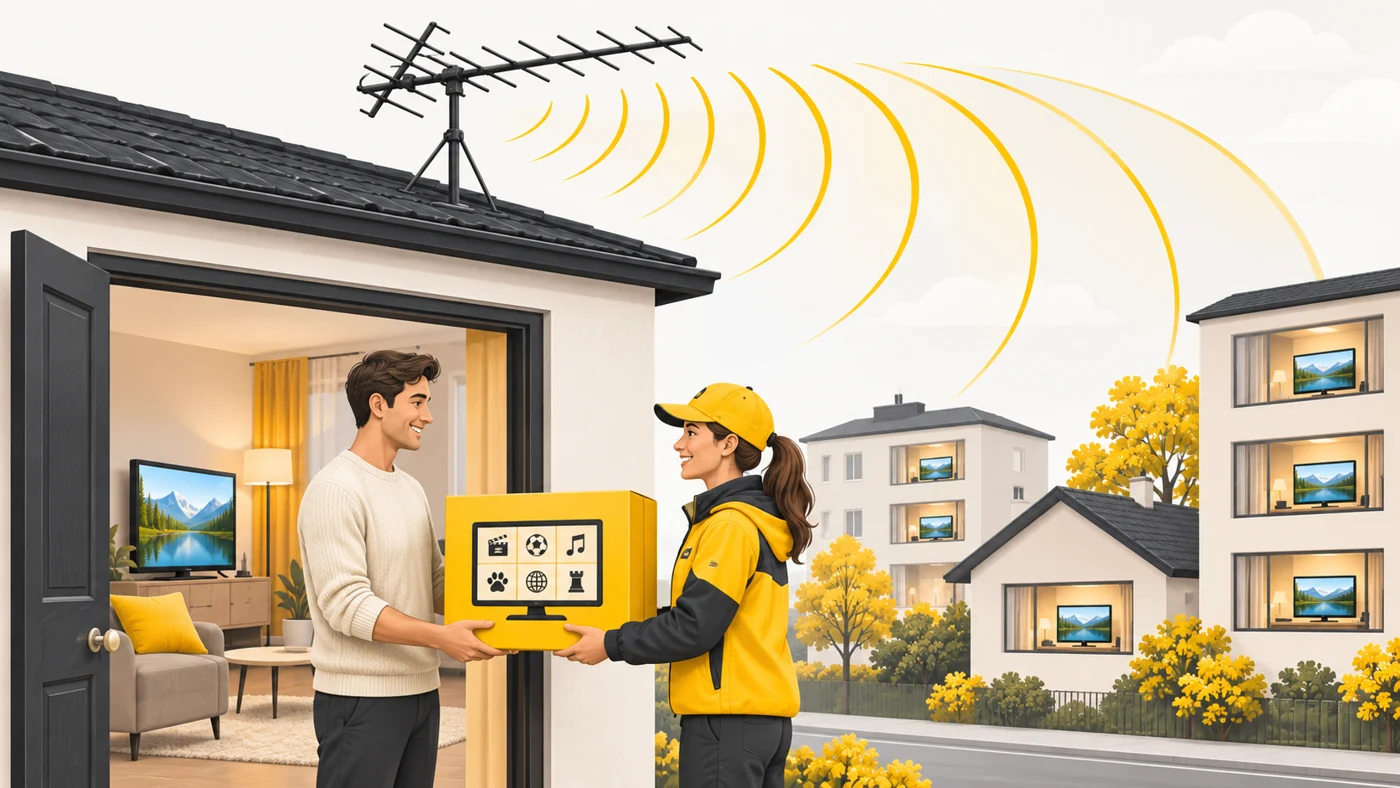
In plain words
Ordinary broadcast TV is like radio: it transmits to everyone at once and you just tune to the right wave. IPTV is like food delivery: you order a channel and it is brought to you along the internet's "roads". In return you can pause, rewind or watch a programme that has already aired.
How it works
- Channels are encoded into a digital stream and sent over the internet.
- A set-top box or app receives the stream and decodes the video.
- Providers may send channels as multicast within their network.
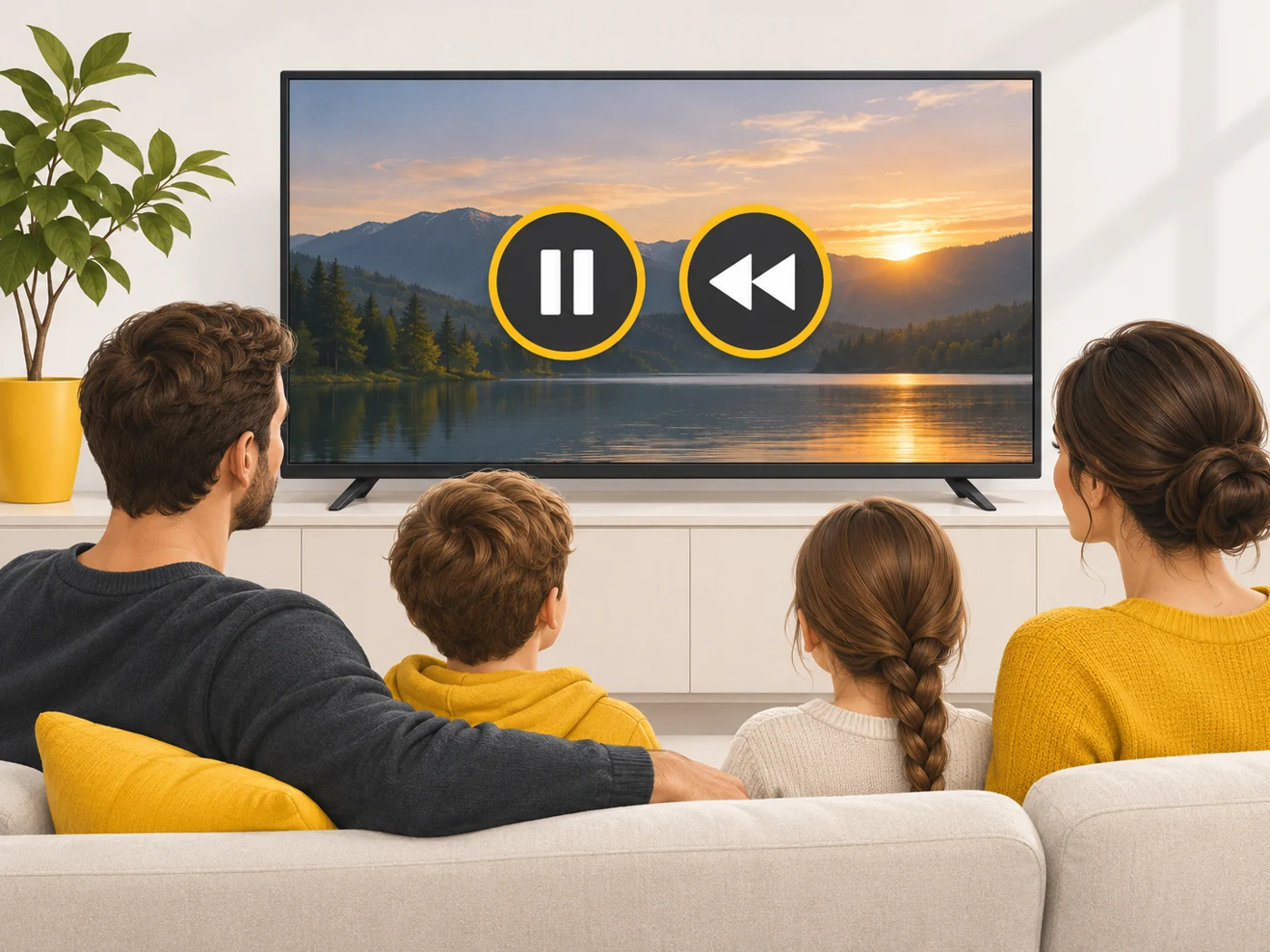
- Services offer catch-up, pause and viewing on several devices.
- Quality depends on the speed and stability of your internet.
Where you'll see it
Providers' services and online TV (for example, smart TV apps), Android TV boxes, phones and tablets. Routers sometimes have IPTV settings (VLAN, multicast) for the provider's set-top boxes.
Does it matter when buying
For modern viewing it is convenient: TV on any device and catch-up of past programmes. Use legal services - "pirate" playlists can be unreliable and unsafe. For 4K you need a stable connection of 25 Mbps or more.
Myths
- Myth: IPTV is the same as YouTube. Reality: IPTV is specifically live TV channels, though services often add on-demand video.
- Myth: IPTV needs a special TV. Reality: A smart TV, a set-top box or even a phone is enough.
FAQ
What speed do I need for IPTV?
A few Mbps per channel for HD; 25 Mbps or more for 4K.
Does IPTV work during a power cut?
Only if your router, internet and TV are still running.
What are IPTV settings on a router?
Parameters for the provider's set-top boxes so channels play without lag.
Related terms
DLNA, WAN and LAN, HDMI, QoS