
Beamforming: how a router "aims" Wi-Fi at your phone
Beamforming is a technology in which a router with several antennas coordinates its signals so they reinforce each other in the direction of a specific device. The signal gets stronger and more stable exactly where you are.
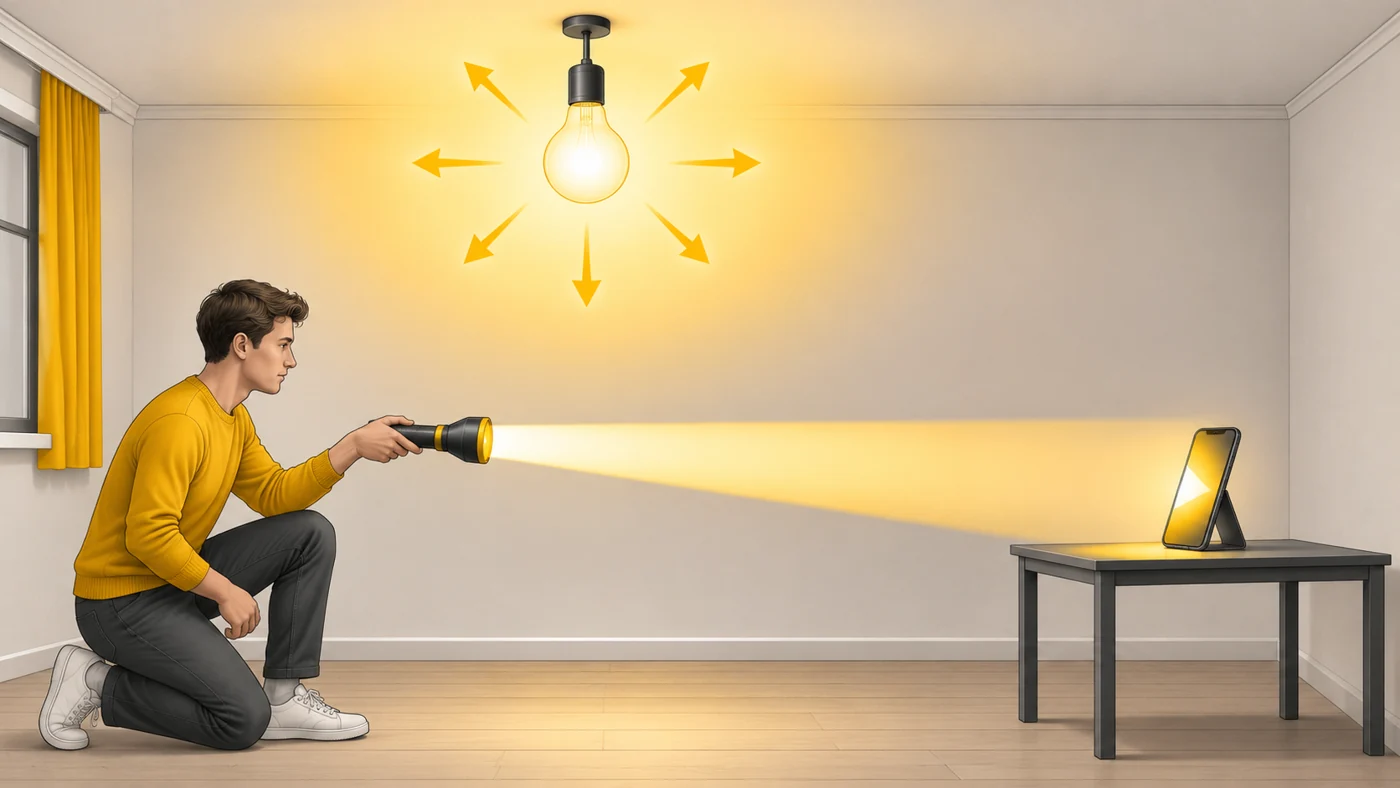
In plain words
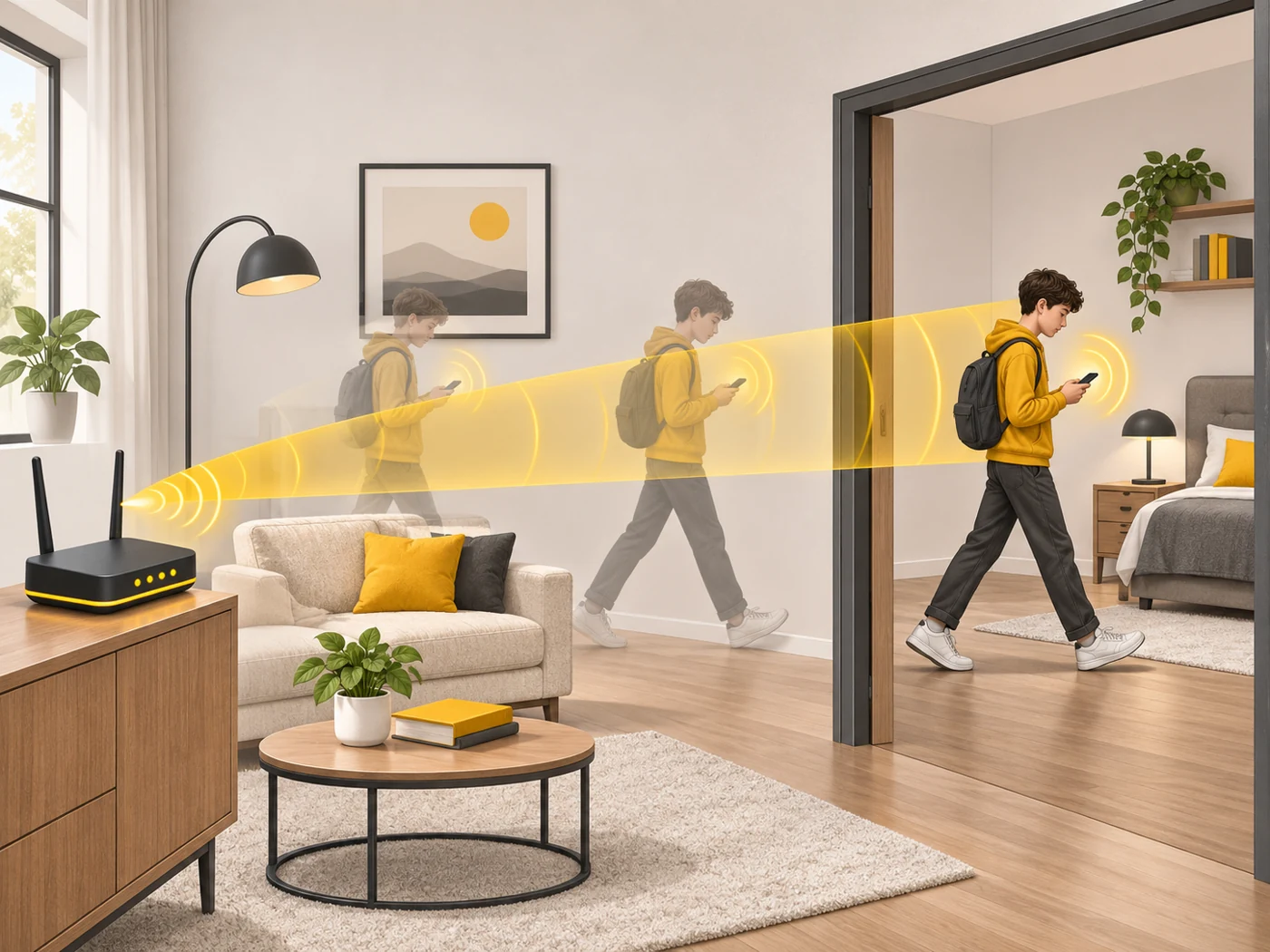
A regular bulb shines in all directions equally. A torch focuses the light into one beam, so a distant object is lit more brightly. Beamforming turns Wi-Fi into a "torch": the router points the signal towards your phone and moves the "beam" as you move.
How it works
- The router has several antennas.
- It slightly shifts the timing of the signal from each antenna.
- In the direction of the device the waves add up and get stronger; elsewhere they weaken.
- The device tells the router how well it "hears" the signal, and the router adjusts the beam.
- The result is higher speed and stability at a distance.
Where you'll see it
Beamforming is found in most Wi-Fi 5, 6 and 7 routers and in mesh systems. It is also used by 5G towers, radars and even laptop microphones for noise cancelling.
Does it matter when buying
You usually do not switch it on or off manually. But beamforming explains why a modern router often works better in a far room than an old one. You do not need to look for it when choosing - it is almost everywhere.
Myths
- Myth: Beamforming gets through any wall. Reality: It strengthens the signal but does not cancel physics: concrete and metal still block Wi-Fi.
- Myth: Beamforming means special antennas. Reality: It is a way of controlling ordinary antennas.
FAQ
Do I need to turn on beamforming?
It is usually on by default.
Does it work with older devices?
Fully only with devices that support feedback (Wi-Fi 5 and newer).
Where else is beamforming used?
In 5G towers, radars and microphone arrays.