
Mobile hotspot: how to share internet from your phone
A mobile hotspot (tethering) is a phone or tablet feature that shares its mobile internet with other devices over Wi-Fi, Bluetooth or USB. Public Wi-Fi access points in cafés, stations and hotels are also called hotspots.
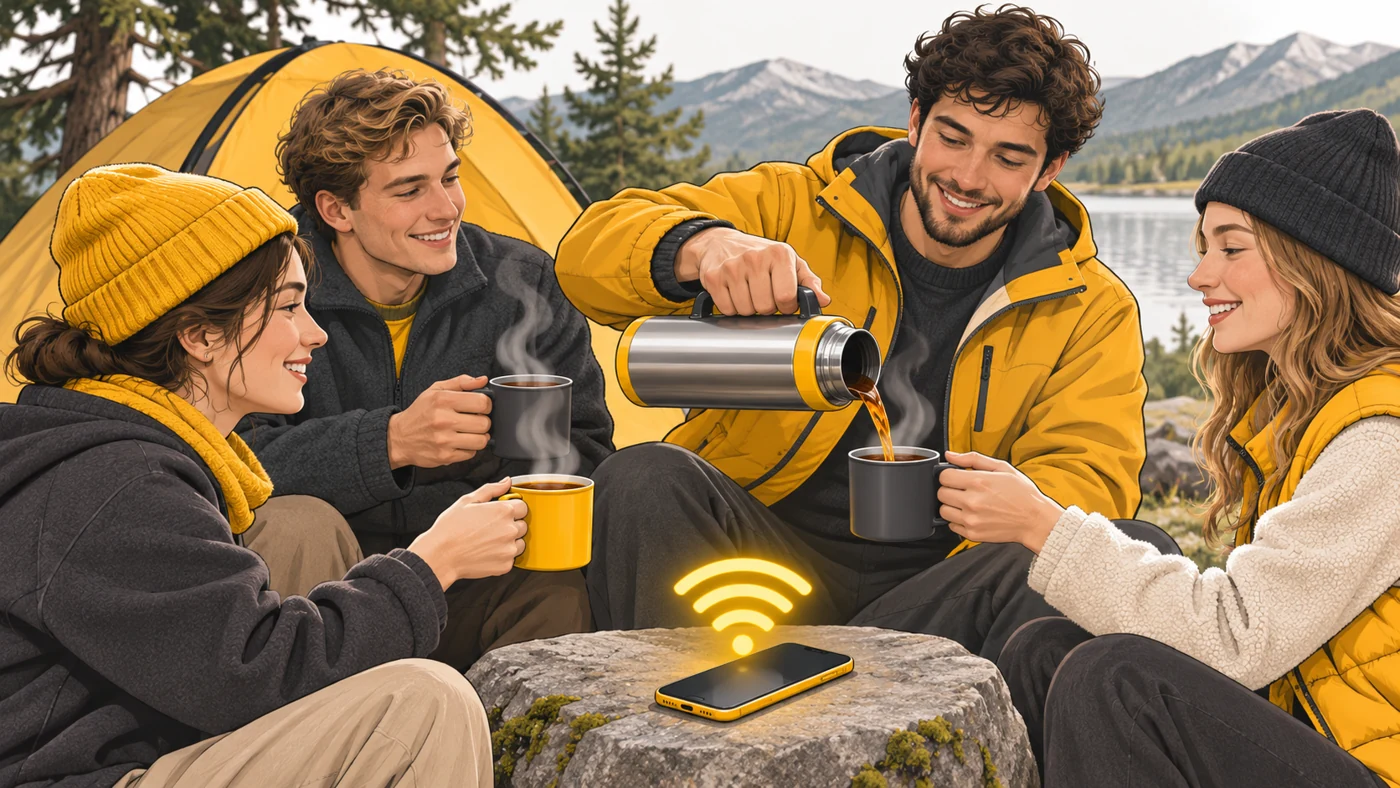
In plain words
A phone running a hotspot is like a friend with a flask of hot tea on a hike: it shares with everyone nearby. But the flask is not bottomless: the more people drink, the faster the tea runs out - meaning the phone's data and battery.
How it works
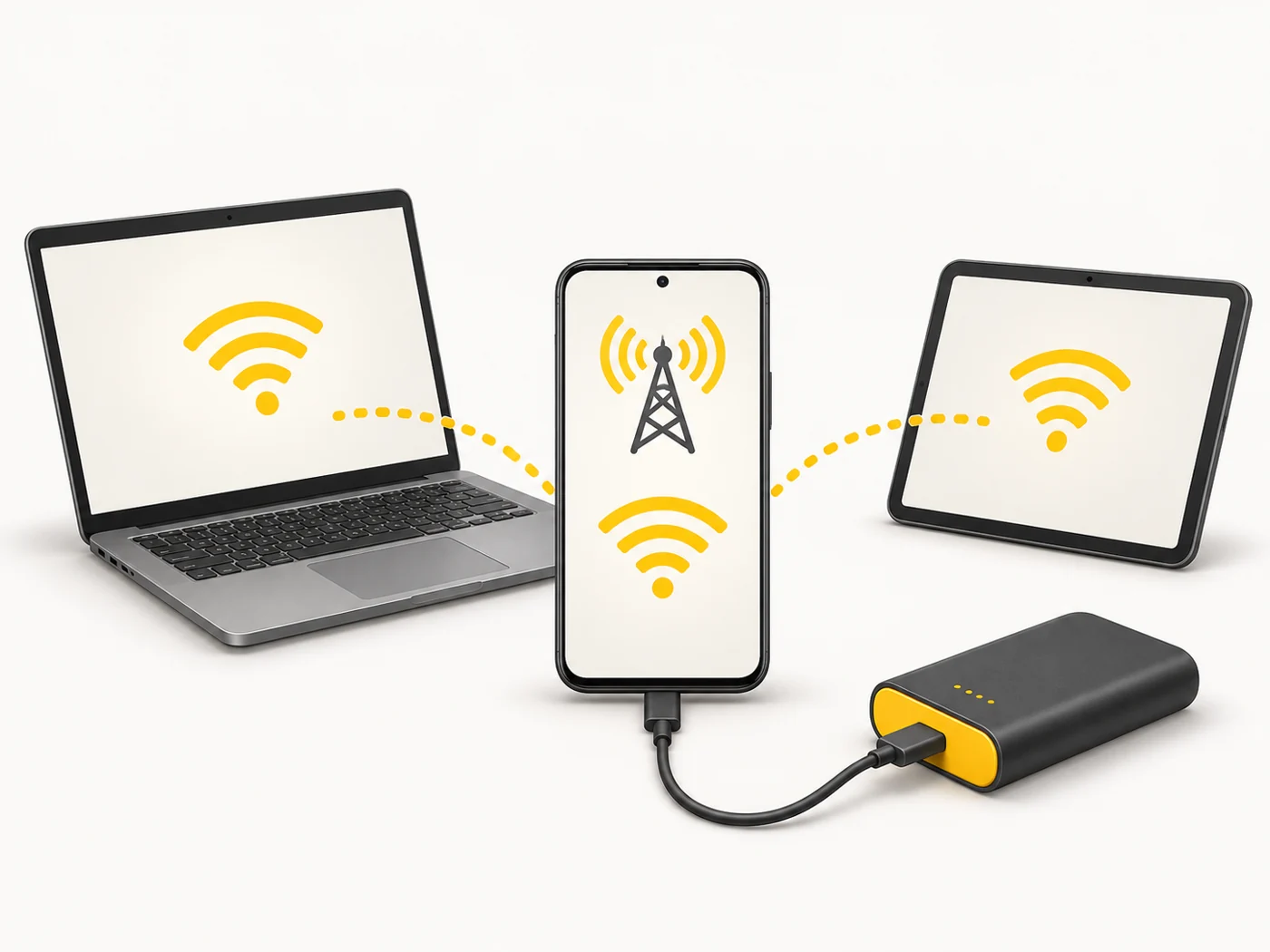
- The phone gets internet from the mobile network.
- It creates its own Wi-Fi network with a name and password.
- Other devices connect to it as they would to a router.
- The phone forwards their traffic to the mobile network.
- You can also share over a USB cable or Bluetooth.
Where you'll see it
On Android, "Hotspot and tethering" in network settings; on iPhone, "Personal Hotspot". Some plans limit tethering or charge for it separately. Public hotspots are in cafés, shopping centres and on transport.
Does it matter when buying
It is useful when travelling, during power cuts or when your home internet goes down. My tips: set a strong password, choose 5 GHz if your devices support it and keep an eye on your data. On public hotspots, avoid entering passwords unless you must, and use a VPN.
Myths
- Myth: Sharing internet harms the phone. Reality: It just drains the battery faster and warms the phone.
- Myth: Public Wi-Fi is safe because it has a password. Reality: A shared password does not protect you from other people on the network.
FAQ
How many devices can I connect?
Usually up to 8-10, depending on the phone.
Does my plan allow tethering?
Check your operator's terms - some plans limit it.
Can I run a hotspot while the phone is on a power bank?
Yes - keep the phone charging, especially during long sessions.