
MLO in Wi-Fi 7: how data travels over several bands at once
MLO (Multi-Link Operation) is a Wi-Fi 7 feature that lets a single device keep connections to the router on several bands (2.4, 5 and 6 GHz) at once, sending data over several "links" in parallel or switching between them without dropping.
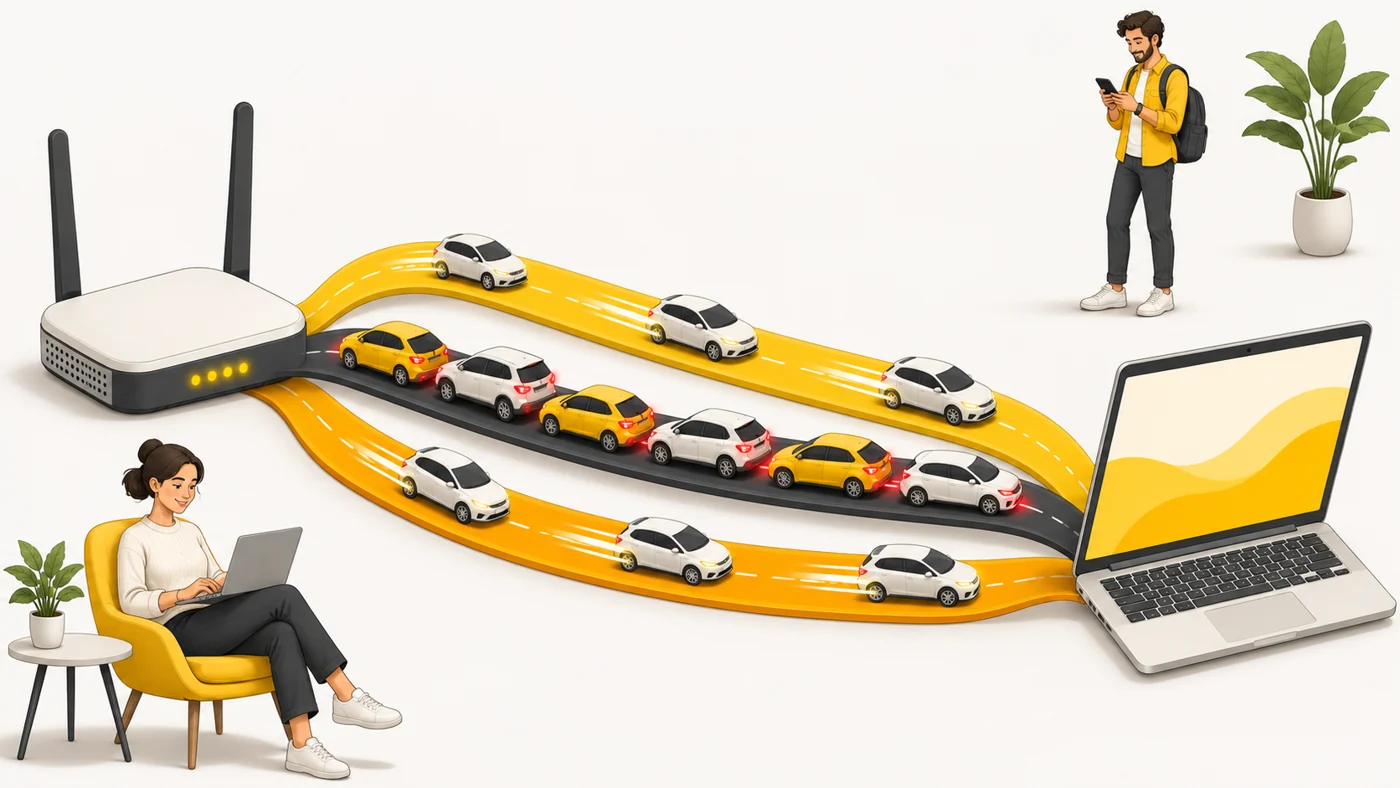
In plain words
Without MLO, you drive to work on one road, and if there is a jam, you are stuck. With MLO you have three roads at once and the data is spread across them: it is faster, and if one road clogs up, traffic keeps moving. It is especially noticeable in games and video calls - less lag.
How it works
- A Wi-Fi 7 router and device set up several connections on different bands.
- To the system they look like one connection.
- Data can flow over several links at once, adding up the speed.
- Or the device instantly switches to the least busy band.
- Latency and the risk of drops go down.
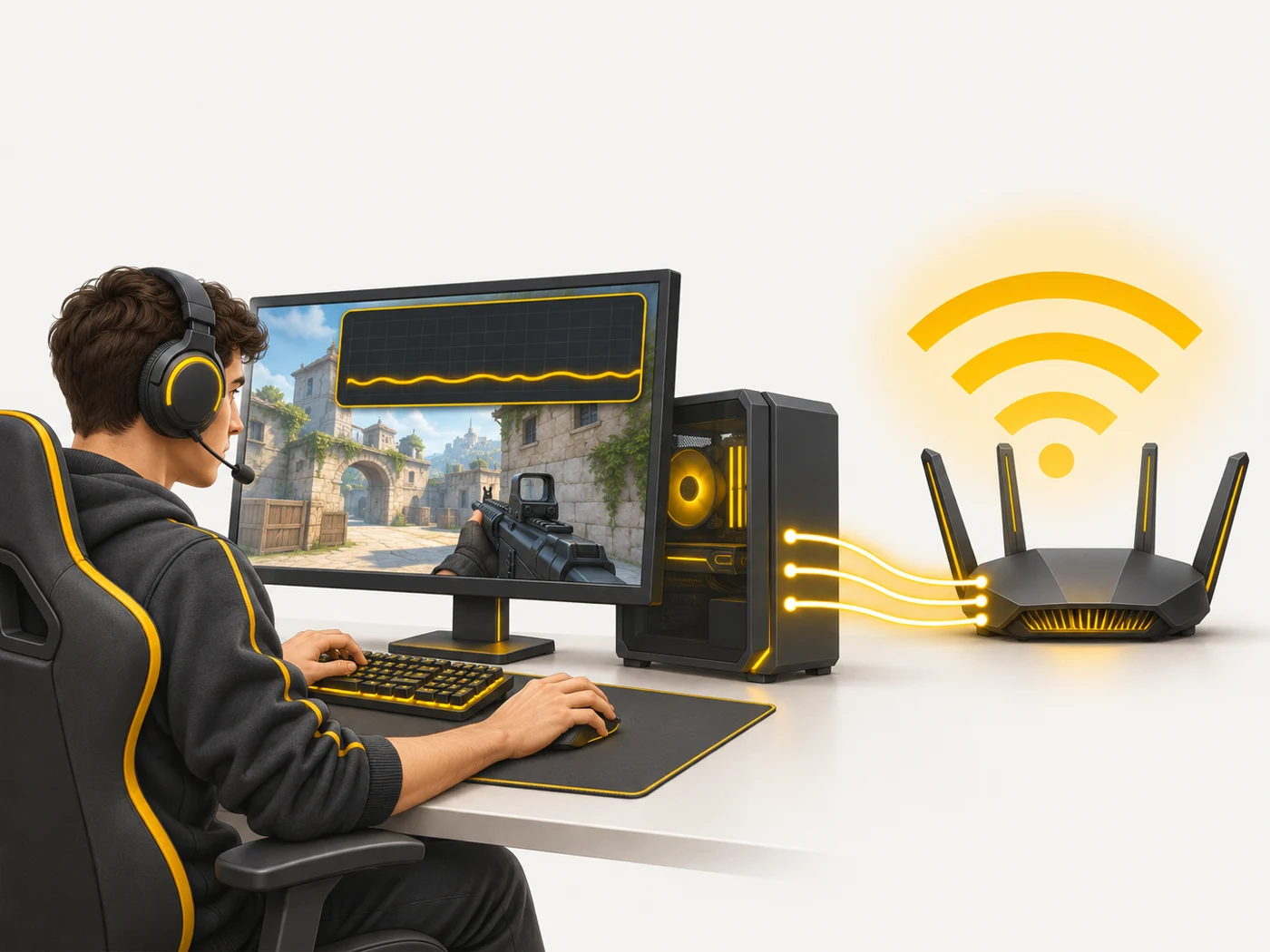
Where you'll see it
MLO is listed in the specs of Wi-Fi 7 routers, laptops and smartphones. Our router comparisons have a separate MLO row. Manufacturers implement MLO differently, and support depends on firmware.
Does it matter when buying
If you are buying a Wi-Fi 7 router, yes - MLO is one of the main reasons to upgrade. But the benefits only appear with devices that also support MLO. For ordinary browsing the difference is minimal; for gaming, VR and video calls on busy airwaves it is noticeable.
Myths
- Myth: Every Wi-Fi 7 device has MLO. Reality: Support depends on the router, the device and the firmware.
- Myth: MLO doubles your internet speed. Reality: It speeds up the Wi-Fi link, not your provider's plan.
FAQ
Is 6 GHz needed for MLO?
No, MLO can also work on 2.4 + 5 GHz, but the gain is bigger with 6 GHz.
Does MLO work in mesh?
Some Wi-Fi 7 mesh systems also use MLO for the links between nodes.
How do I check if MLO is working?
In the router's app or in the connection details on your device.
Related terms
Wi-Fi 7, 2.4, 5 and 6 GHz bands, Wi-Fi channel width, Mesh network